Running Loki with Docker Compose gives a disposable log backend for local ingestion tests, LogQL queries, and Grafana data source checks. The Docker path fits evaluation and development work; Grafana Labs recommends Helm or Tanka for production deployments.
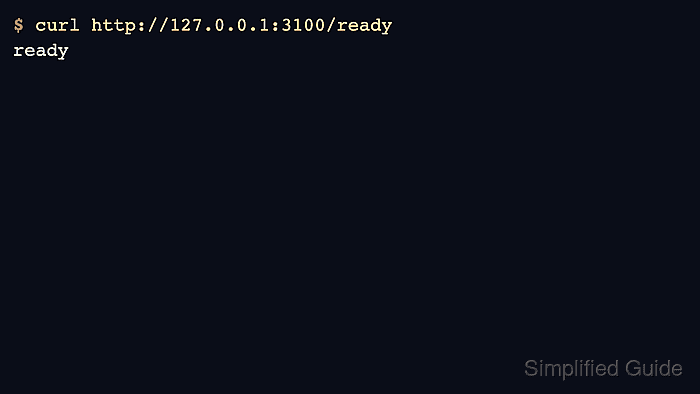
The local setup runs Loki as a single binary and publishes the HTTP API on port 3100. A bind-mounted configuration file keeps the storage, schema, and compactor settings visible before the container starts.
The readiness endpoint proves the process is ready, but a log backend is not complete until at least one stream can be written and queried. Add a small push/query smoke test before connecting dashboards or alert rules to the new data source.
Steps to run Loki with Docker Compose:
- Create a project directory for Loki.
$ mkdir loki-compose
- Change into the project directory.
$ cd loki-compose
- Save the Loki configuration file.
- loki-config.yaml
auth_enabled: false

server:
  http_listen_port: 3100

common:
  path_prefix: /loki
  storage:
    filesystem:
      chunks_directory: /loki/chunks
      rules_directory: /loki/rules
  replication_factor: 1
  ring:
    kvstore:
      store: inmemory

schema_config:
  configs:
    - from: "2024-01-01"
      store: tsdb
      object_store: filesystem
      schema: v13
      index:
        prefix: index_
        period: 24h
The single-binary filesystem setup is for local testing. Use object storage and a production deployment mode before relying on Loki for retained production logs.
- Save the Compose file.
- compose.yaml
services:
  loki:
    image: grafana/loki:3.7.1
    command: -config.file=/etc/loki/loki-config.yaml
    ports:
      - "3100:3100"
    volumes:
      - ./loki-config.yaml:/etc/loki/loki-config.yaml:ro
      - loki_data:/loki

volumes:
  loki_data:
- Validate the Compose model.
$ docker compose config --quiet
No output means Docker Compose parsed the service definition successfully.
- Start Loki in the background.
$ docker compose up -d
Container loki-compose-loki-1  Started
- Confirm the container is running.
$ docker compose ps
NAME                    IMAGE                 SERVICE   STATUS    PORTS
loki-compose-loki-1     grafana/loki:3.7.1    loki      running   0.0.0.0:3100->3100/tcp
- Check the Loki readiness endpoint.
$ curl --silent http://127.0.0.1:3100/ready
ready
- Push one test log line to Loki through the HTTP API.
$ curl --silent --show-error --request POST http://127.0.0.1:3100/loki/api/v1/push \
  --header 'Content-Type: application/json' \
  --data '{
    "streams": [
      {
        "stream": {
          "job": "loki-smoke",
          "service_name": "checkout-api"
        },
        "values": [
          [
            "1782008380038503000",
            "checkout complete"
          ]
        ]
      }
    ]
  }'
Loki returns 204 No Content when the push request is accepted.
- Query the test log with LogQL.
$ curl --silent --get http://127.0.0.1:3100/loki/api/v1/query_range \
  --data-urlencode 'query={service_name="checkout-api"} |= "checkout complete"' \
  --data-urlencode limit=5
{
  "status": "success",
  "data": {
    "resultType": "streams",
    "result": [
      {
        "stream": {
          "job": "loki-smoke",
          "service_name": "checkout-api"
        },
        "values": [
          [
            "1782008380038503000",
            "checkout complete"
          ]
        ]
      }
    ]
  }
}
Related: How to query logs with LogQL in Loki

Mohd Shakir Zakaria is a cloud architect with deep roots in software development and open-source advocacy. Certified in AWS, Red Hat, VMware, ITIL, and Linux, he specializes in designing and managing robust cloud and on-premises infrastructures.


