Querying logs with LogQL in Loki finds log streams by labels and then narrows matching entries by text or parser stages. Use it when a known service, job, container, or namespace has already sent logs to Loki and the next task is to isolate a message.
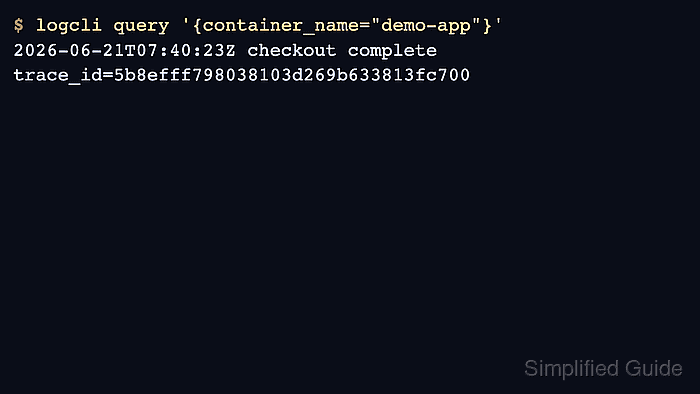
The selector inside braces chooses streams by label. Pipeline stages after the selector filter or parse the log lines in those streams, so a query such as {service_name="checkout-api"} |= "error" scans fewer streams than a broad query with only a text filter.
Use the range query API or Grafana Explore for log lines. Loki's instant query API is for metric-style results and returns an error when a log selector is submitted as an instant query.
Steps to query logs with LogQL in Loki:
- List labels to find the stream keys available in Loki.
$ curl --silent http://127.0.0.1:3100/loki/api/v1/labels {"status":"success","data":["detected_level","job","service_name"]} - List values for the service label.
$ curl --silent http://127.0.0.1:3100/loki/api/v1/label/service_name/values {"status":"success","data":["checkout-api"]} - Query one stream by label.
$ curl --silent --get http://127.0.0.1:3100/loki/api/v1/query_range \ --data-urlencode 'query={service_name="checkout-api"}' \ --data-urlencode limit=5 { "status": "success", "data": { "resultType": "streams", "result": [ { "stream": {"service_name": "checkout-api"}, "values": [ [ "1782008380038503000", "checkout complete trace_id=5b8efff798..." ] ] } ] } } - Add a line filter for the target message.
$ curl --silent --get http://127.0.0.1:3100/loki/api/v1/query_range \ --data-urlencode 'query={service_name="checkout-api"} |= "checkout complete"' \ --data-urlencode limit=5 { "status": "success", "data": { "resultType": "streams", "result": [ { "stream": {"service_name": "checkout-api"}, "values": [ [ "1782008380038503000", "checkout complete trace_id=5b8efff798..." ] ] } ] } } - Filter for a trace ID when logs carry one in the message body.
$ curl --silent --get http://127.0.0.1:3100/loki/api/v1/query_range \
  --data-urlencode 'query={service_name="checkout-api"} |= "trace_id=5b8efff798038103d269b633813fc700"' \
  --data-urlencode limit=5
{
  "status": "success",
  "data": {
    "resultType": "streams",
    "result": [
      {
        "stream": {"service_name": "checkout-api"},
        "values": [
          [
            "1782008380038503000",
            "checkout complete trace_id=5b8efff798..."
          ]
        ]
      }
    ]
  }
}
Trace IDs are high-cardinality values. Query them from the log body or structured metadata instead of turning them into Loki labels.
- Run the same query in Grafana Explore with the Loki data source selected.
{service_name="checkout-api"} |= "checkout complete"Grafana uses the selected time range, so widen the time picker when an API query returns data but Explore does not.

Mohd Shakir Zakaria is a cloud architect with deep roots in software development and open-source advocacy. Certified in AWS, Red Hat, VMware, ITIL, and Linux, he specializes in designing and managing robust cloud and on-premises infrastructures.


