Pseudo-distributed mode runs Hadoop daemons on one host while still using HDFS and YARN service boundaries. It is the smallest setup that exercises NameNode, DataNode, ResourceManager, and NodeManager behavior together.
The configuration uses localhost-facing service addresses, local storage directories, and the same XML files used by larger clusters. Format HDFS only after the files are written and the directories are ready.
Use pseudo-distributed mode for development and training. It does not model multi-host failures, network partitions, rack awareness, or production security boundaries.
Steps to configure Hadoop pseudo-distributed mode:
- Set the default filesystem to a local HDFS NameNode.
- core-site.xml
<property>
  <name>fs.defaultFS</name>
  <value>hdfs://localhost:9000</value>
</property>
- Set local NameNode and DataNode storage directories.
- hdfs-site.xml
<property>
  <name>dfs.replication</name>
  <value>1</value>
</property>
<property>
  <name>dfs.namenode.name.dir</name>
  <value>file:///var/lib/hadoop/hdfs/name</value>
</property>
<property>
  <name>dfs.datanode.data.dir</name>
  <value>file:///var/lib/hadoop/hdfs/data</value>
</property>
- Set MapReduce to use YARN.
- mapred-site.xml
<property>
  <name>mapreduce.framework.name</name>
  <value>yarn</value>
</property>
- Set the YARN shuffle service.
- yarn-site.xml
<property>
  <name>yarn.nodemanager.aux-services</name>
  <value>mapreduce_shuffle</value>
</property>
- Format the local HDFS namespace.
$ hdfs namenode -format -clusterId pseudo-local
Storage directory /var/lib/hadoop/hdfs/name has been successfully formatted.
- Start HDFS and YARN.
$ start-dfs.sh
Starting namenodes on [localhost]
Starting datanodes
Starting secondary namenodes [localhost]
Related: How to restart Hadoop services
- Create the user home directory in HDFS.
$ hdfs dfs -mkdir -p /user/hadoop
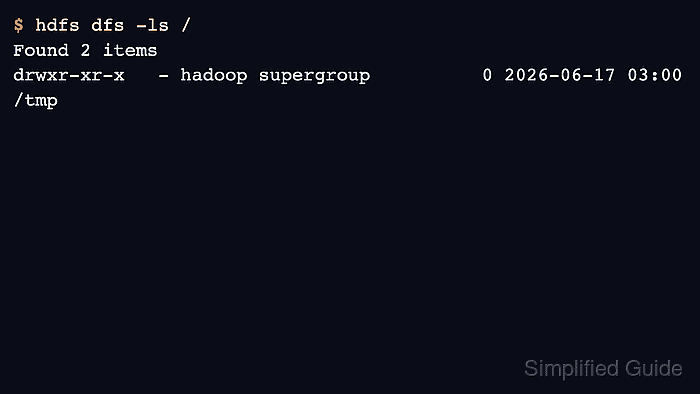
- Verify HDFS responds.
$ hdfs dfs -ls /
Found 2 items
drwxr-xr-x   - hadoop supergroup          0 2026-06-17 03:00 /tmp
drwxr-xr-x   - hadoop supergroup          0 2026-06-17 03:00 /user

Author: Mohd
Shakir Zakaria
Mohd Shakir Zakaria is a cloud architect with deep roots in software development and open-source advocacy. Certified in AWS, Red Hat, VMware, ITIL, and Linux, he specializes in designing and managing robust cloud and on-premises infrastructures.


Mohd Shakir Zakaria is a cloud architect with deep roots in software development and open-source advocacy. Certified in AWS, Red Hat, VMware, ITIL, and Linux, he specializes in designing and managing robust cloud and on-premises infrastructures.