Formatting the NameNode creates a new HDFS namespace and cluster identity. Running it against an existing cluster removes the metadata that maps files to blocks, so the command belongs only in first-time setup or a deliberate rebuild.
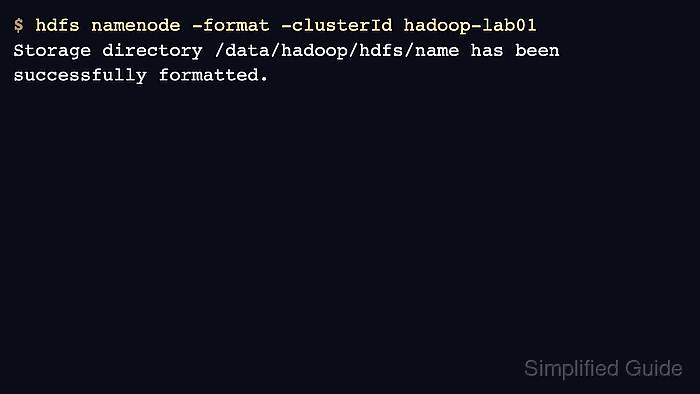
The format command uses the active Hadoop configuration to find dfs.namenode.name.dir and write the namespace files. Confirm the path and stop HDFS daemons before running it.
Use an explicit cluster ID for repeatable lab builds and documented recovery procedures. Keep the ID unique to the cluster whose storage directories are being initialized.
Steps to format the Apache Hadoop NameNode:
- Confirm the NameNode storage directory from active configuration.
$ hdfs getconf -confKey dfs.namenode.name.dir
file:///data/hadoop/hdfs/name
- Stop HDFS daemons before formatting.
$ stop-dfs.sh
Stopping namenodes on [master01.example.net]
Stopping datanodes
Stopping secondary namenodes [master01.example.net]
Related: How to restart Hadoop services
- Check that the NameNode directory is empty for a new cluster.
$ ls -la /data/hadoop/hdfs/name
total 0
drwx------  2 hadoop hadoop  64 Jun 17 03:00 .
drwxr-xr-x  4 hadoop hadoop 128 Jun 17 03:00 ..
- Format the NameNode with a cluster ID.
$ hdfs namenode -format -clusterId hadoop-lab01
Formatting using clusterid: hadoop-lab01
Storage directory /data/hadoop/hdfs/name has been successfully formatted.
Do not run this command on a cluster that already contains data unless the namespace has been backed up and the rebuild is intentional.
- Start HDFS after the format completes.
$ start-dfs.sh
Starting namenodes on [master01.example.net]
Starting datanodes
Starting secondary namenodes [master01.example.net]
- Verify that the new namespace responds.
$ hdfs dfs -ls /
Found 0 items

Mohd Shakir Zakaria is a cloud architect with deep roots in software development and open-source advocacy. Certified in AWS, Red Hat, VMware, ITIL, and Linux, he specializes in designing and managing robust cloud and on-premises infrastructures.


