Hadoop service restarts apply configuration changes but can interrupt HDFS access, YARN scheduling, or running application logs. Restart the smallest daemon set that needs the change instead of bouncing the entire cluster by habit.
Apache archive installs commonly use hdfs –daemon, yarn –daemon, and the start-* or stop-* scripts. Packaged distributions may wrap those daemons in systemd units, so confirm the local service model first.
For configuration changes, stop or restart services only after the XML files are distributed to the hosts that load them. Verify HDFS and YARN state after the restart.
Steps to restart Hadoop services:
- Check whether archive daemon scripts are in use.
$ command -v hdfs
/opt/hadoop/bin/hdfs
- Restart a single HDFS daemon when only one role changed.
$ hdfs --daemon stop datanode
Stopping datanode
- Start the HDFS daemon again.
$ hdfs --daemon start datanode
- Restart YARN daemons when scheduler or NodeManager settings changed.
$ stop-yarn.sh
Stopping resourcemanager
Stopping nodemanagers
- Start YARN daemons.
$ start-yarn.sh
Starting resourcemanager
Starting nodemanagers
- Verify HDFS daemon health.
$ hdfs dfsadmin -report
Live datanodes (3):
Dead datanodes (0):
Related: How to check HDFS cluster health
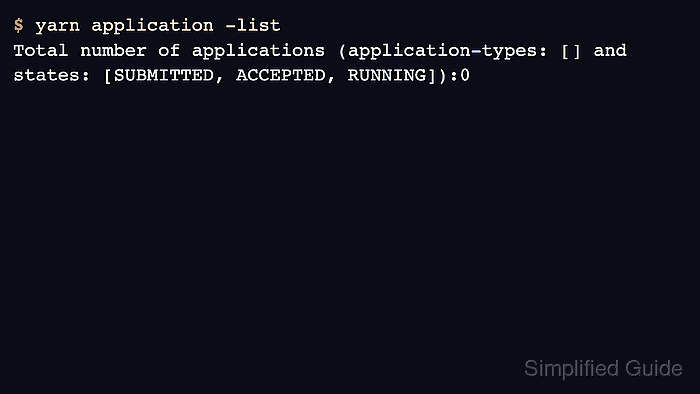
- Verify YARN accepts client requests.
$ yarn application -list
Total number of applications (application-types: [] and states: [SUBMITTED, ACCEPTED, RUNNING]):0

Author: Mohd
Shakir Zakaria
Mohd Shakir Zakaria is a cloud architect with deep roots in software development and open-source advocacy. Certified in AWS, Red Hat, VMware, ITIL, and Linux, he specializes in designing and managing robust cloud and on-premises infrastructures.


Mohd Shakir Zakaria is a cloud architect with deep roots in software development and open-source advocacy. Certified in AWS, Red Hat, VMware, ITIL, and Linux, he specializes in designing and managing robust cloud and on-premises infrastructures.