How to change tmux prefix key to Ctrl-a
Changing the tmux prefix from Ctrl-b to Ctrl-a moves the command leader closer to the left hand home-row keys and matches the shortcut many GNU Screen users already expect. The change affects every tmux action that starts with the prefix, including opening the command prompt, creating windows, splitting panes, and entering copy mode.
Current tmux still uses Ctrl-b by default and reads its user config from ~/.tmux.conf or an XDG tmux.conf file. The remap itself is a small three-line block that sets prefix to C-a, removes the old Ctrl-b binding, and binds Ctrl-a to send-prefix so a second Ctrl-a can still be passed through to the program running inside the pane.
The common failure case is editing the wrong config file or forgetting to reload the running tmux server after saving. When that happens, Ctrl-b still works as the prefix, the new binding is not active, and tmux show-options -gv prefix continues to report C-b. The prefix key table should also show C-a bound to send-prefix before doubled Ctrl-a keystrokes are expected to reach the pane.
Related: How to reload the tmux config
Related: How to customize a tmux key binding
Related: How to use copy mode in tmux
Steps to change the tmux prefix key to Ctrl-a:
- List the configuration files already loaded by the running tmux server.
$ tmux display-message -p '#{config_files}'
/home/admin/.tmux.conf
If this prints no path, create or edit ~/.tmux.conf and reload that same file after saving.
- Open the tmux configuration file reported by the running server.
$ vi ~/.tmux.conf
Most setups still use ~/.tmux.conf. Current tmux also accepts an XDG config file at $XDG_CONFIG_HOME/tmux/tmux.conf or the default ~/.config/tmux/tmux.conf path, so edit that file instead when the server was started from an XDG path.
- Add the remap block to the configuration file.
set-option -g prefix C-a
unbind-key C-b
bind-key C-a send-prefix
bind-key C-a send-prefix preserves a literal Ctrl-a for the program inside the pane instead of leaving Ctrl-a as a tmux-only shortcut.
- Reload the tmux configuration into the running server.
$ tmux source-file ~/.tmux.conf
Use the XDG config path here as well if that is the file the server actually uses.
If tmux returns error connecting to /tmp/tmux-UID/default (No such file or directory), there is no running tmux server to reload yet.
Related: How to reload the tmux config
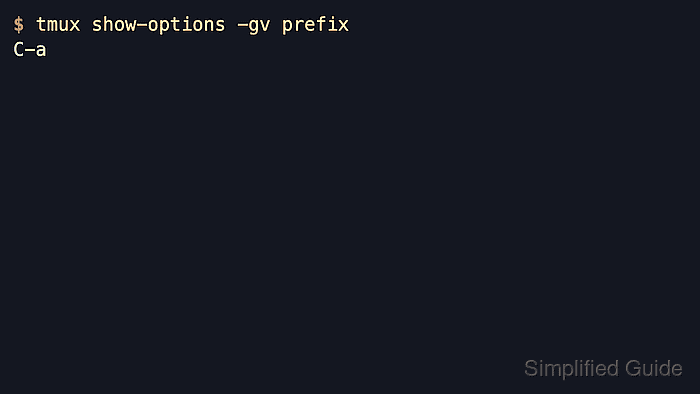
- Query the running server to confirm the prefix changed.
$ tmux show-options -gv prefix
C-a
This confirms that the live tmux server now expects Ctrl-a before normal tmux commands.
- List the new Ctrl-a binding in the prefix table.
$ tmux list-keys -T prefix C-a
bind-key -T prefix C-a send-prefix
The send-prefix binding means a second Ctrl-a is forwarded to the program running inside the pane.
Related: How to customize a tmux key binding
- Press the new prefix before a simple tmux action to confirm the remap in the current client.
Ctrl-a c
Creating a new window proves the attached client is using Ctrl-a as the command prefix.
- Press Ctrl-a twice when the pane application still needs a literal Ctrl-a.
Ctrl-a Ctrl-a
This forwards Ctrl-a to shells, editors, or other terminal programs that use the key for their own shortcuts.