How to configure passwordless sudo for a group
Passwordless sudo for a group lets every member of a local Unix group run privileged commands without an interactive password prompt. Use it only for controlled admin or automation groups, because adding a user to the group gives that user the same root-level access as the existing members.
Sudoers matches Unix groups with a leading percent sign in the user field. The rule %admins ALL=(ALL:ALL) NOPASSWD: ALL means members of the admins group can run any command on any host as any user or group, and NOPASSWD: removes authentication for the command list that follows it.
Keep the rule in a root-owned drop-in under /etc/sudoers.d and edit it with visudo so a syntax error is caught before the file is saved. A clean visudo -c result only proves the policy parses; list the affected user's privileges and run sudo -n after clearing cached credentials to prove the group rule actually applies.
Related: Configure passwordless sudo for a user
Related: Create a sudoers drop-in file
Related: Check sudoers syntax with visudo
Steps to configure passwordless sudo for a group:
- Confirm the target group and at least one account that should receive passwordless sudo.
$ getent group admins
admins:x:1001:deploy
$ id -nG deploy
deploy admins
If the user was just added to the group, start a new login session before testing. Existing shells may not include the new supplemental group.
- Create a dedicated sudoers drop-in file for the group rule.
$ sudo install -o root -g root -m 0440 \
  /dev/null /etc/sudoers.d/90-admins
Run this only for a new drop-in file. If the file already exists, open it with visudo instead of replacing it with an empty file.
Related: How to create a sudoers drop-in file
- Open the drop-in file with visudo.
$ sudo visudo -f /etc/sudoers.d/90-admins
- Add the passwordless rule for the group.
- /etc/sudoers.d/90-admins
%admins ALL=(ALL:ALL) NOPASSWD: ALL
The leading percent sign marks admins as a Unix group. The first ALL matches any host, (ALL:ALL) allows commands to run as any user and group, and the final ALL permits every command.
A group-level NOPASSWD: ALL rule is broad. Use explicit command paths instead of the final ALL when the group only needs a specific administrative command.
- Save the file from visudo and confirm the drop-in remains root-owned and read-only.
$ sudo stat -c '%U %G %a' \
  /etc/sudoers.d/90-admins
root root 440
- Check the complete sudoers policy.
$ sudo visudo -c
/etc/sudoers: parsed OK
/etc/sudoers.d/90-admins: parsed OK
/etc/sudoers.d/README: parsed OK
Do not stop after checking only the edited drop-in. The full policy check parses /etc/sudoers together with its included files.
- Start a login shell as a member of the group.
$ sudo -iu deploy
- Confirm the test shell includes the group that owns the rule.
$ id -nG
deploy admins
- Clear cached sudo credentials and list the user's effective sudo privileges without prompting.
$ sudo -k
$ sudo -n -l
Matching Defaults entries for deploy on workstation:
##### snipped

User deploy may run the following commands on workstation:
    (ALL : ALL) NOPASSWD: ALL
The -n option exits instead of waiting for a password prompt. If the command reports that a password is required, the group rule is not the effective match for this user.
- Clear the timestamp again and run a non-interactive root identity check.
$ sudo -k
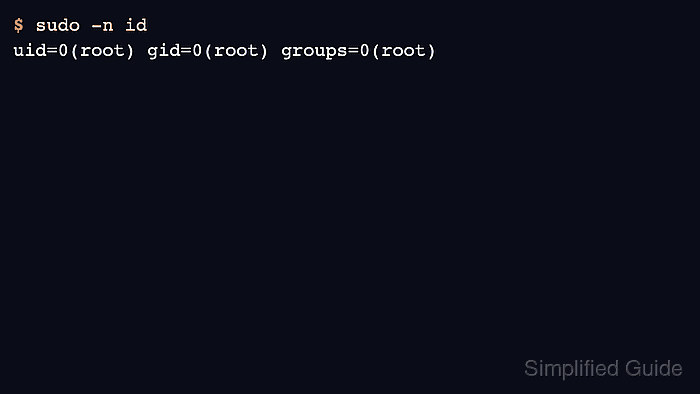
$ sudo -n id
uid=0(root) gid=0(root) groups=0(root)
If the command still prompts or fails, check the group membership in the current login session, the drop-in file name, rule order, and whether the system needs group matching by name or numeric group ID.
- Leave the test user's shell.
$ exit