How to use spider arguments in Scrapy
Spider arguments let one Scrapy spider accept run-specific input such as tags, category names, seed URLs, or item limits without editing the class between crawls. That keeps the spider reusable for scheduled runs, targeted backfills, and quick one-off tests.
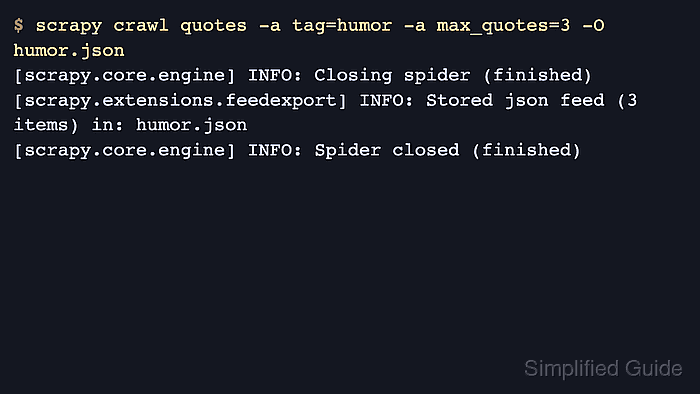
The scrapy crawl command passes spider arguments with repeated -a name=value options. Current Scrapy releases pass those values through the spider constructor and also expose them as spider attributes by default, so code in start() can read self.tag, self.max_quotes, or similar inputs before the first request is sent.
Every spider argument arrives as a string, even when it looks like a number, boolean, JSON object, or list. Convert numeric or boolean values explicitly, and parse structured inputs such as start_urls with json.loads() or ast.literal_eval() before iterating over them; projects on Scrapy releases older than 2.13 can read the same values from start_requests() instead of start().
Steps to use spider arguments in Scrapy:
- Open the spider file that should accept run-specific arguments.
- quotesbot/spiders/quotes.py
import scrapy


class QuotesSpider(scrapy.Spider):
    name = "quotes"
    allowed_domains = ["quotes.toscrape.com"]

    async def start(self):
        tag = getattr(self, "tag", None)
        max_quotes = int(getattr(self, "max_quotes", "3"))

        url = "https://quotes.toscrape.com/"
        if tag:
            url = f"{url}tag/{tag}/"

        yield scrapy.Request(
            url,
            meta={"tag": tag or "all", "max_quotes": max_quotes},
            callback=self.parse,
        )

    def parse(self, response):
        tag = response.meta["tag"]
        max_quotes = response.meta["max_quotes"]

        for quote in response.css("div.quote")[:max_quotes]:
            yield {
                "tag": tag,
                "author": quote.css("small.author::text").get(default="").strip(),
                "url": response.url,
            }
Current Scrapy releases copy -a values to spider attributes by default, so the spider can read them with getattr(self, "tag", None) or directly as self.tag when the argument is required. Related: How to create a Scrapy project
- Run the spider from the project root with one -a option for each argument and overwrite the JSON export.
$ scrapy crawl quotes -a tag=humor -a max_quotes=3 -O humor.json
##### snipped #####
[scrapy.core.engine] INFO: Spider opened
[scrapy.core.engine] INFO: Closing spider (finished)
[scrapy.extensions.feedexport] INFO: Stored json feed (3 items) in: humor.json
[scrapy.core.engine] INFO: Spider closed (finished)
Repeat -a name=value for each spider argument, and use -O when the export file should be replaced instead of appended to.
- Review the export to confirm the spider applied both arguments before the crawl finished.
$ cat humor.json
[
{"tag": "humor", "author": "Jane Austen", "url": "https://quotes.toscrape.com/tag/humor/"},
{"tag": "humor", "author": "Steve Martin", "url": "https://quotes.toscrape.com/tag/humor/"},
{"tag": "humor", "author": "Garrison Keillor", "url": "https://quotes.toscrape.com/tag/humor/"}
]
If the exported records show the wrong tag or more items than expected, the spider is not converting or applying one of the arguments where intended.