How to apply a Gaussian image filter with SciPy ndimage
Image noise can create isolated intensity changes that interfere with thresholding, component labeling, and measurement. A Gaussian blur replaces each pixel with a distance-weighted neighborhood value, reducing small variations while retaining the image dimensions.
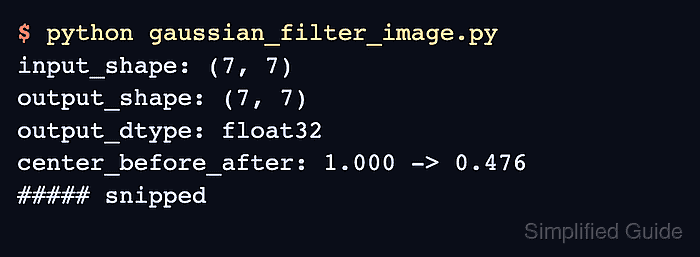
SciPy's scipy.ndimage.gaussian_filter() performs the multidimensional convolution as a sequence of one-dimensional filters. A scalar sigma applies the same standard deviation in pixels along both image axes, and mode=“reflect” mirrors values at the boundary.
The output uses the input dtype unless another output array or dtype is selected, including the intermediate calculations. A two-dimensional float32 array retains fractional intensities, while a single bright test pixel makes the spread across neighboring pixels measurable.
Steps to apply a Gaussian image filter with SciPy ndimage:
- Create gaussian_filter_image.py with the imports and a floating-point grayscale test image.
- gaussian_filter_image.py
import numpy as np
from scipy.ndimage import gaussian_filter


image = np.zeros((9, 9), dtype=np.float32)
image[4, 4] = 1.0
- Append the Gaussian filter call after the image definition.
sigma = 1.0
filtered = gaussian_filter(image, sigma=sigma, mode="reflect")
sigma=1.0 sets a one-pixel standard deviation on both axes. The default reflect boundary mode avoids introducing a constant border value.
- Append the behavior checks after the filter call.
assert filtered.shape == image.shape
assert filtered.dtype == image.dtype
assert filtered[4, 4] < image[4, 4]
assert np.count_nonzero(filtered) > np.count_nonzero(image)
assert np.isclose(filtered.sum(), image.sum(), rtol=1e-6)

print(f"input_shape: {image.shape}")
print(f"output_shape: {filtered.shape}")
print(f"output_dtype: {filtered.dtype}")
print(f"center_before_after: {image[4, 4]:.6f} -> {filtered[4, 4]:.6f}")
print(
    "nonzero_pixels_before_after: "
    f"{np.count_nonzero(image)} -> {np.count_nonzero(filtered)}"
)
print(f"sum_before_after: {image.sum():.6f} -> {filtered.sum():.6f}")
The assertions stop the script if the filter changes the array contract, fails to lower the impulse peak, fails to spread intensity, or loses the total intensity beyond the stated tolerance.
- Run the completed script to confirm that smoothing preserves the array contract and spreads the center pixel.
$ python3 gaussian_filter_image.py
input_shape: (9, 9)
output_shape: (9, 9)
output_dtype: float32
center_before_after: 1.000000 -> 0.159156
nonzero_pixels_before_after: 1 -> 81
sum_before_after: 1.000000 -> 1.000000