How to enable the Redmine REST API
Redmine exposes project, issue, user, time entry, and administration data through a REST API for scripts and integrations that should not depend on browser sessions. Enabling the API makes those endpoints reachable while still requiring credentials for protected resources.
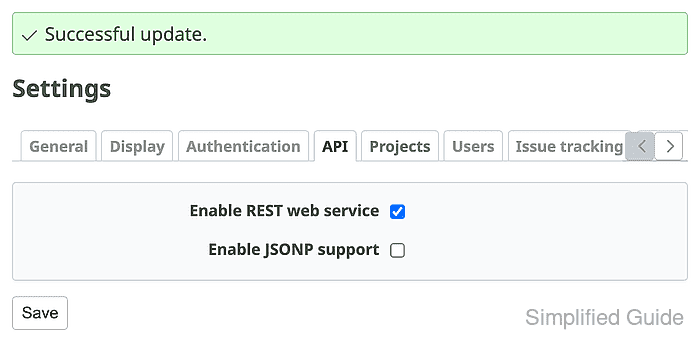
The switch lives in Administration → Settings → API as Enable REST web service. After it is saved, each user can reveal a personal API access key from My account and send it with requests instead of putting the account password into scripts.
Use the X-Redmine-API-Key header for command-line checks and automation because it keeps the key out of query strings. Leave Enable JSONP support off unless a legacy browser integration specifically requires JSONP, since ordinary server-side clients and curl do not need it.
Steps to enable Redmine REST API access:
- Sign in to Redmine with an administrator account.
- Open Administration → Settings → API.
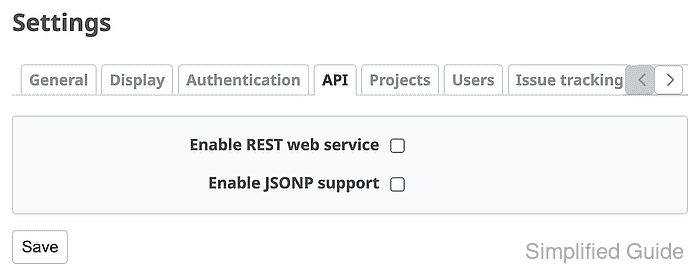
- Select Enable REST web service.
- Leave Enable JSONP support unchecked unless a browser JSONP client still depends on it.
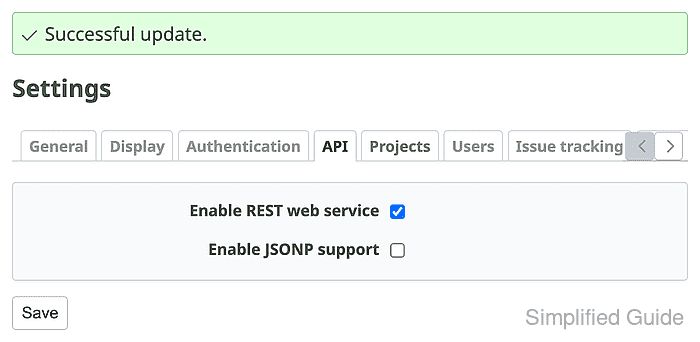
- Click Save and confirm that Redmine shows Successful update with Enable REST web service selected.
- Open My account and click Show under API access key.
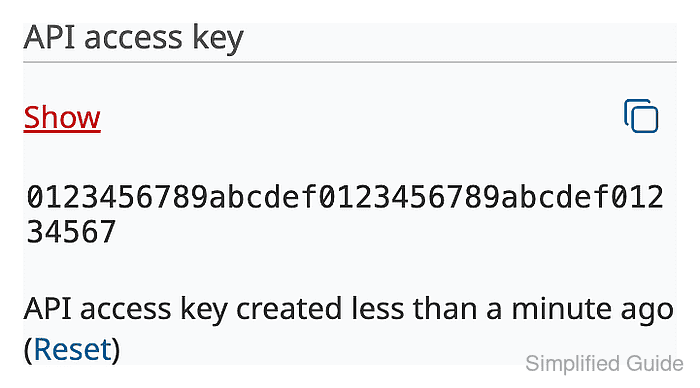
Store the key in a secret manager or another protected location before using it in scripts. Resetting the key invalidates clients that still use the old value.
- Set the Redmine URL for the API test.
$ REDMINE_URL=https://redmine.example.net
- Set the API key for the current shell session.
$ REDMINE_API_KEY=0123456789abcdef0123456789abcdef01234567
Replace the sample value with the key from My account. Avoid saving live API keys in shared command transcripts, shell history exports, tickets, or screenshots.
- Confirm that the current-user API endpoint rejects an unauthenticated request.
$ curl --include --silent "$REDMINE_URL/users/current.json"
HTTP/1.1 401 Unauthorized
content-type: application/json
www-authenticate: Basic realm="Redmine API"
##### snipped #####
- Send the same request with the X-Redmine-API-Key header.
$ curl --silent --show-error \
  --header "X-Redmine-API-Key: $REDMINE_API_KEY" \
  "$REDMINE_URL/users/current.json"
{"user":{"id":1,"login":"admin","admin":true,"firstname":"Redmine","lastname":"Admin","mail":"admin@example.net","created_on":"2026-06-26T12:44:06Z","updated_on":"2026-06-26T12:44:20Z","last_login_on":"2026-06-26T12:44:20Z","passwd_changed_on":"2026-06-26T12:44:20Z","twofa_scheme":null,"api_key":"##### snipped #####","status":1}}
The JSON response proves that Redmine accepted the API key and mapped it to the signed-in user account. The returned api_key value is masked here because it is a reusable secret.
- Clear the shell variable after the API check.
$ unset REDMINE_API_KEY