How to create a Redmine custom field
Redmine custom fields add site-defined information to issues, projects, users, time entries, and other records when the built-in fields do not capture how a team tracks work. An administrator chooses the Redmine object type, field format, project scope, and tracker scope that should collect the extra value.
The Administration → Custom fields screen creates the field definition, not an individual issue value. For issue fields, Redmine checks the selected trackers and project scope before showing the field on an issue form.
A list field keeps entries consistent when users should choose from a short set such as Low, Medium, and High. Confirm the field on a target form and save one record so Redmine stores the value where other users will read it.
Related: How to create a Redmine project
Related: How to create a Redmine tracker
Related: How to create a Redmine issue
Steps to create an issue custom field in Redmine:
- Sign in to Redmine as an administrator and open Administration → Custom fields.
https://redmine.example.net/custom_fields

Replace the hostname with the URL for your Redmine site.
- Click New custom field to open the object type selector.
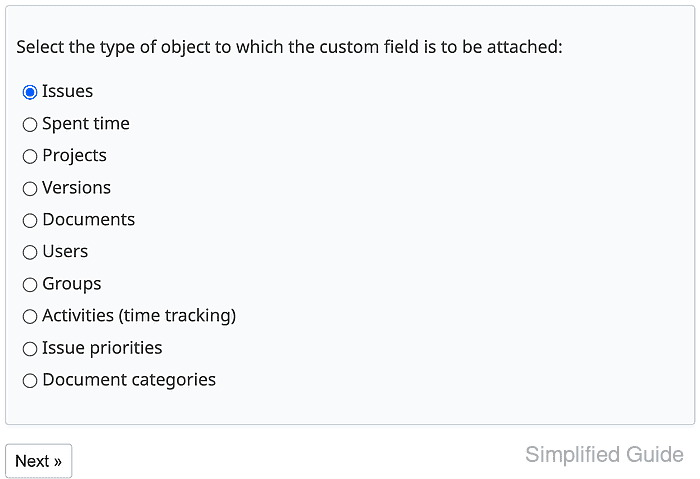
- Select Issues and click Next.
- Enter Customer impact in Name and select List from Format.
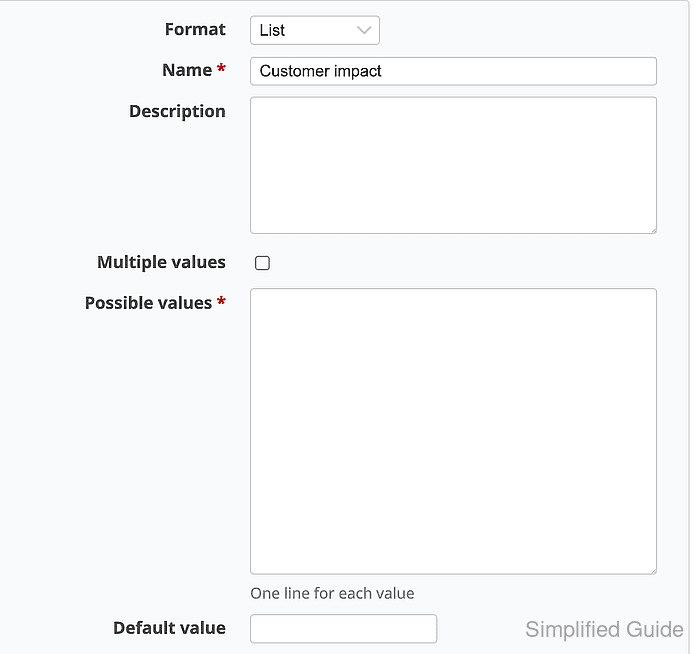
Choose another format when the field should store dates, numbers, links, long text, users, versions, or files.
- Enter Low, Medium, and High under Possible values with one value per line.
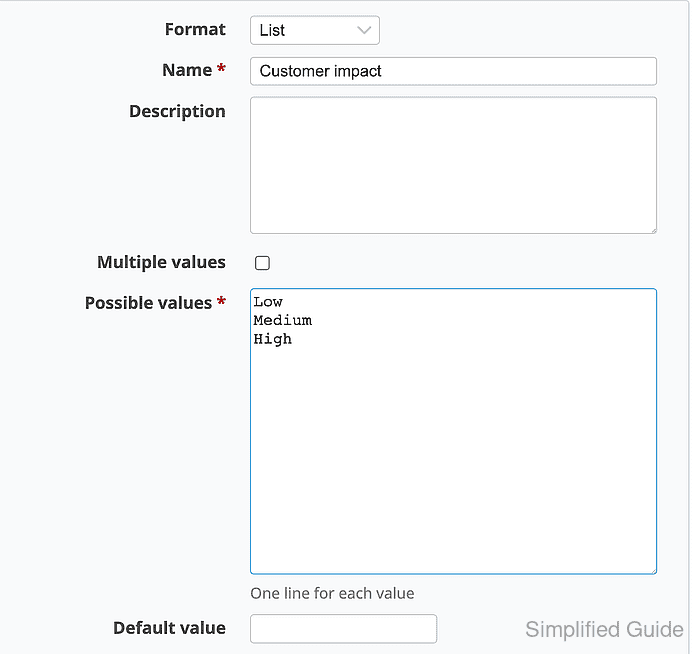
Multiple values allows more than one list value on the same issue. Leave it unchecked when each issue should have only one impact level.
- Enable Used as a filter when issue lists should filter by the field.
- Select the trackers that should display the field and enable For all projects when the field should appear across the site.
Leave For all projects unchecked when only selected projects should receive the field.
- Click Create to save the custom field.
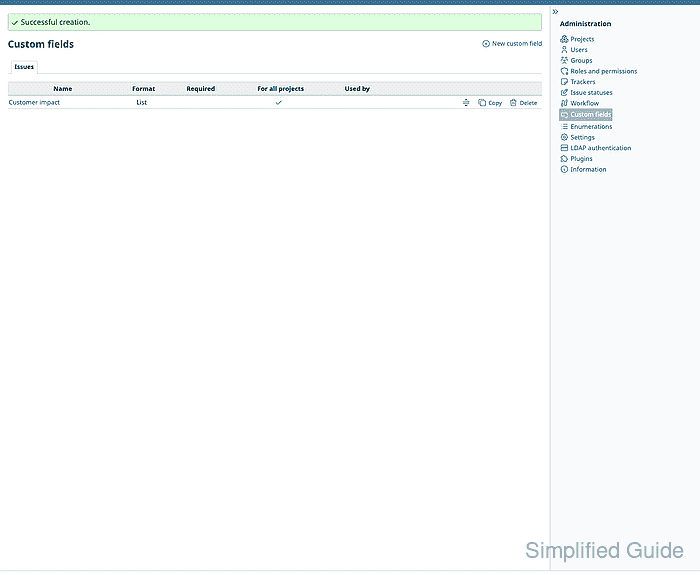
- Open a new issue in a project that uses one selected tracker.

The Customer impact field should appear on the issue form.
- Select a value for Customer impact and save the issue.
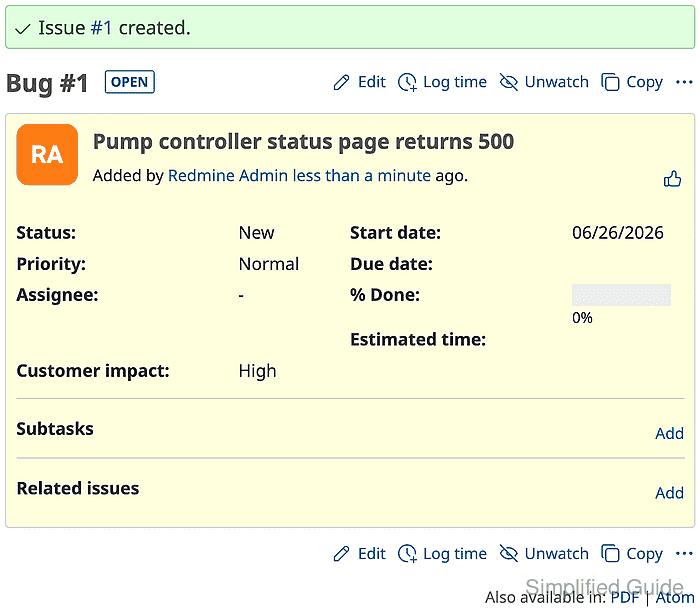
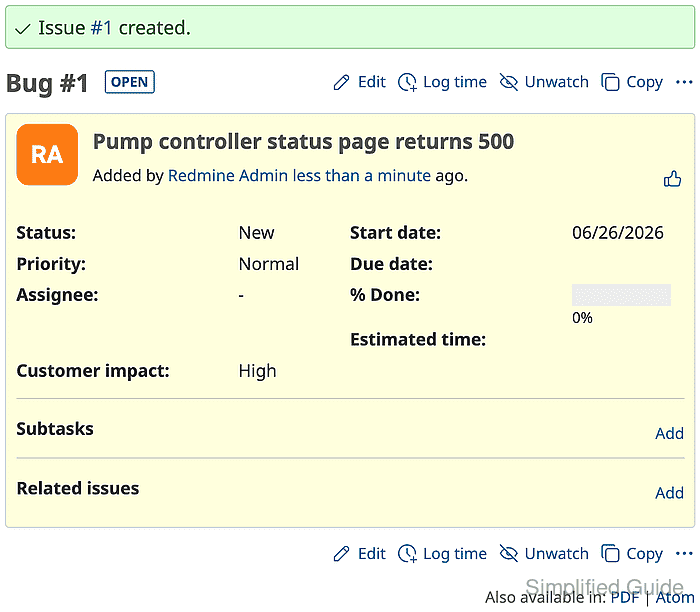
The saved issue should show Customer impact: High in the issue details.