How to clear Open WebUI chat history
Open WebUI saves prior conversations in the signed-in account's chat history, so old prompts and responses can stay visible in the sidebar after the browser is closed. Clearing the history is useful before a shared-device handoff, a privacy review, or an account reset where the next session should start with no saved conversations.
The clear action lives in Settings → Data Controls under the Chats section. It removes all chats for the current account, including active and archived conversations, but it does not delete the Open WebUI server, users, provider settings, model connections, knowledge bases, or another user's history.
Export any conversations that must be retained before deletion. The confirmation prompt is destructive, and the cleared list should remain empty after a page reload; if old titles come back, confirm that the right account is signed in and that the account has chat deletion permission.
Steps to clear Open WebUI chat history:
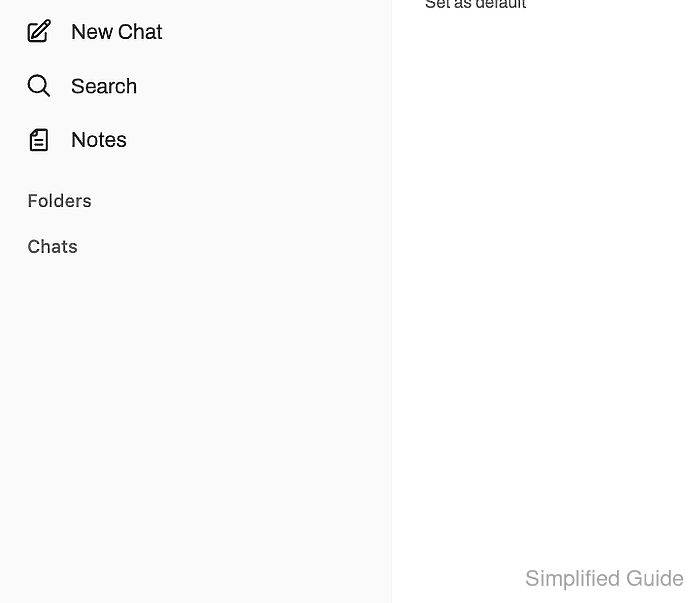
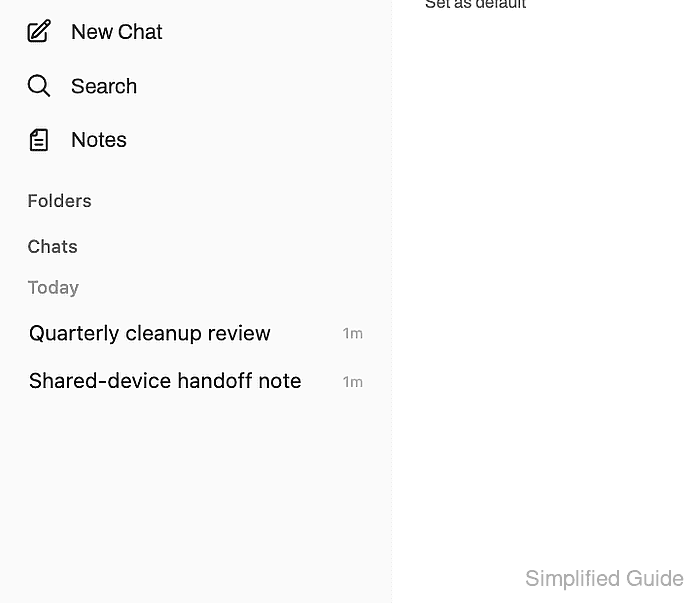
- Open the left sidebar in the Open WebUI account whose chat history should be cleared.
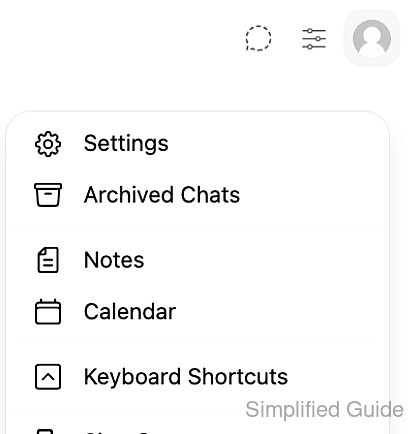
- Open the profile menu and click Settings.
- Select Data Controls in Settings.
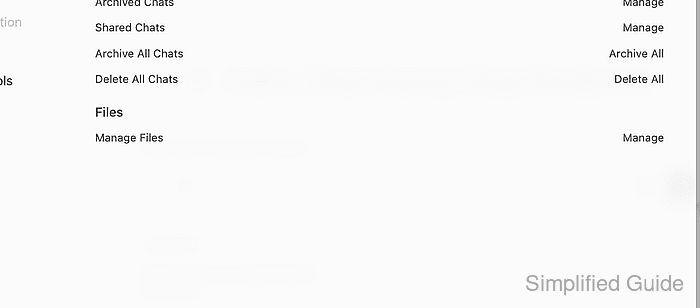
- Click Delete All beside Delete All Chats.
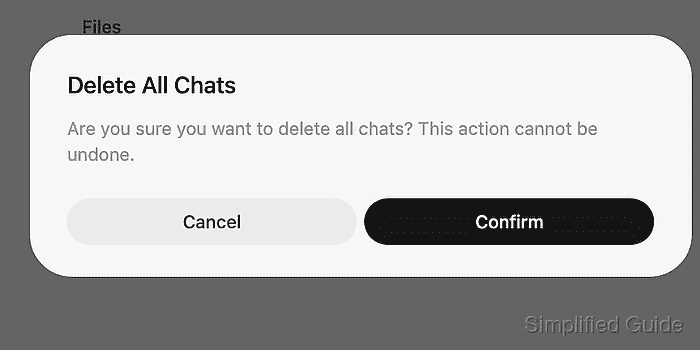
Delete All Chats permanently removes active and archived conversations for the signed-in account. Export needed chats before confirming.
- Click Confirm in the Delete All Chats prompt.
- Reload Open WebUI and confirm the cleared titles no longer appear under Chats.