How to pull an Ollama model
Pulling an Ollama model downloads its manifest and layers into the local model store. It is required before local CLI or API calls can run a model that is not already installed.
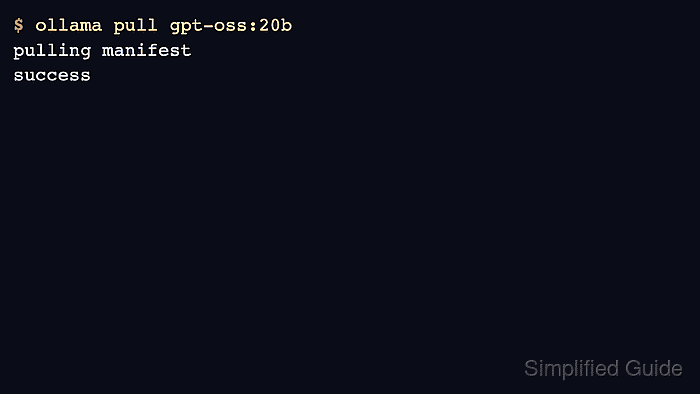
Model pulls can be large, and cloud or private models can require authentication. Check disk space and account requirements before pulling large names into a shared host.
Verify the pull with ollama list and a short run. A completed download alone does not prove the model can load into available memory.
Related: How to list Ollama models
Related: How to run a model in Ollama
Related: How to sign in to Ollama
Steps to pull an Ollama model:
- Choose the exact model name and tag.
$ printf '%s\n' gpt-oss:20b
gpt-oss:20b
- Pull the model into the local store.
$ ollama pull gpt-oss:20b
pulling manifest
pulling 17052f91a42e: 100% ▕████████████████▏ 13 GB
success
- Verify the model appears in the local list.
$ ollama list NAME ID SIZE MODIFIED gpt-oss:20b 17052f91a42e 13 GB just now - Run a short load test.
$ ollama run gpt-oss:20b "Return only OK." OK - Use sign-in first for private or cloud model pulls.
$ ollama signinRelated: How to sign in to Ollama