How to install Ollama on Linux
Ollama's official Linux installation path uses the vendor install script for supported mainstream Linux hosts. That script installs the binary and prepares a service-oriented layout rather than using distro package names such as apt install ollama.
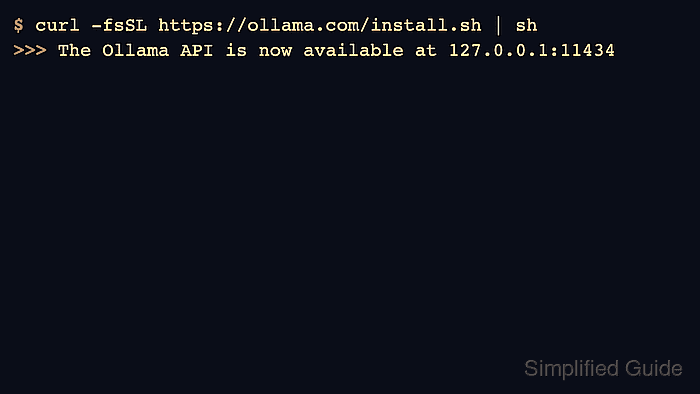
The same official command is documented for Linux installation, while manual tarball extraction is available for controlled installs or alternate architectures. Distribution-specific package managers still matter for prerequisites such as curl and driver packages.
Use a normal systemd host for service validation. Minimal containers do not run systemd by default, so they can validate downloads and paths but not the full startup-service behavior.
Related: How to update Ollama on Linux
Related: How to manage the Ollama service
Related: How to check the Ollama version
Steps to install Ollama on Linux:
- Install curl and CA certificates with the distribution package manager.
$ sudo apt update
$ sudo apt install curl ca-certificates
- Run the official Linux installer.
$ curl -fsSL https://ollama.com/install.sh | sh
>>> Installing ollama to /usr/local
>>> Creating ollama user...
>>> The Ollama API is now available at 127.0.0.1:11434
- Start the Ollama service if the installer did not start it automatically.
$ sudo systemctl start ollama
Related: How to manage the Ollama service
- Check the installed CLI version.
$ ollama --version
ollama version is 0.31.1
Related: How to check the Ollama version
- Check the local API endpoint.
$ curl -s http://localhost:11434/api/version
{"version":"0.31.1"}