How to run an Ollama cloud model
Ollama cloud models let a local Ollama client offload supported model execution to ollama.com while preserving the normal CLI and API workflow. They are useful when the target model is too large for the local GPU or system memory.
Cloud models require account sign-in or hosted API-key access depending on whether the caller uses the local CLI/API proxy or talks directly to ollama.com. The model name normally includes a cloud suffix such as -cloud.
Use cloud models deliberately because prompts leave the local machine for hosted inference. Local-only environments should disable cloud features and use local model names instead.
Related: How to sign in to Ollama
Related: How to authenticate Ollama API requests
Related: How to pull an Ollama model
Steps to run an Ollama cloud model:
- Sign in to the Ollama account that has cloud model access.
$ ollama signinRelated: How to sign in to Ollama
- Pull the cloud model name so the local client can resolve it.
$ ollama pull gpt-oss:120b-cloud
success
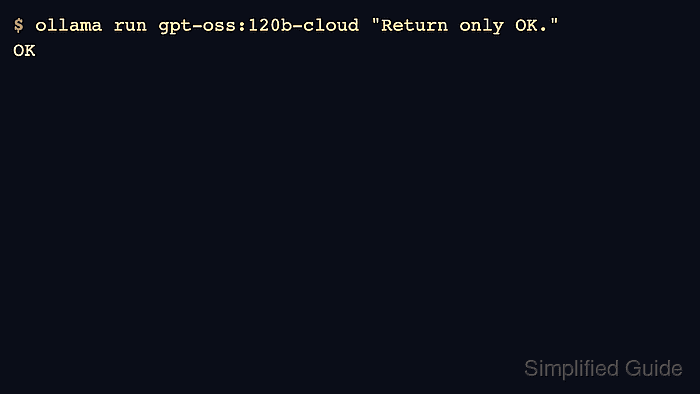
- Verify a cloud model run from the CLI.
$ ollama run gpt-oss:120b-cloud "Return only OK." OK - Call the same cloud model through the local API proxy.
$ curl -s http://localhost:11434/api/chat -d '{
  "model":"gpt-oss:120b-cloud",
  "messages":[{"role":"user","content":"Return only OK."}],
  "stream":false
}'
{"message":{"content":"OK"},"done":true}
- Disable cloud access when the host must remain local-only.
$ OLLAMA_NO_CLOUD=1 ollama serve
Restart the normal service or app after changing the environment.
Related: How to manage the Ollama service