How to use an OpenAI-compatible client with Ollama
Ollama provides OpenAI-compatible routes for applications that already use v1/chat/completions or related client libraries. Pointing the base URL at the local Ollama server can avoid rewriting the application around Ollama-specific endpoints.
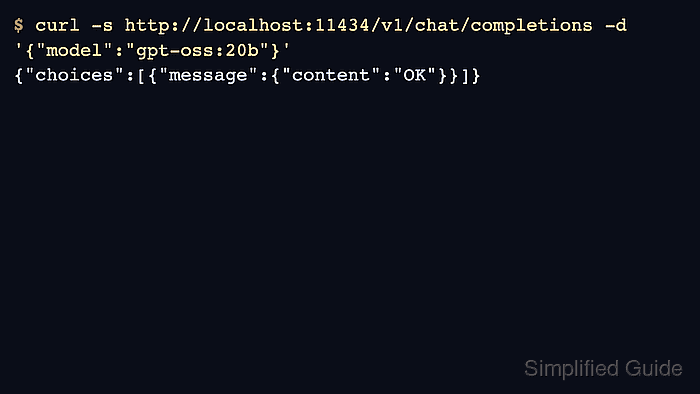
The local compatibility route expects an API key in many SDKs, but the value is ignored by Ollama. Use ollama or another harmless placeholder for local testing and keep real hosted keys out of local-only examples.
Start with plain HTTP or a short SDK probe before enabling streaming, tools, or structured responses. That keeps provider-routing problems separate from model behavior.
Steps to use an OpenAI-compatible client with Ollama:
- Set the OpenAI client base URL to Ollama's local compatibility route.
$ export OPENAI_BASE_URL=http://localhost:11434/v1
$ export OPENAI_API_KEY=ollama
- Send a minimal chat-completions request.
$ curl -s http://localhost:11434/v1/chat/completions \
  -H 'Content-Type: application/json' \
  -d '{
    "model":"gpt-oss:20b",
    "messages":[{"role":"user","content":"Return only OK."}],
    "max_tokens":80
  }'
{"object":"chat.completion","choices":[{"message":{"role":"assistant","content":"OK","reasoning":"##### snipped #####"},"finish_reason":"stop"}]}
- Read the answer from the first choice message.
$ python3 - <<'PY' resp = {"choices": [{"message": {"content": "OK"}}]} print(resp["choices"][0]["message"]["content"]) PY OK - Use a harmless placeholder key for local Ollama SDK calls.
$ python3 - <<'PY'
from openai import OpenAI
client = OpenAI(base_url='http://localhost:11434/v1/', api_key='ollama')
print(client.base_url)
PY
http://localhost:11434/v1/
- Check api/tags when the compatibility request reports an unknown model.
$ curl -s http://localhost:11434/api/tags
{"models":[{"name":"gpt-oss:20b"}]}