How to transfer a file over TCP with Netcat
Moving a file with Netcat fits short transfer jobs where two Linux hosts can reach each other over TCP but a full file-transfer service is unavailable or unnecessary. One host listens on a chosen port and writes the incoming byte stream to a file, while the other host connects to that port and streams the source file into the connection.
The transfer is a raw TCP stream, so Netcat does not add usernames, directory negotiation, resume support, encryption, or integrity checks. The receiving command must be started first, the sender must close the socket after the file reaches end-of-file, and both sides should compare a checksum afterward.
On Ubuntu 26.04, OpenBSD netcat supports nc -l on the receiver and nc -N on the sender for this close-after-EOF transfer pattern. Use a trusted private network, a VPN, or an SSH tunnel for sensitive files because anyone on the path can read or alter an unprotected Netcat stream.
Related: How to install Netcat on Ubuntu
Related: How to create a TCP listener with Netcat
Tool: Netcat Command Generator
Steps to transfer a file over TCP with Netcat:
- Choose the receiving host, destination filename, and TCP port before starting the listener.
The examples use receiver.example.net, port 9000, and project-backup.tar.gz. Replace them with values from the actual transfer.
- Start the listener on the receiving host and write the incoming stream to the destination file.
$ nc -l 9000 > project-backup.tar.gz
The command waits in the foreground until the sender connects and closes the TCP stream.
If the destination file already exists, shell redirection overwrites it before the transfer starts. Use a new filename or move the existing file aside first.
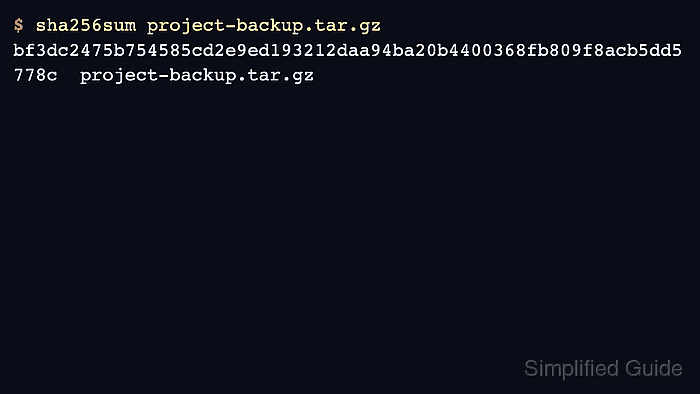
- Record the source file checksum on the sending host.
$ sha256sum project-backup.tar.gz
bf3dc2475b754585cd2e9ed193212daa94ba20b4400368fb809f8acb5dd5778c  project-backup.tar.gz
- Stream the source file to the receiving host from the sending host.
$ nc -N receiver.example.net 9000 < project-backup.tar.gz
The -N option tells OpenBSD netcat to shut down the network socket after standard input reaches end-of-file, which lets the receiver finish writing the file.
- Confirm the receiver command has returned to the shell prompt on the receiving host.
If the receiver keeps waiting after the sender finishes, the local Netcat variant may not support -N. Use a variant-specific send-only or close-after-EOF option, or install OpenBSD netcat or Ncat before retrying.
- Check the received file checksum on the receiving host.
$ sha256sum project-backup.tar.gz
bf3dc2475b754585cd2e9ed193212daa94ba20b4400368fb809f8acb5dd5778c  project-backup.tar.gz
- Compare the two checksum values before using the received file.
The transfer is complete only when the source and receiver hashes match exactly. Delete the partial receiver file before retrying a failed or interrupted transfer.