Ubuntu hosts often need Netcat before a port check, listener test, or protocol probe can be run. Installing a concrete nc provider avoids the package-manager ambiguity around the virtual netcat package and gives later Netcat examples a known command implementation.
Current Ubuntu package records provide netcat through netcat-openbsd and netcat-traditional. Use netcat-openbsd for new installs because it is the common packaged OpenBSD netcat implementation and includes the nc -N close-after-EOF behavior used by many Linux Netcat examples.
A completed install should resolve nc from the shell, print OpenBSD netcat help text, and pass a local loopback connection test. The command sequence was validated on Ubuntu 26.04 with netcat-openbsd 1.234-1; install Nmap Ncat instead when a workflow needs Ncat-specific TLS, proxy, or cross-platform behavior.
Related: How to use Netcat for a basic TCP test
Related: How to create a TCP listener with Netcat
Related: How to install Ncat on Ubuntu
Tool: Netcat Command Generator
Steps to install Netcat on Ubuntu:
- Open a terminal with sudo privileges.
- Refresh the package index.
$ sudo apt update
- Install OpenBSD netcat from the Ubuntu repositories.
$ sudo apt install netcat-openbsd
The package registers nc through the system alternatives mechanism. Install netcat-traditional only when a legacy script specifically requires that implementation's older option set.
- Confirm that the shell can find nc.
$ command -v nc
/usr/bin/nc
If the command prints no path, open a new shell session or confirm that /usr/bin is still in the user's PATH.
- Check that nc is the OpenBSD netcat implementation.
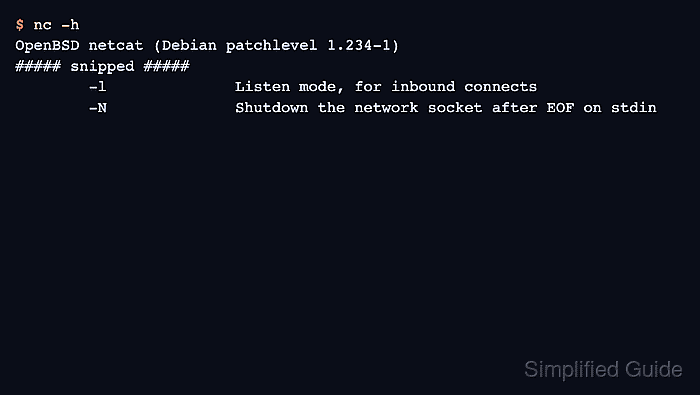
$ nc -h
OpenBSD netcat (Debian patchlevel 1.234-1)
usage: nc [-46CDdFhklNnrStUuvZz] [-I length] [-i interval] [-M ttl]
	  [-m minttl] [-O length] [-P proxy_username] [-p source_port]
	  [-q seconds] [-s sourceaddr] [-T keyword] [-V rtable] [-W recvlimit]
	  [-w timeout] [-X proxy_protocol] [-x proxy_address[:port]]
	  [destination] [port]
##### snipped #####
		-l		Listen mode, for inbound connects
		-N		Shutdown the network socket after EOF on stdin
The patchlevel can differ between Ubuntu releases. The important signal before the loopback test is that the help output identifies OpenBSD netcat and includes nc listener and close-after-EOF options.
- Start a local listener in the first terminal.
$ nc -l 127.0.0.1 9000
The listener waits in the foreground for one local TCP connection. Leave this terminal open while sending the test line from a second terminal.
- Send a test line from the second terminal.
$ printf 'netcat install check\n' | nc -N 127.0.0.1 9000
The -N option closes the client side after printf reaches end-of-file, allowing the listener to finish after receiving the line.
- Confirm that the first terminal prints the same line.
$ nc -l 127.0.0.1 9000
netcat install check
The install is ready for basic TCP tests when the listener shows the exact text sent by the client.
- Stop any test listener that is still running with Ctrl-C before reusing the port.

Mohd Shakir Zakaria is a cloud architect with deep roots in software development and open-source advocacy. Certified in AWS, Red Hat, VMware, ITIL, and Linux, he specializes in designing and managing robust cloud and on-premises infrastructures.


