A temporary TCP listener gives an operator a known endpoint for a callback, lab client, firewall check, or raw payload test without deploying a service. Success is visible when the listener terminal prints the exact payload sent by the client.
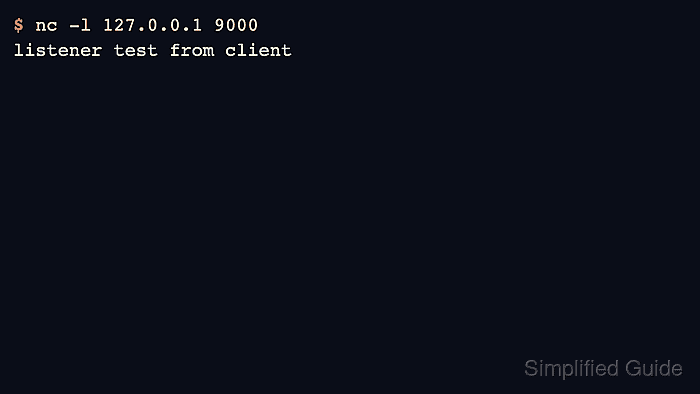
OpenBSD Netcat starts listener mode with -l and can bind to a local address plus port. The first terminal waits in the foreground, and a second terminal connects to that socket and sends bytes into it.
The examples use netcat-openbsd on Ubuntu 26.04 and bind to 127.0.0.1:9000 for same-host validation. Replace the address with a private interface address only when another host must connect, and avoid broad binds such as 0.0.0.0 on shared networks unless firewall policy limits who can reach the port.
Steps to create a TCP listener with Netcat:
- Choose the bind address and TCP port for the test.
The examples use 127.0.0.1 and port 9000 so the listener only accepts clients from the same host. Use a private interface address when the client runs on another host.
- Start the listener in the first terminal.
$ nc -l 127.0.0.1 9000
The listener prints nothing until a client connects and sends data. Leave this terminal open while sending the test payload from another terminal.
- Send a test line from a second terminal.
$ printf 'listener test from client\n' | nc -N 127.0.0.1 9000
The -N option tells OpenBSD Netcat to shut down the client socket after printf reaches end-of-file, which lets the one-shot listener finish cleanly after receiving the line.
- Confirm that the first terminal prints the exact line sent by the client.
$ nc -l 127.0.0.1 9000
listener test from client
The listener accepted the client connection when the received text appears in the listener terminal. A basic -l listener exits after that one client disconnects.
- Restart the listener before another one-shot test.
Use a keep-open listener only when the same temporary socket must accept repeated clients. Related: How to keep a Netcat listener open for multiple connections
- Stop any listener that is still waiting with Ctrl-C before leaving the terminal.
A Netcat listener exposes a local port for as long as it runs. Keep test listeners on loopback or a private interface unless the exposure is intentional and access-controlled.

Mohd Shakir Zakaria is a cloud architect with deep roots in software development and open-source advocacy. Certified in AWS, Red Hat, VMware, ITIL, and Linux, he specializes in designing and managing robust cloud and on-premises infrastructures.


