How to show the kernel version in Linux
After a kernel update, module change, or vendor support handoff, the important value is the kernel that is actually running. The active kernel release controls driver compatibility, module loading, security tracking, and many instructions that do not apply until the system has booted into the expected kernel.
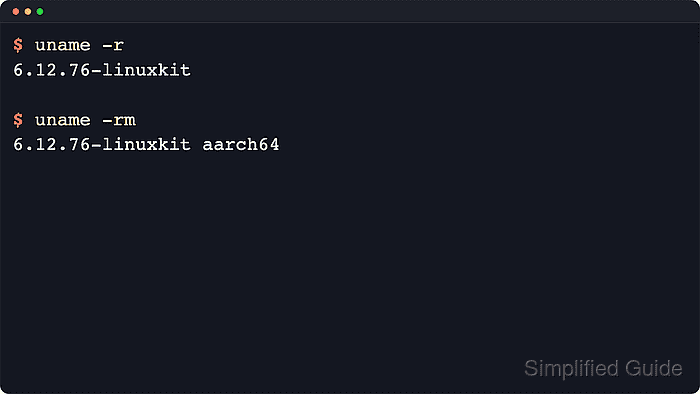
In Linux, uname -r prints the running kernel release. That release string is usually the value to compare with package notes, module documentation, or security advisories. Add -m when the same check also depends on the machine architecture, and use -v only when the exact build string matters.
The related /proc/version file exposes the kernel name, release, compiler, and build string as one longer line. Containers share the host kernel, so uname inside a container reports the host kernel rather than a container-specific kernel. Build strings vary by distribution and vendor, and they may contain builder details that are unnecessary for most inventory records.
Steps to show kernel version in Linux:
- Print the running kernel release with uname -r.
$ uname -r
6.12.76-linuxkit
Use -r for most checks because plain uname prints only the kernel name, usually Linux. The release string identifies the kernel currently booted, not every kernel package installed on disk.
- Print the release and machine architecture together when packages, modules, or downloads differ by platform.
$ uname -rm
6.12.76-linuxkit aarch64
-m adds the hardware name such as x86_64 or aarch64, which helps distinguish kernels with the same release string on different architectures.
- Print the kernel build string when a ticket, audit note, or vendor request needs exact build metadata.
$ uname -v
#1 SMP Wed May 13 14:27:36 UTC 2026
-v prints the kernel version string, which usually includes the build number, SMP or PREEMPT markers, and the vendor build timestamp.
- Read the full kernel identity line from /proc/version when release and build details need to stay on one line.
$ cat /proc/version
Linux version 6.12.76-linuxkit (root@kernel-build) (gcc (Alpine 15.2.0) 15.2.0, GNU ld (GNU Binutils) 2.45.1) #1 SMP Wed May 13 14:27:36 UTC 2026
/proc/version combines the kernel name, release, compiler, and version fields into one line. Copy only the fields the ticket, audit note, or inventory record actually needs.
- Check distribution package ownership only when the running release needs package context.
On Debian-family hosts, dpkg-query -S "/boot/vmlinuz-$(uname -r)" can show which linux-image package installed the booted kernel. If the command reports no matching path, the host may be using a custom, provider-managed, or container-shared kernel.