How to add an InfluxDB data source in Grafana
Adding an InfluxDB data source lets Grafana query bucket, database, and measurement data for dashboards, Explore checks, and alert rules. The connection belongs to Grafana, so the saved URL, product type, query language, and credentials must match the InfluxDB instance that the Grafana server can reach.
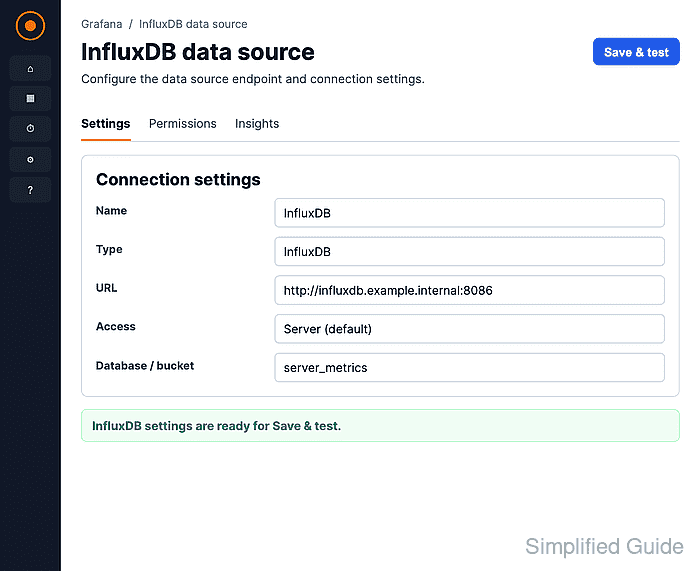
Grafana includes the InfluxDB data source plugin, so no separate plugin installation is needed. The setup screen asks for the InfluxDB product first because that choice controls the available query languages and the database settings that appear later.
For a bucket-and-token setup on InfluxDB OSS 2.x, Flux keeps the connection aligned with the organization and default bucket fields. Choose SQL for InfluxDB 3 products, and use InfluxQL only when the target InfluxDB version and any required DBRP mapping are already prepared.
Steps to add an InfluxDB data source in Grafana:
- Open Connections → Data sources and click Add new data source.
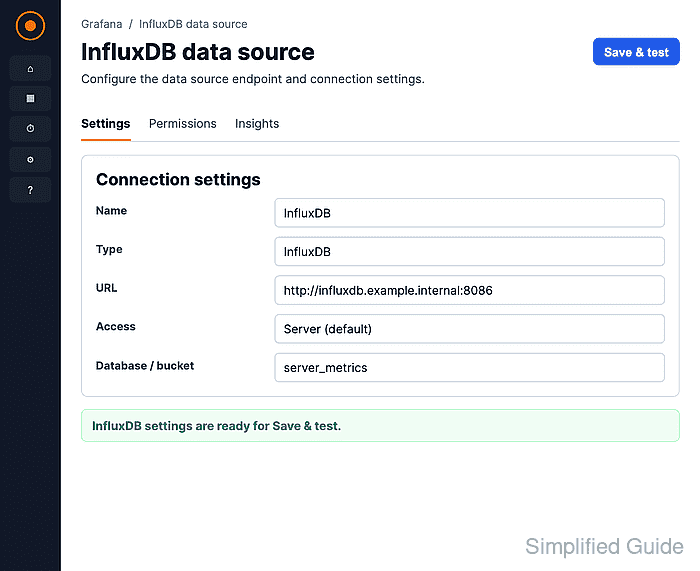
- Select InfluxDB from the Time series databases list.
- Enter a data source name and the InfluxDB API URL.
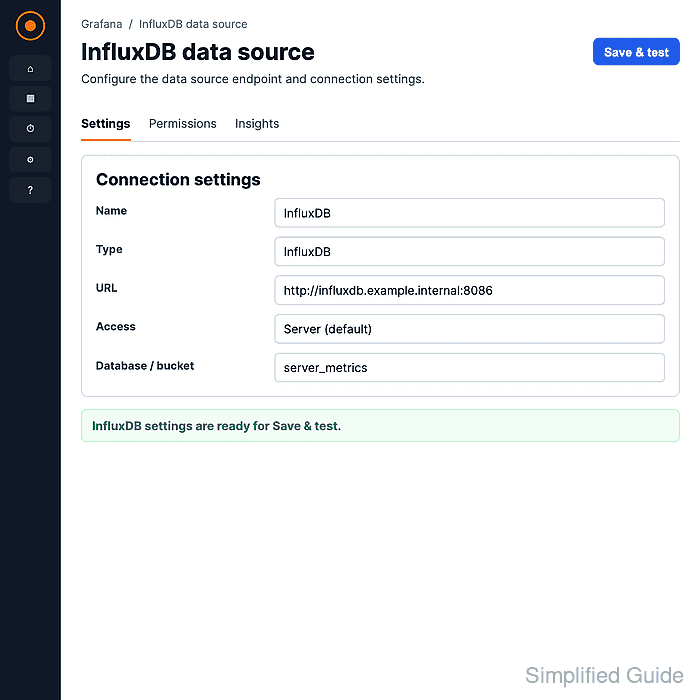
Use an address reachable from the Grafana server, not only from the browser. In container deployments, localhost points inside the Grafana container, so a service name or host-reachable address is usually required.
- Select the matching Product and Query language.
For InfluxDB OSS 2.x with bucket and token authentication, select Flux unless the bucket has a DBRP mapping for InfluxQL. For InfluxDB OSS 3.x, InfluxDB Enterprise 3.x, InfluxDB Cloud Dedicated, or InfluxDB Clustered, select SQL or InfluxQL according to the database and query syntax in use.
- Fill the database settings required by the selected query language.
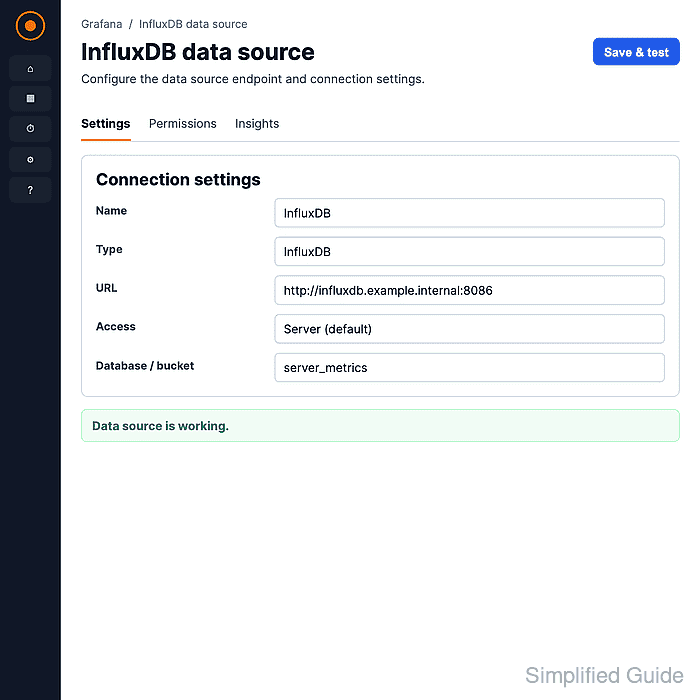
For Flux, set Organization, Default Bucket, and a token with read access to that bucket. SQL uses a database and token, while InfluxQL uses a database plus token or username/password fields depending on the selected product.
- Click Save & test and confirm that Grafana reports the data source is working.
The health check confirms that Grafana can reach InfluxDB through the saved data source and query the configured bucket or database.
Related: How to test a Grafana data source - Open Explore and run a small query through the saved InfluxDB data source.
from(bucket: "server_metrics")
  |> range(start: -1h)
  |> filter(fn: (r) => r._measurement == "cpu")
  |> filter(fn: (r) => r.host == "web-01")
  |> mean()
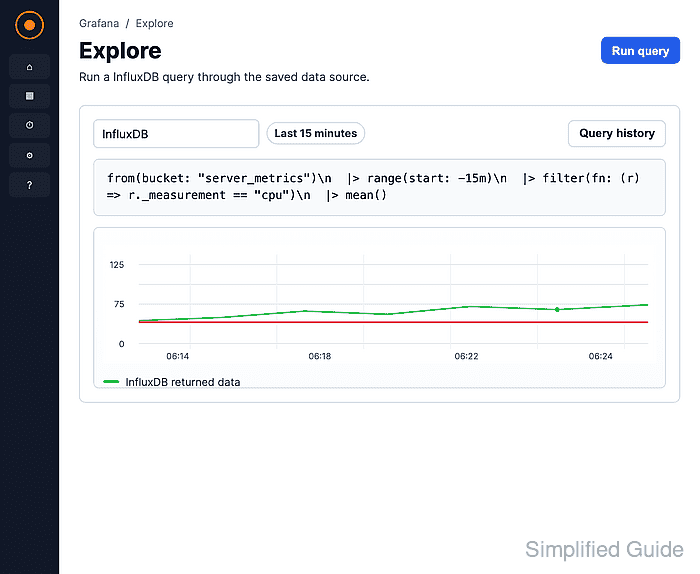
Replace server_metrics, cpu, web-01, and usage with values from the target InfluxDB data. A returned value confirms that the saved data source can run a real query, not only a connection health check.
Related: How to use Grafana query inspector - Build the dashboard or alert after Explore returns data from the expected bucket or database.