How to create a Grafana alert silence
Creating a Grafana alert silence pauses notifications for alerts that match selected labels during a defined maintenance or incident window. Alert rules continue to evaluate, so operators can reduce notification noise without disabling the checks that expose the underlying state.
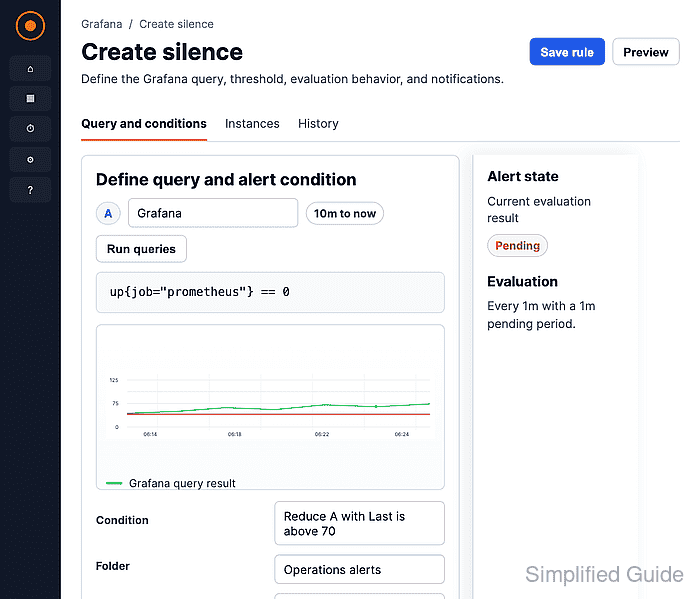
Silences belong to the selected Alertmanager. The default Grafana Alertmanager handles Grafana-managed alerts, while external Alertmanager entries manage silences for alerts owned by that external source.
A silence is label-based and time-bound. Exact matchers such as alertname=InstanceDown affect only alerts with matching labels, and multiple matchers must all match. Use mute timings instead of silences for recurring quiet periods.
Steps to create a Grafana alert silence:
- Open Main menu → Alerting → Silences.
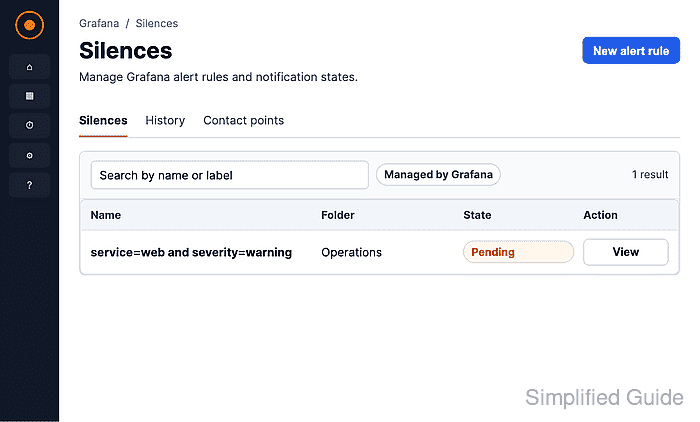
In some Grafana Cloud navigation layouts, Alerting appears under Alerts & IRM.
- Click Create silence.
On a non-empty Silences page, the same action can appear as Add Silence. Keep the default Grafana Alertmanager unless the alerts are managed by an external Alertmanager.
- Set Duration or open Silence start and end to choose the exact start and end time.
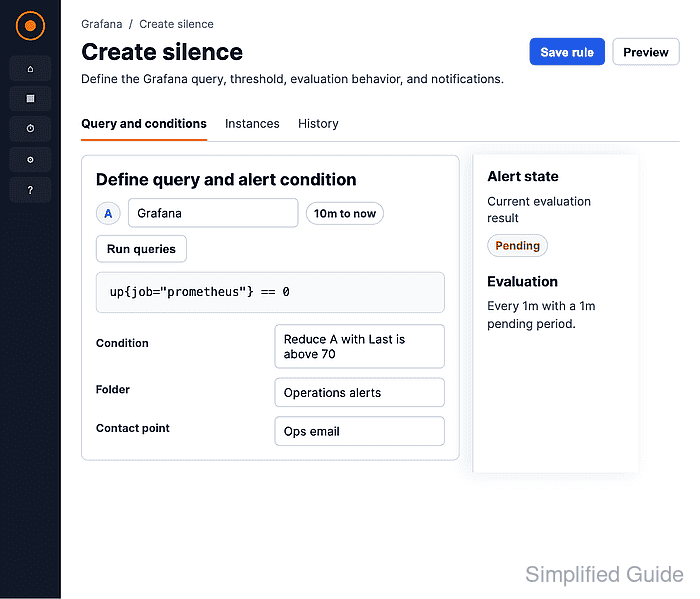
- Enter the label, operator, and value that identify the alerts to suppress.
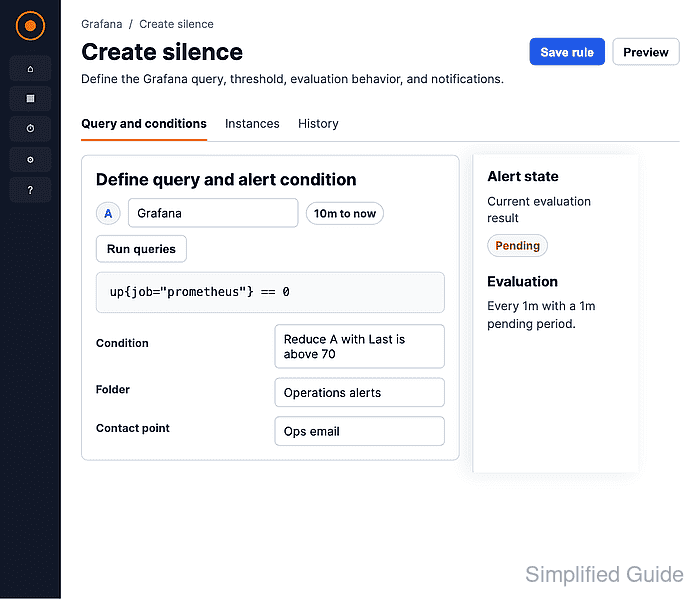
The Label must match an alert label exactly. Use = for exact matching, != for not equal, =~ for regex matching, and !~ for regex exclusion. Click Add matcher only when another label must also match; multiple matchers use AND logic.
- Enter a Comment that explains the maintenance window or incident reason.
- Review Affected alert instances.
Only matching alert instances in the firing state appear in this section. No firing alert instances found is expected when the silence is prepared before an alert fires.
- Click Save silence.
- Confirm the new silence shows Active, the expected matching label, alert count, and schedule.
Click Unsilence to end the silence before its configured end time.