Adding a Prometheus Alertmanager data source lets Grafana open an existing Alertmanager from the Alerting UI. Use it when Prometheus or another alert producer already sends alerts to Alertmanager and operators need Grafana to inspect alert state or create silences without leaving the Grafana interface.
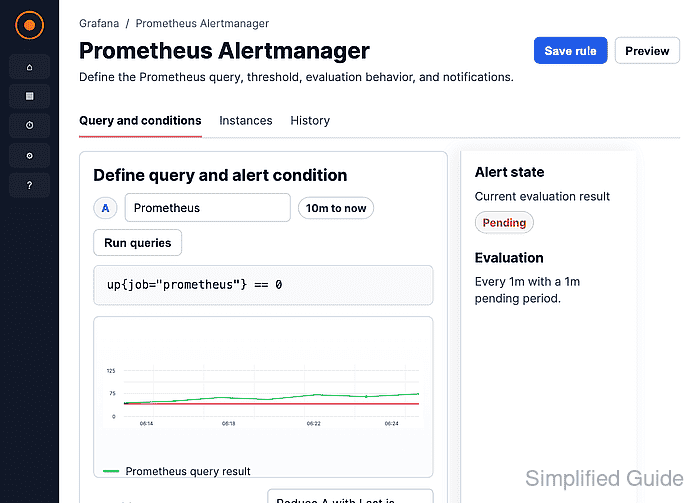
Grafana includes a built-in Alertmanager data source type with Prometheus and Mimir implementation modes. For a Prometheus implementation, Grafana can manage silences, while contact points, notification policies, and templates remain read-only because the Prometheus Alertmanager API does not update those resources.
The URL must be reachable from the Grafana server because only Server access mode is functional for this data source. Use a service name such as alertmanager:9093 in container or Kubernetes deployments, or use the routed HTTPS endpoint when Alertmanager is outside the Grafana network.
Related: How to add a Prometheus data source in Grafana
Related: How to test a Grafana data source
Related: How to create a Grafana alert silence
Steps to add a Prometheus Alertmanager data source in Grafana:
- Open Main menu → Connections → Data sources.
- Click Add data source.
- Enter Alertmanager in Filter by name or type.
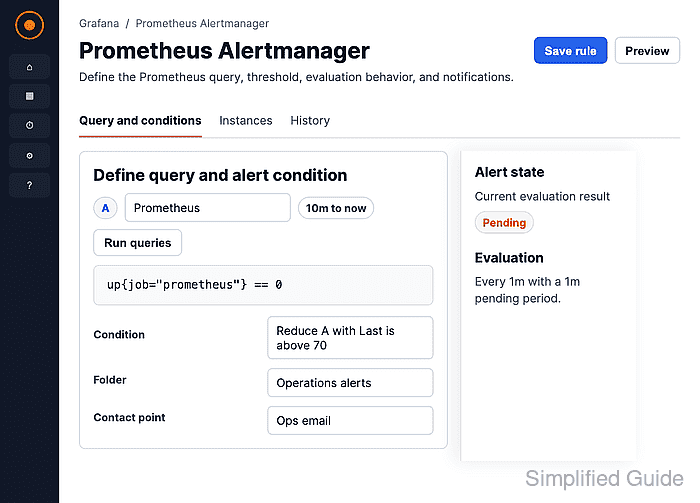
- Click Alertmanager.
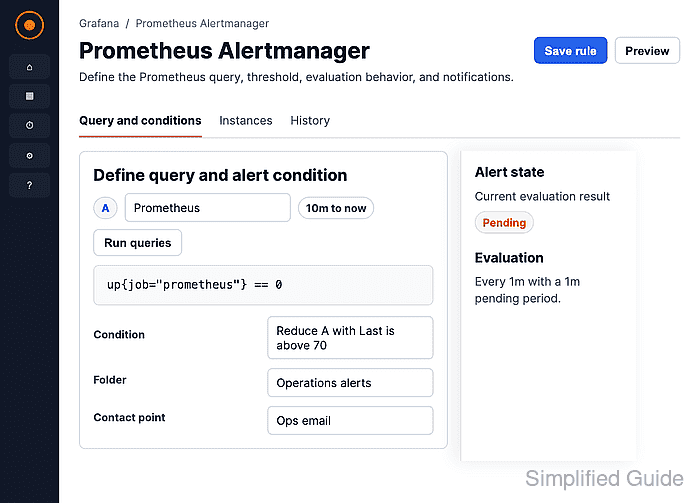
- Set Name to a descriptive value such as Prometheus Alertmanager.
- Select Prometheus under Implementation.
Mimir is the default implementation in new Grafana data source forms. Use Prometheus for the standalone Prometheus Alertmanager service.
- Keep Receive Grafana Alerts disabled unless this Alertmanager should receive all Grafana-managed alerts.
Forwarding Grafana-managed alerts also requires enabling the Alertmanager from Alerting settings after the data source is saved.
- Enter the Alertmanager URL that the Grafana server can reach.
http://alertmanager.example.internal:9093
In separate containers, localhost points inside the Grafana container. Use the Docker service name, Kubernetes service DNS name, or another server-reachable address instead.
- Keep Access set to Server (default).
- Enable Auth or TLS options only when the Alertmanager endpoint requires them.
Do not enable Skip TLS Verify for production endpoints unless certificate validation is intentionally handled outside Grafana.
- Click Save & test and confirm that Grafana shows Health check passed.
The health check proves Grafana can reach the Alertmanager API through the saved data source settings.
- Open Main menu → Alerting → Silences.
If multiple Alertmanagers are configured, choose Prometheus Alertmanager before creating or reviewing silences. Prometheus Alertmanager contact points, notification policies, and templates remain read-only from Grafana.

Mohd Shakir Zakaria is a cloud architect with deep roots in software development and open-source advocacy. Certified in AWS, Red Hat, VMware, ITIL, and Linux, he specializes in designing and managing robust cloud and on-premises infrastructures.


