How to set retry mode in AWS CLI
Intermittent throttling, temporary service errors, and short network failures can make the same AWS CLI command fail in one run and succeed in the next. Setting a profile's retry mode keeps the client on a predictable retry policy for that shell, script, or batch job.
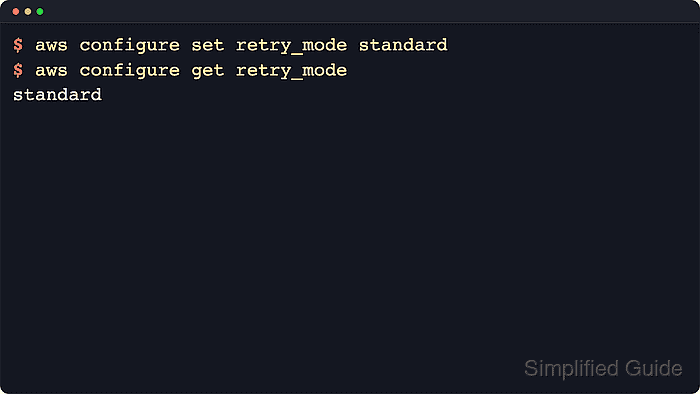
The saved setting is retry_mode in the shared AWS CLI config file. aws configure set writes the value to [default] or a named [profile NAME] section, and aws configure get reads back the file-backed value without making an AWS service request.
AWS CLI v2 uses standard mode by default. legacy keeps the older retry handler, while adaptive adds client-side rate limiting and is still documented as experimental. max_attempts is a separate setting that changes the total number of calls allowed for a request, including the first call.
Steps to set retry mode in AWS CLI:
- Choose the retry mode for the profile workload.
Retry mode Best fit Default total calls Notes standard Daily CLI work and most automation 3 Default for AWS CLI v2 legacy Older scripts that must preserve the older retry handler 5 Retries fewer error types than standard; DynamoDB has a higher legacy default adaptive Specialized clients that also need client-side rate limiting 3 Experimental and subject to change - Save standard on the default profile.
$ aws configure set retry_mode standard --profile default
No output means the value was saved. The command writes retry_mode = standard under [default] in the active shared config file.
- Read the saved default profile value.
$ aws configure get retry_mode --profile default
standard
aws configure get confirms the stored profile value. It does not show a shell-level AWS_RETRY_MODE override.
- Set a custom retry attempt count only when the profile needs one.
$ aws configure set max_attempts 5 --profile default
max_attempts counts the first request plus retries. Omit this setting when the retry mode default is enough for the workload.
- Read the saved retry attempt count.
$ aws configure get max_attempts --profile default
5
- Save a different retry mode on a named profile when one workload should not inherit the default profile behavior.
$ aws configure set retry_mode adaptive --profile batch
adaptive mode is experimental. Use standard unless the client-side rate limit behavior is intentional for that workload.
- Read the named profile value before using it in automation.
$ aws configure get retry_mode --profile batch
adaptive
The --profile option selects the config section to read or write. It does not change other profiles.
Related: How to configure multiple AWS CLI profiles - Inspect the shared config file when the exact stored sections need to be reviewed.
$ cat ~/.aws/config
[default]
retry_mode = standard
max_attempts = 5
[profile batch]
retry_mode = adaptive
If AWS_CONFIG_FILE is set, inspect that file instead of ~/.aws/config. On Windows, the default shared config file is %UserProfile%\.aws\config.
Related: How to find the AWS CLI config file location - Check whether the current shell is overriding the saved retry mode.
$ printenv AWS_RETRY_MODE
legacy
If this command prints a value, the environment variable wins for commands launched from that shell. Clear AWS_RETRY_MODE and AWS_MAX_ATTEMPTS when the saved profile should take effect.
Related: How to use AWS CLI environment variables