How to install AWS CLI on Windows
Installing AWS CLI on Windows adds the aws command to Command Prompt and PowerShell for account checks, profile setup, and repeatable AWS service calls. Finish the workstation install with the version 2 binary on PATH before any credentials or automation jobs depend on it.
Current AWS guidance for Windows uses the 64-bit AWS CLI version 2 MSI installer. The same AWSCLIV2.msi package handles a fresh install and an in-place update, so downloading a fresh copy from AWS is the supported path for keeping the local CLI current.
The installer needs administrator approval on Windows. AWS CLI versions 1 and 2 use the same command name, so an older install can still answer first if it remains earlier on PATH. Open a new shell after setup finishes, check for an aws-cli/2 version line, and resolve any version 1 shadowing before configuring credentials.
Steps to install AWS CLI on Windows:
- Download the current 64-bit AWS CLI v2 MSI installer from AWS.
https://awscli.amazonaws.com/AWSCLIV2.msi
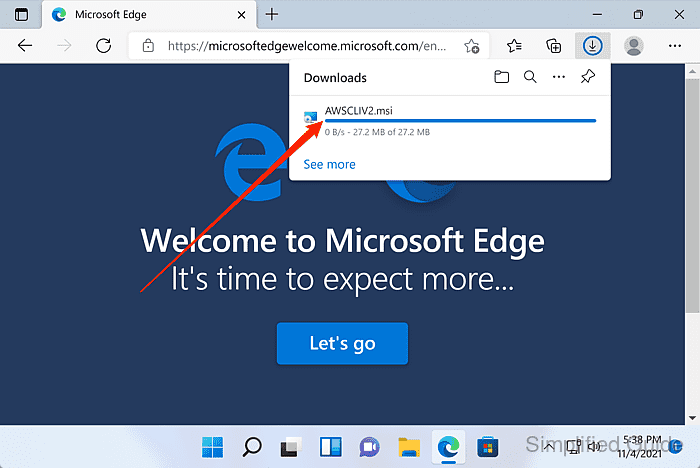
AWS publishes Windows updates through this same MSI URL, so use a fresh download for upgrades instead of reusing an older installer.
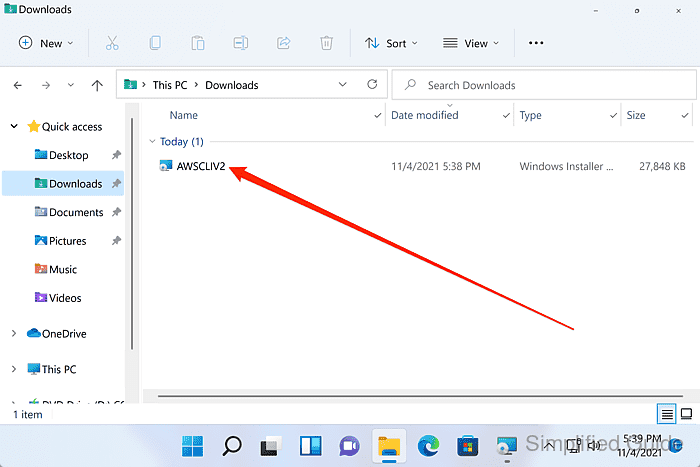
- Open AWSCLIV2.msi from Downloads.
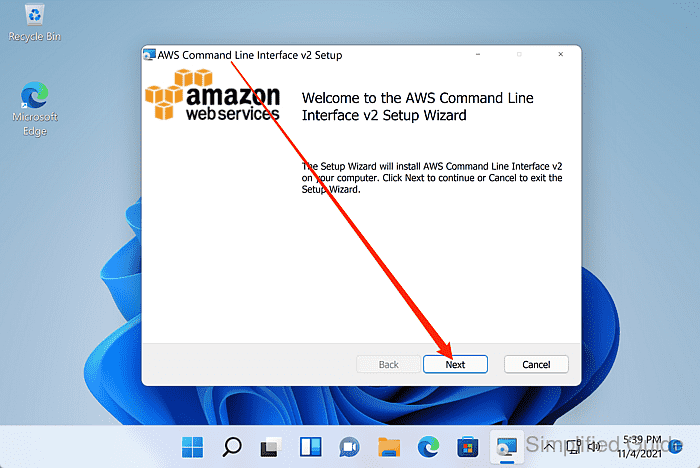
- Review the welcome screen and click Next.
- Select I accept the terms in the License Agreement and click Next.
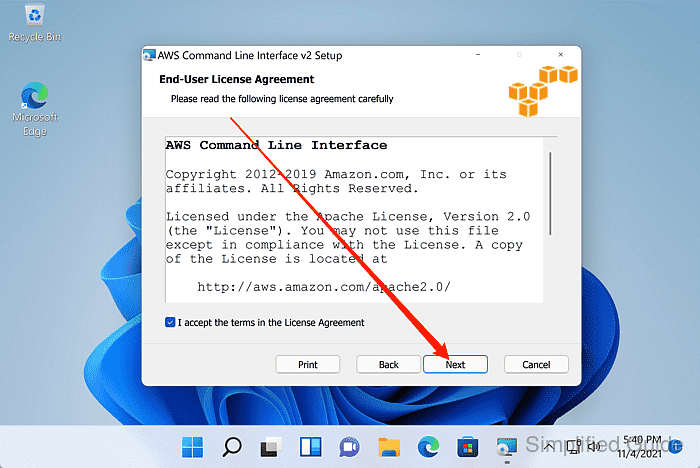
- Leave the default setup options in place and click Next.
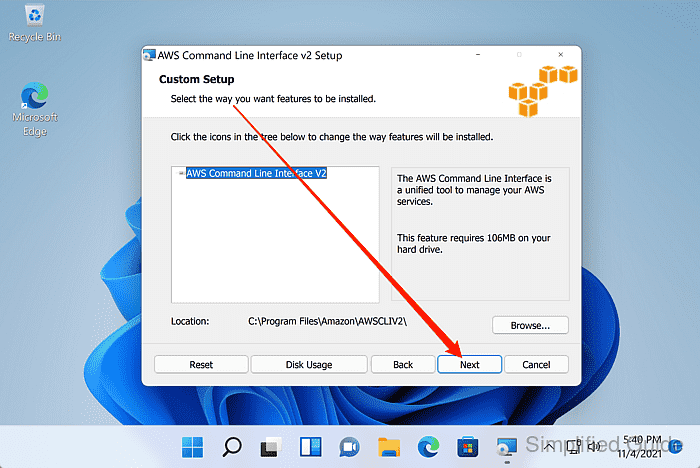
For managed rollout, AWS also documents running the installer with msiexec.exe /i AWSCLIV2.msi, with /qn available for a silent install.
- Click Install.
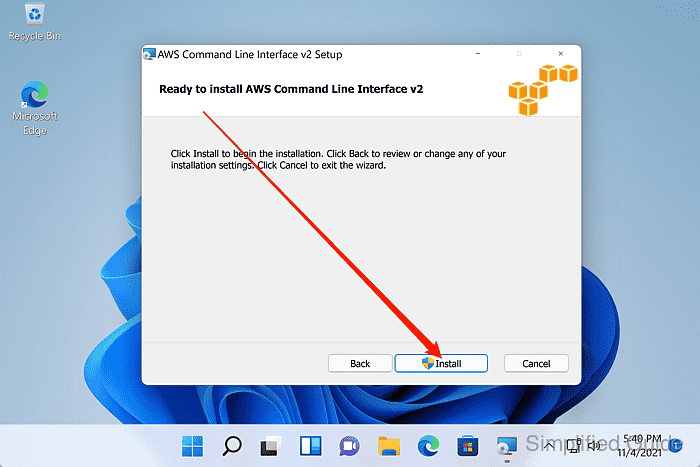
Approve the User Account Control prompt if Windows asks for administrator permission.
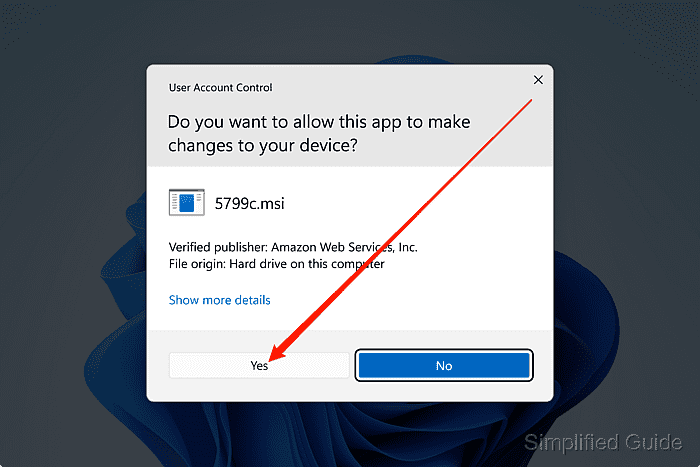
- Wait for the installer to finish copying files.
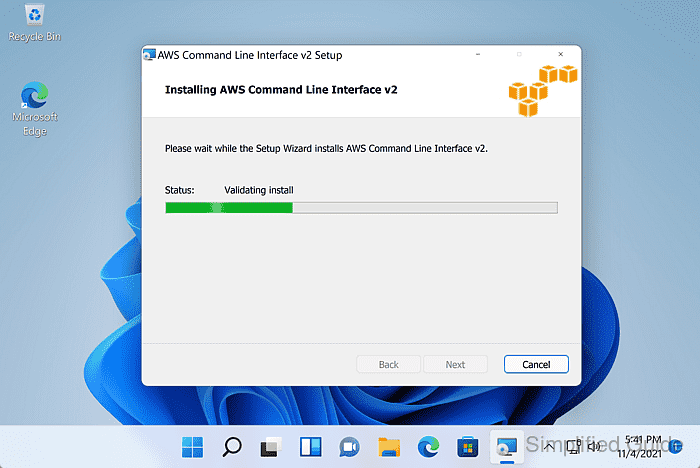
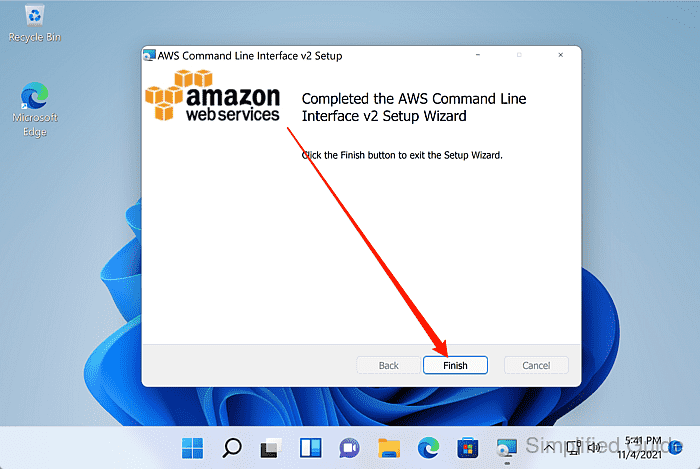
- Click Finish to close the setup wizard.
- Open a new Command Prompt window.
A new shell reloads PATH. If Windows still cannot find aws, close every open Command Prompt or PowerShell window and open another one before troubleshooting the installer.
- Confirm that the installed command reports AWS CLI v2.
C:\> aws --version
aws-cli/2.35.3 Python/3.14.5 Windows/11 exe/AMD64 prompt/off
The exact version, bundled Python runtime, and Windows build text change over time. Look for an aws-cli/2.x line instead of a command-not-found error or an older aws-cli/1.x install.
Related: How to check AWS CLI version - Inspect the active executable when an older version still appears.
C:\> where aws
C:\Program Files\Amazon\AWSCLIV2\aws.exe
where shows which executable Command Prompt runs first. If a version 1 path appears before the AWSCLIV2 path, remove or reorder the older install before continuing.
Related: How to migrate AWS CLI version 1 scripts to version 2 - Run a signed identity check after credentials are configured.
C:\> aws sts get-caller-identity --query Account --output text
123456789012
Use aws configure sso with aws sso login, aws login, or another approved credential method before this check on a new workstation. The returned 12-digit account number should match the target identity.
Related: How to log in to AWS CLI with IAM Identity Center
Related: How to log in to AWS CLI with console credentials
Related: How to check the current caller identity in AWS CLI