How to enable AWS CLI auto-prompt
Interactive AWS CLI work slows down when service names, required options, or valid parameter values are not already in front of the operator. AWS CLI v2 auto-prompt opens an in-terminal chooser that suggests commands and options as typing continues, so exploratory commands can be built without leaving the shell.
The persistent setting lives in the shared AWS CLI config file as cli_auto_prompt. The value on-partial opens the prompt only when a command is incomplete or fails client-side validation, while on opens the prompt whenever an aws command is run.
Use partial mode for normal terminals and runbooks because complete commands still execute directly. Auto-prompt can suggest live resource names when the active profile and Region can list them, so avoid saving screenshots or transcripts that expose private bucket names, table names, account details, or other resource identifiers.
Steps to enable AWS CLI auto-prompt:
- Confirm that the shell is running AWS CLI v2.
$ aws --version
aws-cli/2.35.3 Python/3.14.5 Linux/6.12.76-linuxkit exe/aarch64.ubuntu.26
The exact version, bundled runtime, and platform suffix differ by install. The important part is an aws-cli/2.x version line.
- Enable partial auto-prompt for the active default profile.
$ aws configure set cli_auto_prompt on-partial
Use on instead of on-partial when every aws command should open full prompt mode. Add --profile work when the setting belongs to a named profile.
- Verify the saved auto-prompt value.
$ aws configure get cli_auto_prompt
on-partial
If AWS_CONFIG_FILE is set, AWS CLI reads and writes that alternate config file instead of ~/.aws/config.
Related: How to find the AWS CLI config file location - Open full auto-prompt once to confirm service suggestions appear.
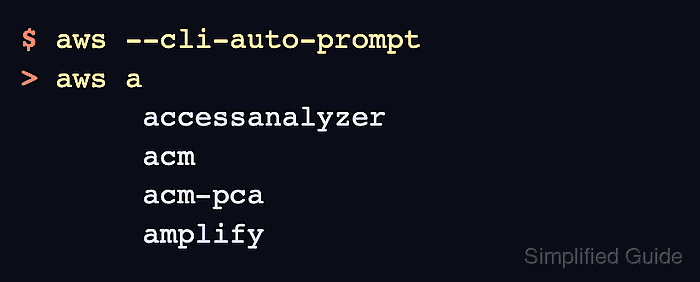
$ aws --cli-auto-prompt
> aws a
       accessanalyzer                Access Analyzer
       acm                           AWS Certificate Manager
       acm-pca                       AWS Certificate Manager Private Certificate Authority
       amplify                       AWS Amplify
Type a few letters at the > aws prompt to narrow the suggestions. Press Ctrl+C to leave the prompt after confirming it opens. --cli-auto-prompt overrides the saved profile setting for this one invocation.
- Test partial mode with an incomplete command.
$ aws dynamodb describe-table
> aws dynamodb describe-table
                              --table-name (required)  [string] The name of the table to describe.
                              --cli-input-json         [string] Reads arguments from the JSON string provided.
                              --cli-input-yaml         [string] Reads arguments from the YAML string provided.
Partial mode opens here because the command is missing a required client-side parameter. No AWS request is sent until the command is completed and executed.
- Bypass auto-prompt for one noninteractive command when needed.
$ aws dynamodb describe-table --table-name Orders --no-cli-auto-prompt
--no-cli-auto-prompt wins over AWS_CLI_AUTO_PROMPT and the saved cli_auto_prompt profile setting for that command.