How to run an Apache Hadoop single-node cluster
A single-node Hadoop cluster is the fastest way to check HDFS, YARN, and MapReduce behavior on one host. It still uses real daemons, so configuration, formatting, startup, and smoke-test steps should be explicit.
Start from an installed Hadoop runtime and pseudo-distributed configuration. Format HDFS once, start HDFS and YARN, create the HDFS user directory, and run a small job to prove the cluster can execute work.
Single-node clusters are for lab use. Do not treat successful single-node results as proof of multi-node networking, capacity, Kerberos, or high availability.
Steps to run an Apache Hadoop single-node cluster:
- Confirm Hadoop can find the intended configuration.
$ hdfs getconf -confKey fs.defaultFS
hdfs://localhost:9000
- Format HDFS for the first run if it has not been formatted.
$ hdfs namenode -format -clusterId single-node-lab
Storage directory /var/lib/hadoop/hdfs/name has been successfully formatted.
- Start HDFS daemons.
$ start-dfs.sh
Starting namenodes on [localhost]
Starting datanodes
Starting secondary namenodes [localhost]
Related: How to restart Hadoop services
- Start YARN daemons.
$ start-yarn.sh
Starting resourcemanager
Starting nodemanagers
- Create the HDFS user directory.
$ hdfs dfs -mkdir -p /user/hadoop
- Run a small MapReduce example.
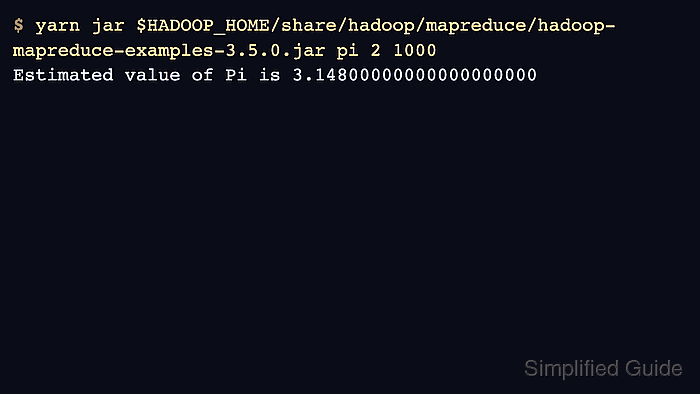
$ yarn jar $HADOOP_HOME/share/hadoop/mapreduce/hadoop-mapreduce-examples-3.5.0.jar pi 2 1000
INFO mapreduce.Job: map 100% reduce 100%
Estimated value of Pi is 3.14800000000000000000
Related: How to run a MapReduce job on Hadoop
- Stop services when the lab run is complete.
$ stop-yarn.sh
Stopping resourcemanager
Stopping nodemanagers