How to run a MapReduce job on Hadoop
A MapReduce smoke job proves that HDFS input, YARN scheduling, container launch, and job history all work together. Running the bundled examples JAR is a controlled way to test the stack before handing it to application teams.
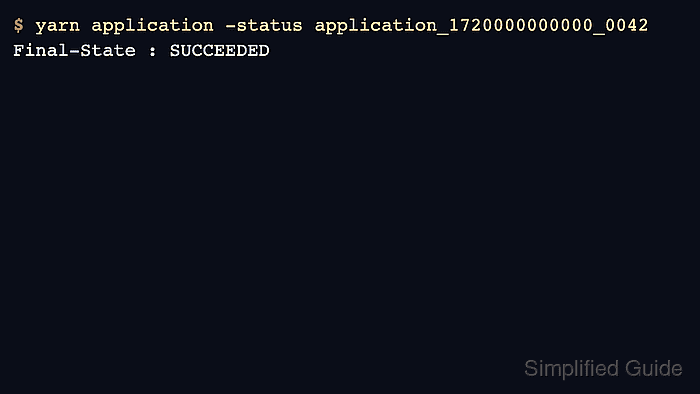
The job runs through yarn jar or hadoop jar with an example class and arguments. Store test input in HDFS first, submit to the intended queue when needed, and verify the YARN final state.
Use small input for a health check. Large benchmarks or production data tests should be separate capacity exercises with queue and resource limits.
Steps to run a MapReduce job on Hadoop:
- Create an HDFS input directory.
$ hdfs dfs -mkdir -p /user/alice/wordcount/input
- Upload a small input file.
$ hdfs dfs -put wordcount.txt /user/alice/wordcount/input/wordcount.txt
Related: How to upload a file to HDFS
- Remove any previous output path.
$ hdfs dfs -rm -r /user/alice/wordcount/output
Moved: hdfs://cluster1/user/alice/wordcount/output to trash at: hdfs://cluster1/user/alice/.Trash/Current/user/alice/wordcount/output
MapReduce output paths must not already exist.
- Run the bundled wordcount example.
$ yarn jar $HADOOP_HOME/share/hadoop/mapreduce/hadoop-mapreduce-examples-3.5.0.jar wordcount /user/alice/wordcount/input /user/alice/wordcount/output
INFO mapreduce.Job: Running job: job_1720000000000_0042
INFO mapreduce.Job: map 100% reduce 100%
INFO mapreduce.Job: Job job_1720000000000_0042 completed successfully
- Verify the YARN application final state.
$ yarn application -status application_1720000000000_0042
Final-State : SUCCEEDED
State : FINISHED
Related: How to list YARN applications
- Read the job output from HDFS.
$ hdfs dfs -cat /user/alice/wordcount/output/part-r-00000
hadoop  3
mapreduce  2
yarn  1