Listing YARN applications shows which jobs are submitted, accepted, running, finished, failed, or killed. It is the first check for scheduler pressure, missing jobs, and application IDs needed by log or kill commands.
Use state filters to keep the list focused. A default list often shows active states, while historical investigations usually need FINISHED, FAILED, or KILLED filters.
Run the command from a Hadoop client configured for the correct ResourceManager or HA nameservice. The same user may see a different cluster if the client configuration points elsewhere.
Steps to list YARN applications:
- List current active applications.
$ yarn application -list
Total number of applications (application-types: [] and states: [SUBMITTED, ACCEPTED, RUNNING]):1
Application-Id                  Application-Name User  Queue    State
application_1720000000000_0042  daily-etl        alice analytics RUNNING
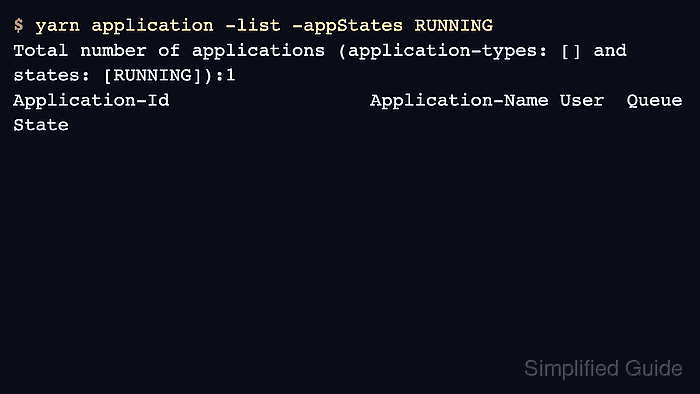
- Filter the list to running applications.
$ yarn application -list -appStates RUNNING
Total number of applications (application-types: [] and states: [RUNNING]):1
Application-Id                  Application-Name User  Queue    State
application_1720000000000_0042  daily-etl        alice analytics RUNNING
- Filter by application type when the cluster runs several engines.
$ yarn application -list -appTypes MAPREDUCE -appStates FINISHED
Total number of applications (application-types: [MAPREDUCE] and states: [FINISHED]):1
Application-Id                  Application-Name User  Queue    State     Final-State
application_1720000000000_0038  QuasiMonteCarlo  alice default  FINISHED  SUCCEEDED
- Inspect one application from the list.
$ yarn application -status application_1720000000000_0042
Application-Id : application_1720000000000_0042
Application-Name : daily-etl
State : RUNNING
Final-State : UNDEFINED
- Use the application ID for logs or termination.
$ yarn logs -applicationId application_1720000000000_0042
Container: container_1720000000000_0042_01_000001 on worker01.example.net:8041
LogAggregationType: AGGREGATED
Related: How to view YARN application logs

Author: Mohd
Shakir Zakaria
Mohd Shakir Zakaria is a cloud architect with deep roots in software development and open-source advocacy. Certified in AWS, Red Hat, VMware, ITIL, and Linux, he specializes in designing and managing robust cloud and on-premises infrastructures.


Mohd Shakir Zakaria is a cloud architect with deep roots in software development and open-source advocacy. Certified in AWS, Red Hat, VMware, ITIL, and Linux, he specializes in designing and managing robust cloud and on-premises infrastructures.