How to add a DataNode to Hadoop
Adding a DataNode increases HDFS storage only after the new host uses the same cluster configuration and registers with the active NameNode. A host that starts with the wrong dfs.datanode.data.dir or stale cluster ID stays out of service even if the daemon process is running.
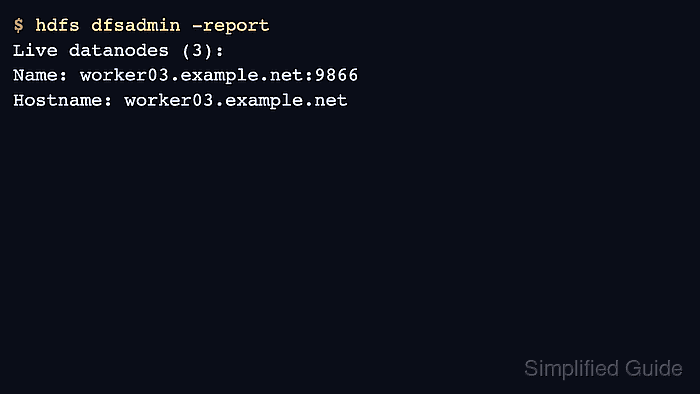
The safest path is to prepare the worker host, copy the current Hadoop configuration, start only the DataNode role, and verify the new node from the NameNode report. Rebalancing is a separate step after the node is live.
Use a new empty data directory for the added node. Reusing a directory from another cluster can trigger block pool or cluster ID mismatches.
Steps to add a Hadoop DataNode:
- Create the DataNode data directory on the new worker.
$ sudo install -d -o hadoop -g hadoop -m 0750 /data/hadoop/hdfs/data
- Copy the active Hadoop configuration from the master host.
$ rsync -a master01.example.net:$HADOOP_CONF_DIR/ $HADOOP_CONF_DIR/
core-site.xml
hdfs-site.xml
yarn-site.xml
workers
- Add the worker hostname to the cluster workers file on the master host.
- workers
worker01.example.net
worker02.example.net
worker03.example.net
- Start the DataNode daemon on the new worker.
$ hdfs --daemon start datanode
Related: How to restart Hadoop services
- Confirm the DataNode registered with the NameNode.
$ hdfs dfsadmin -report
Live datanodes (3):
Name: worker01.example.net:9866
Name: worker02.example.net:9866
Name: worker03.example.net:9866
- Run the HDFS balancer after the node is stable.
$ hdfs balancer -threshold 10
Time Stamp               Iteration#  Bytes Already Moved  Bytes Left To Move
2026-06-17 03:20:11          0              0 B              38.5 GB
Related: How to run the HDFS balancer