Stale compiled JSPs, cached descriptors, or generated runtime files can make Tomcat keep serving behavior that no longer matches the deployed application. Clearing only generated work data forces Tomcat to rebuild those files while deployed WAR files, expanded applications, configuration, and logs remain in place.
Package-managed Ubuntu Tomcat 10 uses /var/cache/tomcat10 as the systemd cache directory and keeps deployed applications under /var/lib/tomcat10/webapps. The same unit uses a private service temp area, so host-level deletion under /tmp is not part of the normal package-managed cleanup.
Source installs and named instances can use $CATALINA_BASE/work and an instance-specific $CATALINA_TMPDIR instead. Confirm the active service paths before deleting anything, and never use this cleanup as a substitute for undeploying an application, removing an upload directory, or deleting Tomcat configuration.
Steps to clear Tomcat work and temp directories:
- Check the active service environment and temp isolation.
$ systemctl show tomcat10 --property=Environment --property=PrivateTmp
Environment=CATALINA_HOME=/usr/share/tomcat10 CATALINA_BASE=/var/lib/tomcat10 CATALINA_TMPDIR=/tmp
PrivateTmp=yes
On package-managed Ubuntu, PrivateTmp means the service gets its own private /tmp view. Do not empty the host's shared /tmp directory for this task.
- Stop Tomcat before removing generated runtime files.
$ sudo systemctl stop tomcat10
Stopping Tomcat interrupts every application on that instance. Schedule the cleanup during a maintenance window when the connector serves production traffic.
- Confirm the service is stopped.
$ systemctl is-active tomcat10
inactive
- Confirm the deletion boundary before running rm.
$ sudo ls -ld /var/cache/tomcat10 /var/lib/tomcat10/webapps /etc/tomcat10 /var/log/tomcat10
drwxr-x--- 2 tomcat tomcat 4096 Jun 10 20:48 /var/cache/tomcat10
drwxrwxr-x 3 tomcat tomcat 4096 Jun 10 20:48 /var/lib/tomcat10/webapps
drwxr-xr-x 5 root   root   4096 Jun 10 20:48 /etc/tomcat10
drwxrws--- 2 tomcat adm    4096 Jun  9 12:08 /var/log/tomcat10
Clear the generated cache directory only. Keep /var/lib/tomcat10/webapps, /etc/tomcat10, and /var/log/tomcat10 unless the separate task is application undeploy, configuration removal, or log rotation.
- Remove the package-managed generated work files.
$ sudo rm -rf /var/cache/tomcat10/*
For a source install, replace this path with the confirmed $CATALINA_BASE/work/* location for that instance.
- Skip broad host temp deletion when the package unit uses a private service /tmp.
For a custom instance, clear $CATALINA_TMPDIR only after confirming it points at an instance-owned directory such as $CATALINA_BASE/temp. If the value is /tmp, do not remove host /tmp contents.
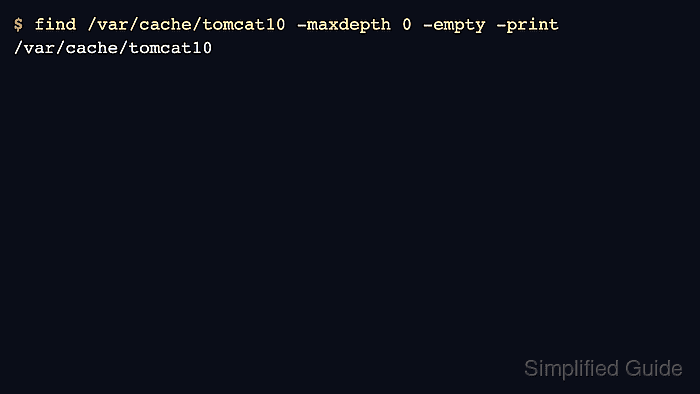
- Verify the generated cache directory is empty.
$ find /var/cache/tomcat10 -maxdepth 0 -empty -print
/var/cache/tomcat10
- Start Tomcat after the cleanup.
$ sudo systemctl start tomcat10
- Confirm Tomcat is active again.
$ systemctl is-active tomcat10
active
If the service does not return active, check the Tomcat service journal and application logs before repeating the cleanup. Related: How to view Tomcat logs on Linux
- Retest the affected application URL after Tomcat rebuilds generated files.
$ curl --include --silent http://127.0.0.1:8080/inventory/health
HTTP/1.1 200
Content-Type: application/json
##### snipped #####

{"status":"ok"}
Use the real context path or health endpoint that showed stale behavior before the cleanup. An HTTP success response proves the rebuilt runtime state is serving the current application.

Mohd Shakir Zakaria is a cloud architect with deep roots in software development and open-source advocacy. Certified in AWS, Red Hat, VMware, ITIL, and Linux, he specializes in designing and managing robust cloud and on-premises infrastructures.


