Symfony keeps compiled container metadata, routes, configuration, and template cache under var/cache so each request does not rebuild the application from source. Clearing that cache is useful after deployments or configuration changes when the running application may still be using compiled state from the previous release.
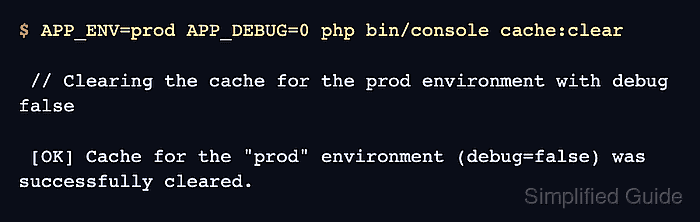
The console command cache:clear removes the cache for one Symfony environment and warms it again by default. Run it with the same APP_ENV and APP_DEBUG values used by the web entry point; otherwise Symfony can clear a development cache while the production cache remains unchanged.
Production cache clears need a shell user that can write to the project's var/cache directory. If the command reports permission errors, fix the var/ permissions for both the web server user and the deployment user before rerunning the clear.
Steps to clear Symfony cache:
- Open a terminal in the Symfony project root that contains bin/console.
- Clear and warm the production cache.
$ APP_ENV=prod APP_DEBUG=0 php bin/console cache:clear

 // Clearing the cache for the prod environment with debug false

 [OK] Cache for the "prod" environment (debug=false) was successfully cleared.
Use the console command instead of deleting var/cache by hand during normal deployments. Add --no-warmup only when a later deployment step runs cache:warmup before traffic reaches the application.
- Confirm that Symfony boots in the same environment.
$ APP_ENV=prod APP_DEBUG=0 php bin/console about
 -------------------- ---------------------------------
  Symfony
 -------------------- ---------------------------------
##### snipped #####
  Kernel
 -------------------- ---------------------------------
  Environment          prod
  Debug                false
  Cache directory      ./var/cache/prod (198 KiB)
  Build directory      ./var/cache/prod (198 KiB)
##### snipped #####
The exact cache size changes by project. The environment, debug mode, and cache directory should match the cache clear command.

Mohd Shakir Zakaria is a cloud architect with deep roots in software development and open-source advocacy. Certified in AWS, Red Hat, VMware, ITIL, and Linux, he specializes in designing and managing robust cloud and on-premises infrastructures.


