A manual snap alias exposes a snap application under another command name on the local system. It is useful when a script, habit, or local runbook expects a shorter or older command name, but the snap exposes the app under a different name.
Aliases are created under /snap/bin and are managed by snapd, not by shell-only aliases in a user's startup file. A manual alias affects users who can reach /snap/bin, while the original snap command remains available.
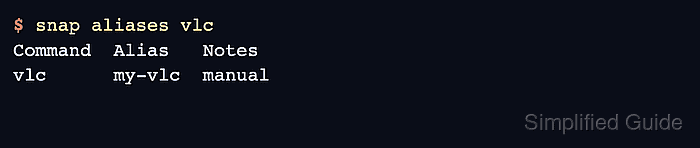
A completed alias should appear in snap aliases <snap> with the manual note and should run the expected snap app. Remove manual aliases when they are no longer needed so command names stay predictable.
Related: How to install a snap package
Related: How to install a local snap file
Steps to set a manual snap alias:
- List the applications exposed by the snap.
$ snap apps vlc
App  Version  Notes
vlc  3.0.20   -
- Check the current aliases.
$ snap aliases vlc
Command  Alias  Notes
vlc      -      -
- Create the manual alias.
$ sudo snap alias vlc my-vlc
Added:
  - vlc as my-vlc
- Confirm that snapd recorded the alias.
$ snap aliases vlc
Command  Alias   Notes
vlc      my-vlc  manual
- Run the command through the alias.
$ my-vlc --version
VLC media player 3.0.20 Vetinari
- Remove the alias when it is no longer required.
$ sudo snap unalias my-vlc
Removed:
  - vlc as my-vlc

Mohd Shakir Zakaria is a cloud architect with deep roots in software development and open-source advocacy. Certified in AWS, Red Hat, VMware, ITIL, and Linux, he specializes in designing and managing robust cloud and on-premises infrastructures.


