Submitting an HTML form is often the only way to reach search results, filtered listings, and other pages that are returned only after the site receives specific fields. A spider that submits the same controls as the browser can move from the landing page to the response that actually contains the target records.
Scrapy provides FormRequest.from_response() for this workflow. It reads the live <form> element from the current response, keeps the form action, method, and hidden inputs, and lets the spider override only the fields that need new values such as a search term or selected category.
The form selector, field names, and result selectors must match the live page exactly, and some sites add JavaScript-generated values, CAPTCHA checks, or multi-step flows that a plain form request cannot satisfy. When a page has more than one submit button, the clicked control can change the payload, so use clickdata to choose the right button or dont_click=True to submit without the automatic click when needed.
Steps to submit a form in a Scrapy spider:
- Inspect the live form in scrapy shell so the spider uses the correct selector, field names, and action URL.
$ scrapy shell "https://app.internal.example/search" --nolog >>> response.css('form#search-form::attr(action)').get() '/search' >>> response.css('form#search-form::attr(method)').get() 'post' >>> response.css('form#search-form [name]::attr(name)').getall() ['csrf_token', 'q', 'category', 'search'] - Replace the spider module that should submit the form, such as productsearch/spiders/catalog.py, with a spider that builds the request from the returned form.
import scrapy


class CatalogSpider(scrapy.Spider):
    name = "catalog"
    start_urls = ["https://app.internal.example/search"]

    def parse(self, response):
        yield scrapy.FormRequest.from_response(
            response,
            formcss="form#search-form",
            formdata={
                "q": "laptop",
                "category": "all",
            },
            callback=self.parse_results,
        )

    def parse_results(self, response):
        for product in response.css("article.product"):
            yield {
                "name": product.css("h2 a::text").get(default="").strip(),
                "price": product.css(".price::text").get(default="").strip(),
                "url": response.urljoin(
                    product.css("h2 a::attr(href)").get(default="")
                ),
            }
FormRequest.from_response() keeps the hidden inputs from the selected form and overrides only the fields listed in formdata. Use formid, formname, formxpath, or formcss to target the correct form, set clickdata when a specific submit button value must be sent, and pass None as a field value if a pre-filled form field should be excluded from the request.
Submitting login, checkout, unsubscribe, or other state-changing forms can alter remote data, so start with search or filter forms on a test or read-only target.
- Update the formcss selector, formdata keys, and parse_results() selectors so they match the target page's actual HTML.
The request body is built from the form control name attributes, not from visible labels, placeholder text, or nearby headings.
- Run the spider and overwrite the JSON export file with items from the submitted response.
$ scrapy crawl catalog -O results.json 2026-04-22 08:14:21 [scrapy.core.scraper] DEBUG: Scraped from <200 https://app.internal.example/search> {'name': 'Laptop Starter', 'price': '$499', 'url': 'https://app.internal.example/products/starter'} 2026-04-22 08:14:21 [scrapy.core.scraper] DEBUG: Scraped from <200 https://app.internal.example/search> {'name': 'Laptop Team', 'price': '$899', 'url': 'https://app.internal.example/products/team'} 2026-04-22 08:14:21 [scrapy.extensions.feedexport] INFO: Stored json feed (2 items) in: results.json - Open the export file and confirm the items came from the form response.
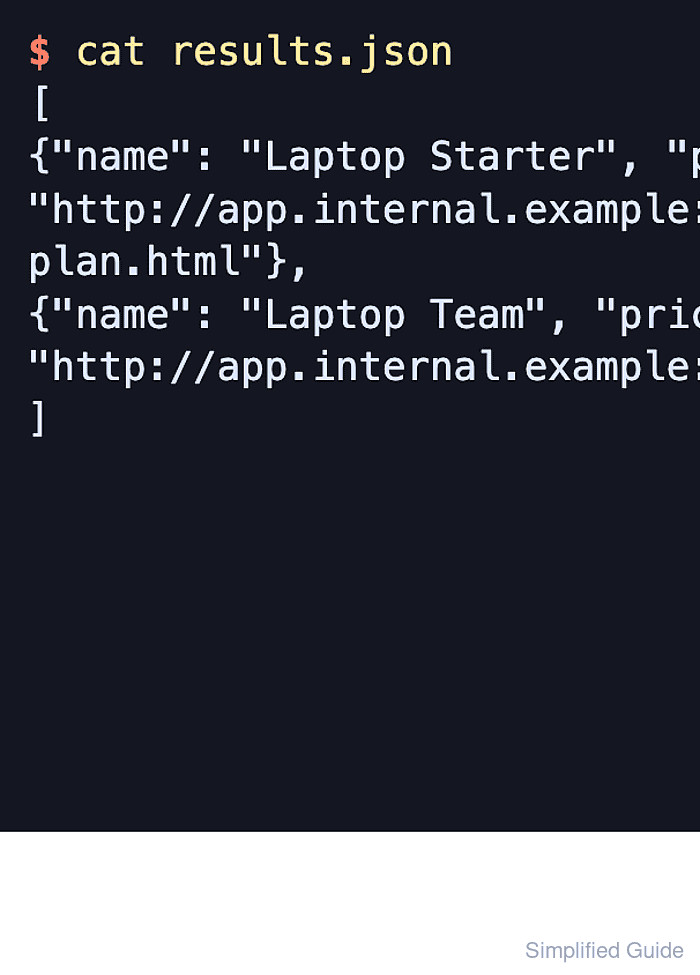
$ cat results.json
[
{"name": "Laptop Starter", "price": "$499", "url": "https://app.internal.example/products/starter"},
{"name": "Laptop Team", "price": "$899", "url": "https://app.internal.example/products/team"}
]

Mohd Shakir Zakaria is a cloud architect with deep roots in software development and open-source advocacy. Certified in AWS, Red Hat, VMware, ITIL, and Linux, he specializes in designing and managing robust cloud and on-premises infrastructures.


