Finding the active pip cache location helps explain why repeated installs are reusing old downloads, why disk usage is growing inside a user profile, or why one interpreter is seeing cached artifacts that another interpreter is not.
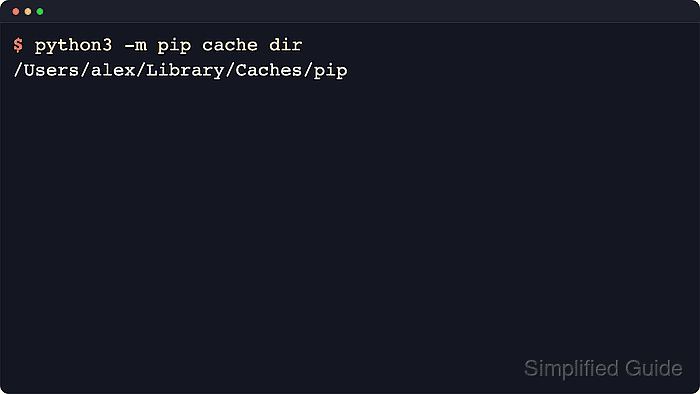
The pip cache keeps two different data sets under the cache root selected by the active pip context: HTTP responses from package indexes and locally built wheels. python3 -m pip cache dir shows the root path, while python3 -m pip cache info breaks out the live HTTP and wheel cache locations and python3 -m pip cache list shows cached wheel files without manually browsing the filesystem.
The cache directory is not fixed across every environment. Current upstream pip documentation treats the cache layout as an implementation detail, newer releases store HTTP responses under http-v2 instead of the older http path, and overrides such as PIP_CACHE_DIR, XDG_CACHE_HOME, or --cache-dir can move the cache entirely. Running the cache commands through python3 -m pip keeps the result tied to the interpreter and configuration currently in use, while Windows systems normally use py -m pip. The sample paths below use a masked home directory and real public package names to preserve the current output shape.
Related: How to clear the pip cache
Steps to show the pip cache location:
- Show the active cache directory and confirm it is the cache path used by the current pip context.
$ python3 -m pip cache dir
/Users/alex/Library/Caches/pip
Default cache roots are typically ~/Library/Caches/pip on macOS, ~/.cache/pip on Linux, and %LocalAppData%\pip\Cache on Windows unless pip is overridden. On Windows, run py -m pip cache dir.
- Review the cache summary to identify the current HTTP cache path, wheel cache path, and the size of each area.
$ python3 -m pip cache info
Package index page cache location (pip v23.3+): /Users/alex/Library/Caches/pip/http-v2
Package index page cache location (older pips): /Users/alex/Library/Caches/pip/http
Package index page cache size: 1.4 MB
Number of HTTP files: 12
Locally built wheels location: /Users/alex/Library/Caches/pip/wheels
Locally built wheels size: 1.0 MB
Number of locally built wheels: 3
pip currently stores newer HTTP responses under http-v2. An older http directory can still appear after upgrading from earlier pip releases.
- List cached wheel files with absolute paths when the exact on-disk wheel location is needed.
$ python3 -m pip cache list --format=abspath
/Users/alex/Library/Caches/pip/wheels/22/0a/38/b92bbb8e8f66d174bbe011bdb9090e7fa96534e3db244c4919/sampleproject-4.0.0-py3-none-any.whl
/Users/alex/Library/Caches/pip/wheels/22/23/25/14697e133230c315cccf3309c17d276a8b084722151358e094/peppercorn-0.6-py3-none-any.whl
/Users/alex/Library/Caches/pip/wheels/9a/a6/57/e39cd794ad15262538744656c37c2609cd283ba20298b9a345/setuptools-82.0.1-py3-none-any.whl
pip cache list reports cached wheel files only. Use pip cache info when the HTTP cache location or total cache size is the detail that matters.
- Filter the wheel cache by package name or glob pattern when only one cached build matters.
$ python3 -m pip cache list sampleproject
Cache contents:

 - sampleproject-4.0.0-py3-none-any.whl (4.7 kB)
The list subcommand accepts either a package name or a glob expression. A short result, or No locally built wheels cached., is normal in fresh environments.

Mohd Shakir Zakaria is a cloud architect with deep roots in software development and open-source advocacy. Certified in AWS, Red Hat, VMware, ITIL, and Linux, he specializes in designing and managing robust cloud and on-premises infrastructures.


