Playwright test output needs to fit both the terminal where a run starts and the place where results are reviewed later. A local run benefits from readable per-test progress, while automated runs often need a saved report that can be kept with the job artifacts.
Reporter settings live in the reporter option of playwright.config.ts or playwright.config.js. A single reporter can be written as a string, and multiple reporters use an array where each entry can include reporter-specific options.
Pairing list with html gives readable terminal output and a generated playwright-report directory from the same run. Use open: 'never' for the HTML reporter when the run should write the report without trying to launch a browser.
Related: How to run Playwright tests
Steps to set Playwright reporters:
- Open playwright.config.ts in the Playwright project root.
- Set the reporter array in the config file.
import { defineConfig } from '@playwright/test';

export default defineConfig({
  reporter: [
    ['list'],
    ['html', { open: 'never' }]
  ],
});
Use a command-line override such as npx playwright test --reporter=line only for a one-time run. The config file keeps the reporter choice with the project.
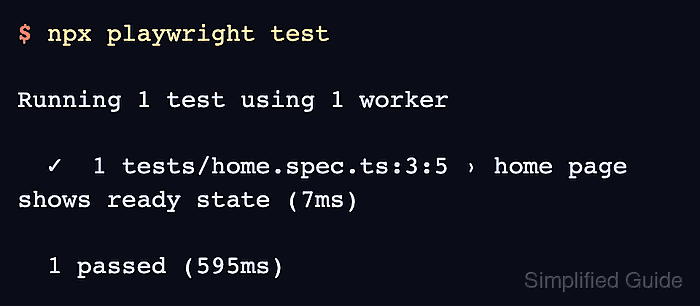
- Run the test suite.
$ npx playwright test

Running 1 test using 1 worker

  ✓  1 tests/home.spec.ts:3:5 › home page shows ready state (7ms)

  1 passed (595ms)
- Check that the HTML report was written.
$ ls playwright-report/index.html
playwright-report/index.html

Mohd Shakir Zakaria is a cloud architect with deep roots in software development and open-source advocacy. Certified in AWS, Red Hat, VMware, ITIL, and Linux, he specializes in designing and managing robust cloud and on-premises infrastructures.


