Database account passwords need rotation after personnel changes, policy deadlines, or suspected exposure. phpMyAdmin can update one existing MySQL or MariaDB credential without renaming the account or changing its assigned database privileges.
The User accounts page is available only to an administrator with permission to manage database accounts. Select the exact username and host pair because guide_operator@% and guide_operator@localhost are separate accounts even when their usernames match.
Cookie authentication makes the old-and-new credential check clear because a fresh browser session asks the database server to authenticate the supplied password. Keep the original administrative session open until the replacement password works so that session remains available if verification fails.
Steps to change a MySQL or MariaDB user password in phpMyAdmin:
- Open User accounts from the phpMyAdmin server page.
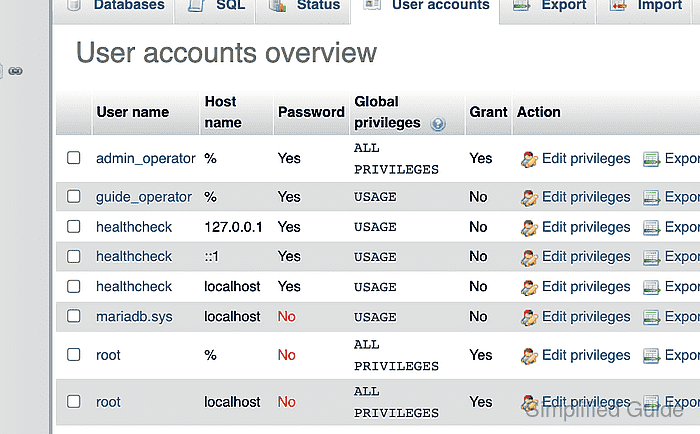
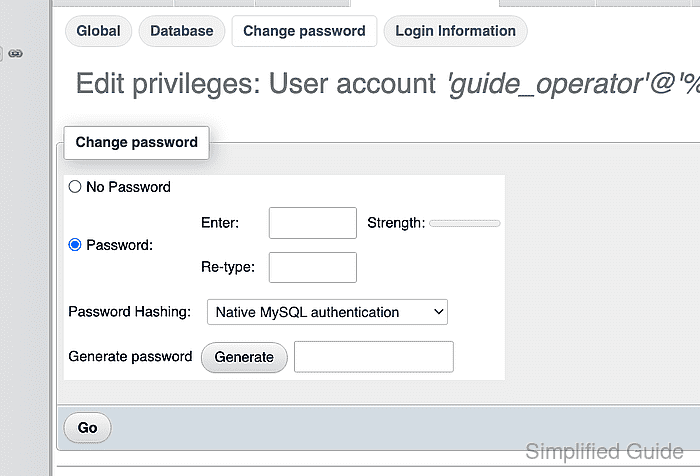
- Select Edit privileges for the exact username and host pair whose password must change.
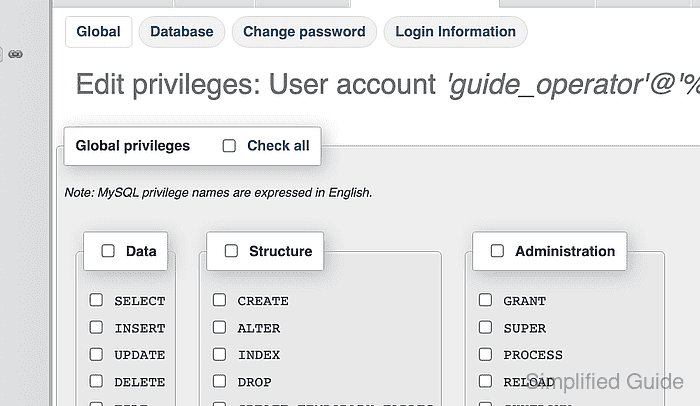
- Open the Change password tab for the selected account.
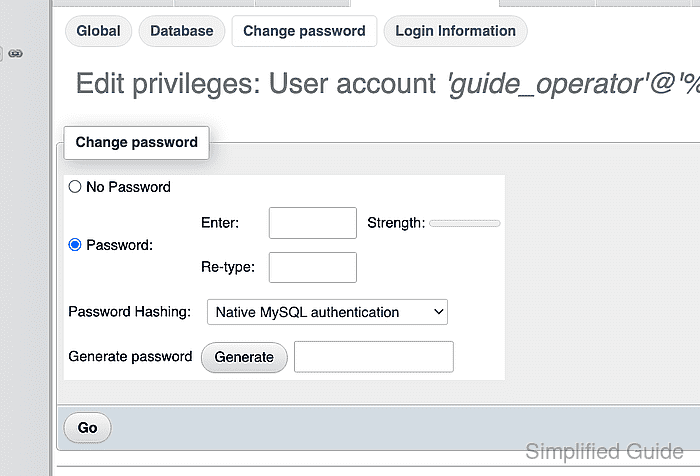
- Enter the new password in the Enter field.
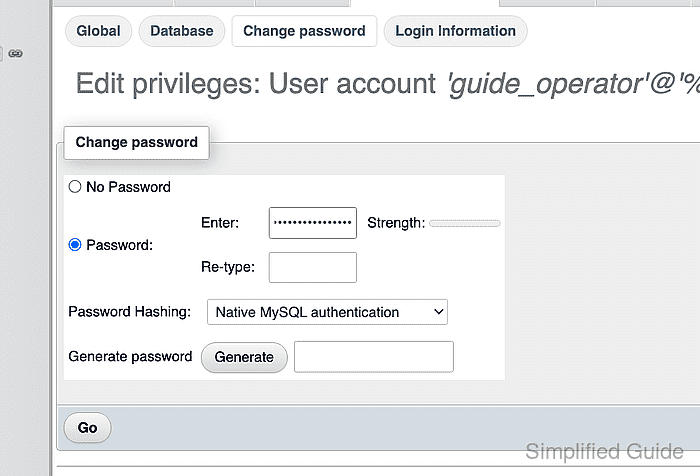
- Repeat the new password in the Re-type field.
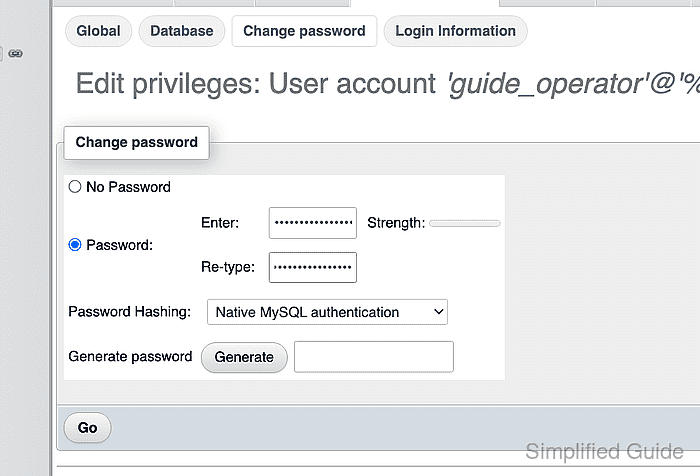
Saving the next step immediately invalidates the old password; the current administrative session remains the recovery path if verification fails.
- Select Go to save the new password for the selected account.
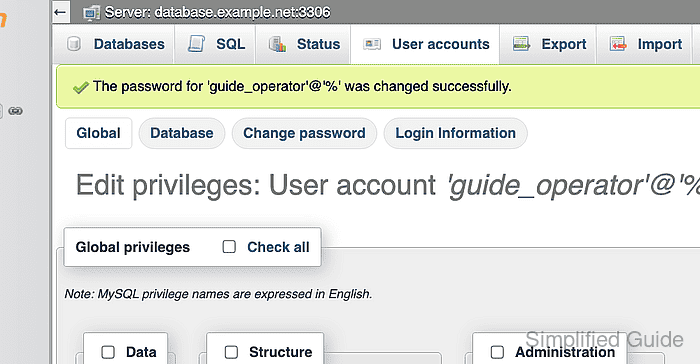
- Open the phpMyAdmin login page in a fresh private browser session.
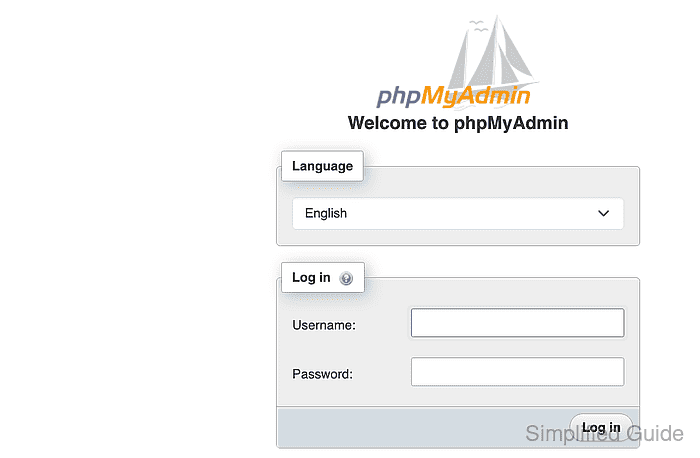
- Enter the changed account name in the Username field.
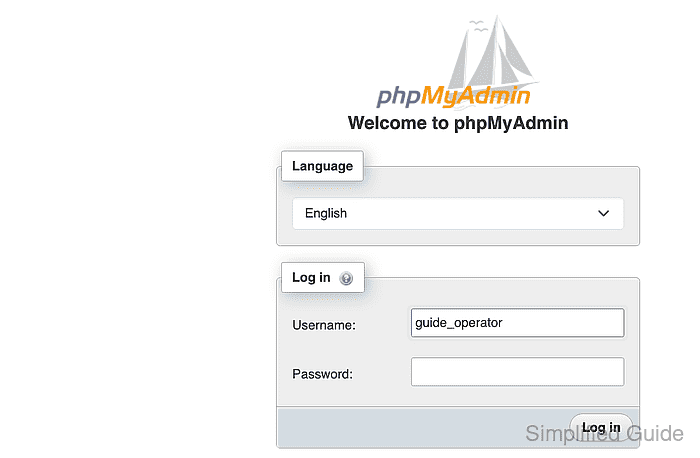
- Enter the old password in the Password field.
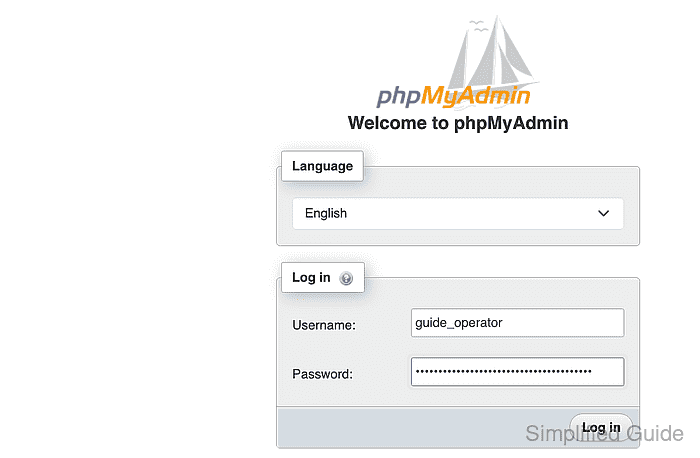
- Select Log in to confirm that the old password is rejected.
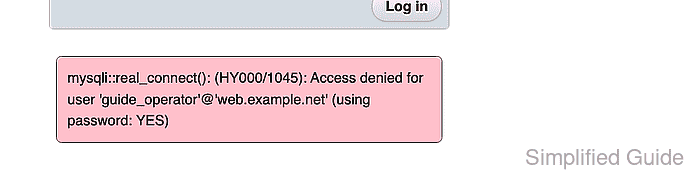
- Replace the rejected password with the new password.
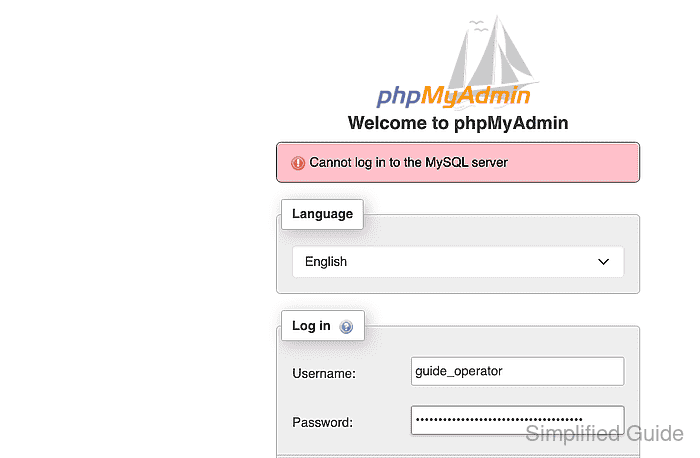
- Select Log in to open the account with the new password.

Mohd Shakir Zakaria is a cloud architect with deep roots in software development and open-source advocacy. Certified in AWS, Red Hat, VMware, ITIL, and Linux, he specializes in designing and managing robust cloud and on-premises infrastructures.


