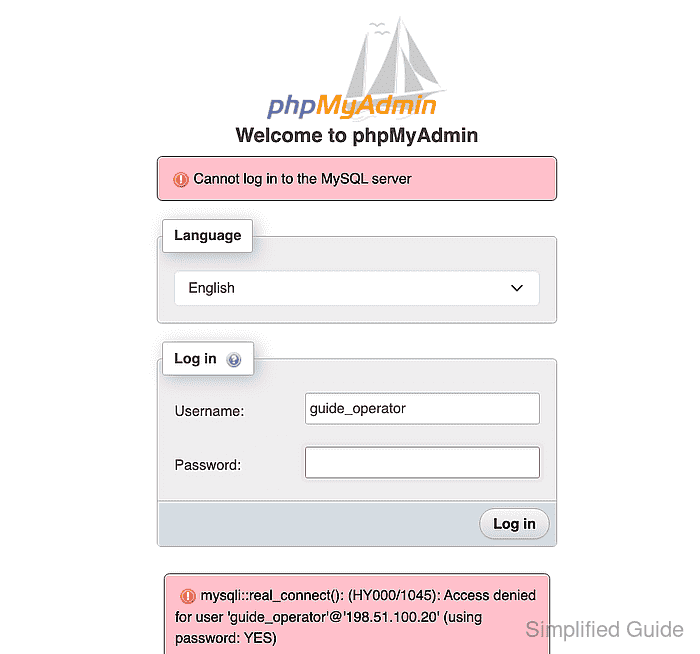
MySQL error 1045 means the database server rejected the credentials and connection origin presented by phpMyAdmin. The message names both values because 'guide_operator'@'localhost' and 'guide_operator'@'198.51.100.20' are separate database accounts even though they share a username.
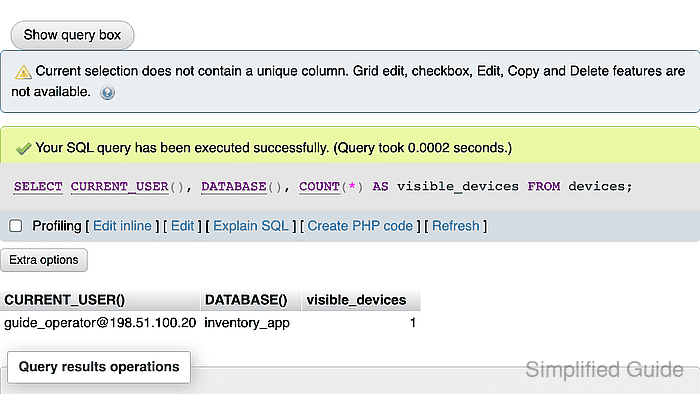
This repair targets phpMyAdmin cookie authentication when a read-only account exists only for localhost but phpMyAdmin connects from another host or container. If the account row already matches the source shown in error 1045, the password, account lock, or authentication plugin is the more likely cause.
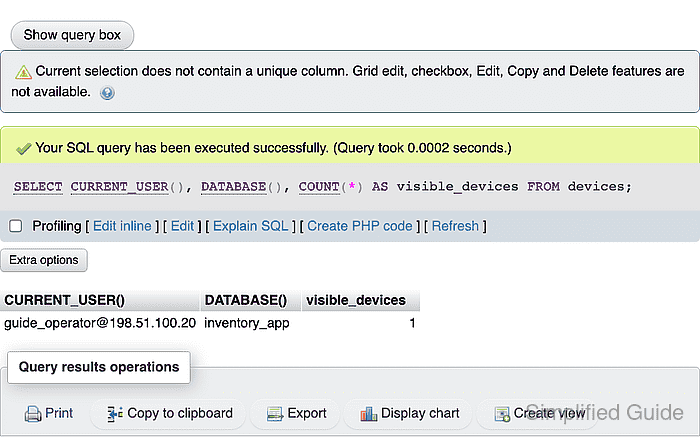
The exact-host account receives a new credential and only SELECT on the application database. The old password must not remain in the phpMyAdmin login form; a successful session must identify the new account origin, reject the mysql system database, and return data from the permitted application database.
Steps to fix phpMyAdmin error 1045 for a read-only account-host mismatch:
- Record the account identity shown in phpMyAdmin error 1045.
- Open an approved administrative MariaDB session on the database server.
$ mariadb --user=root --password
Password-based administrator login is shown. Servers configured for Unix-socket administrator authentication commonly provide the equivalent local administrative session through sudo mariadb.
- List the account-host rows for the rejected database user.
MariaDB [(none)]> SELECT User, Host FROM mysql.user WHERE User = 'guide_operator';
+----------------+-----------+
| User           | Host      |
+----------------+-----------+
| guide_operator | localhost |
+----------------+-----------+
The missing 198.51.100.20 row matches the phpMyAdmin source named in error 1045. The address is a documentation example; the reported source from the failing login is the required host value.
- Inspect the localhost account's grants to confirm its read-only database scope.
MariaDB [(none)]> SHOW GRANTS FOR 'guide_operator'@'localhost';
##### snipped #####
GRANT SELECT ON `inventory_app`.* TO `guide_operator`@`localhost`
The displayed database-level line defines the scope reproduced for the exact-host account. Global, administrative, or write privileges require their own least-privilege decision.
- Create the read-only account for the exact phpMyAdmin source host with a new strong password.
MariaDB [(none)]> CREATE USER 'guide_operator'@'198.51.100.20' IDENTIFIED BY '<new-strong-password>';
The password token represents the unique credential entered later in phpMyAdmin. A % host would admit clients beyond the recorded phpMyAdmin source.
- Grant SELECT on the application database to the new exact-host account.
MariaDB [(none)]> GRANT SELECT ON inventory_app.* TO 'guide_operator'@'198.51.100.20';
- Exit the administrative MariaDB session.
MariaDB [(none)]> exit
Bye
- Return to the phpMyAdmin login form for the repaired account.
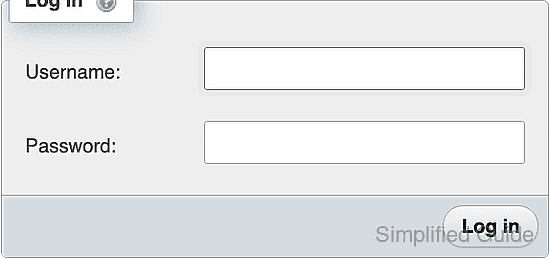
- Enter guide_operator in the phpMyAdmin username field.
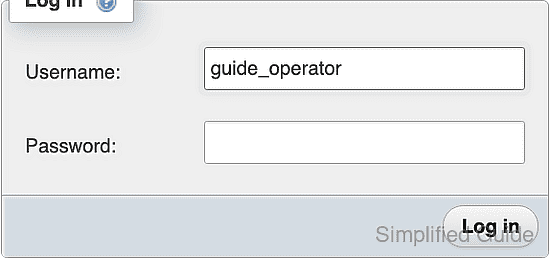
- Enter the new exact-host account password in the phpMyAdmin password field.
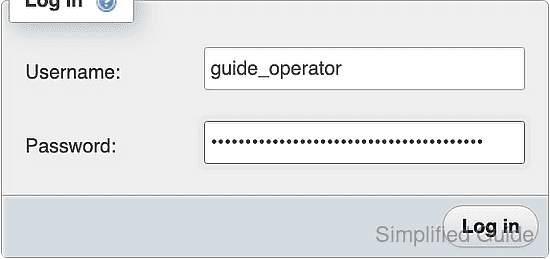
- Submit the phpMyAdmin login form with the new exact-host account credential.
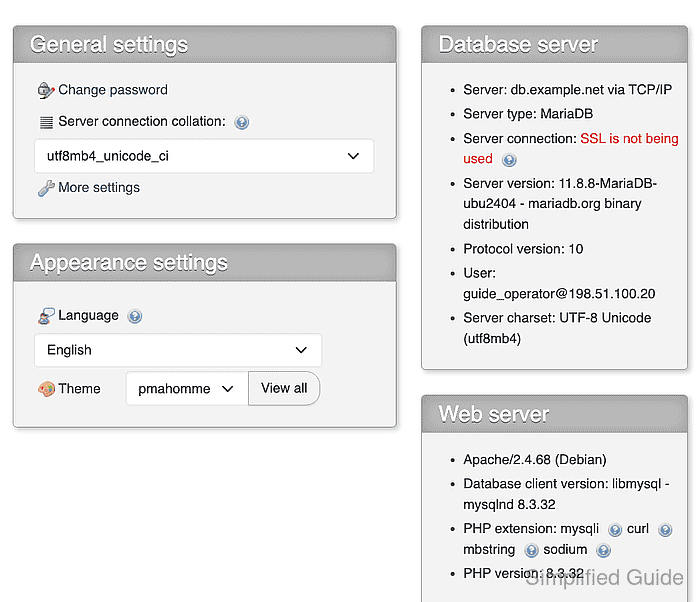
- Open the server-level SQL tab in phpMyAdmin.
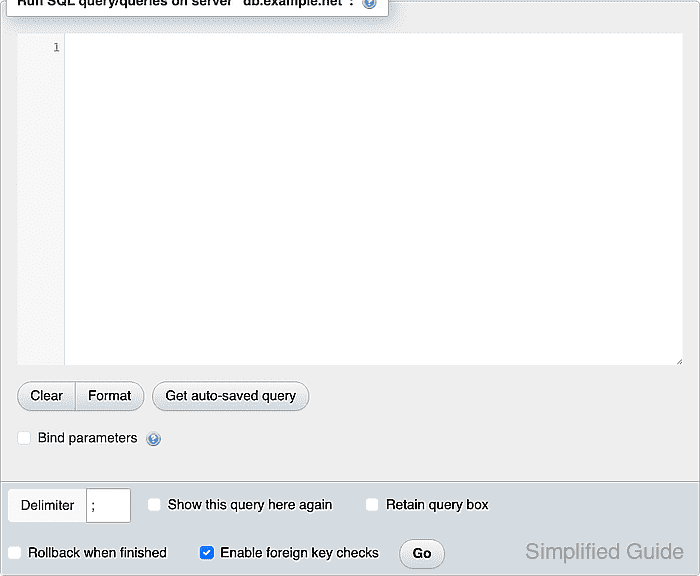
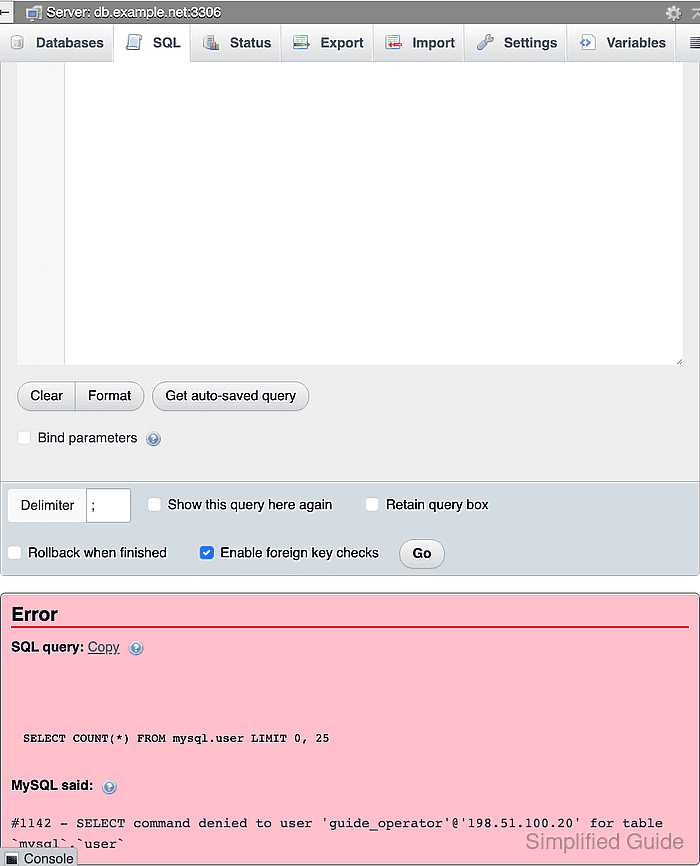
- Enter the system-database denial query in the phpMyAdmin SQL editor.
SELECT COUNT(*) FROM mysql.user;
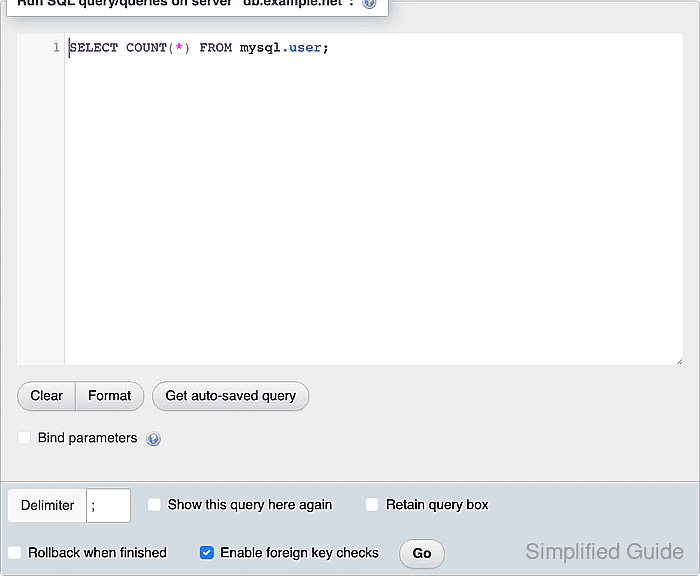
- Run the system-database query in phpMyAdmin.
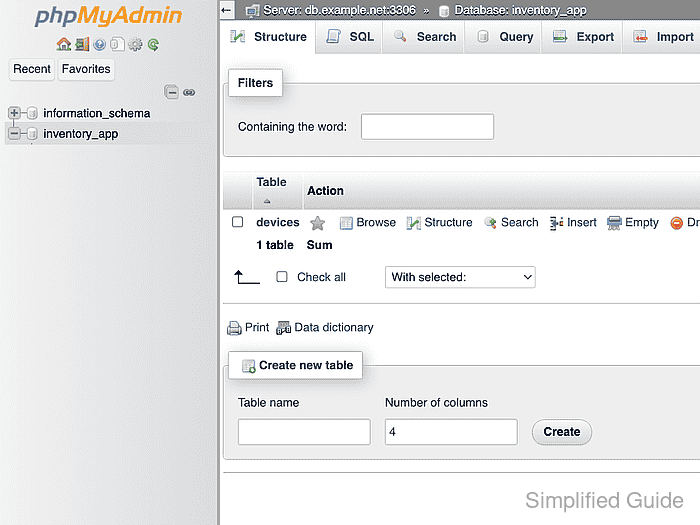
- Select inventory_app in the phpMyAdmin navigation tree.
- Open the database-level SQL tab in phpMyAdmin.
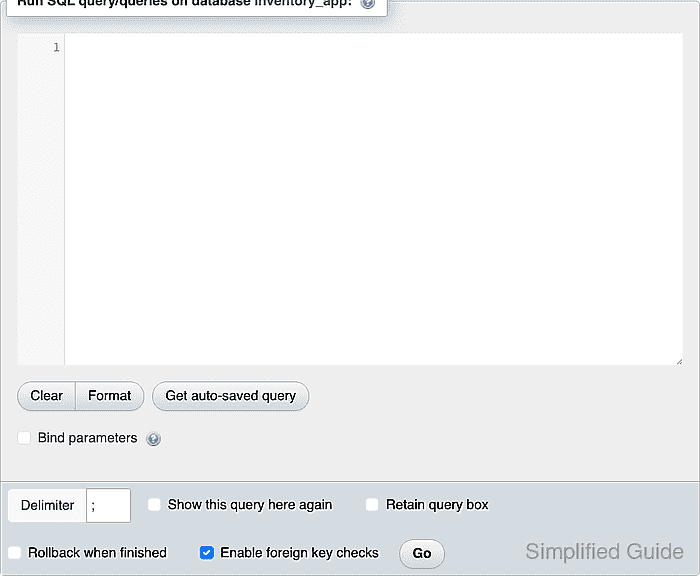
- Enter the read-only application query in the phpMyAdmin SQL editor.
SELECT CURRENT_USER(), DATABASE(), COUNT(*) AS visible_devices FROM devices;
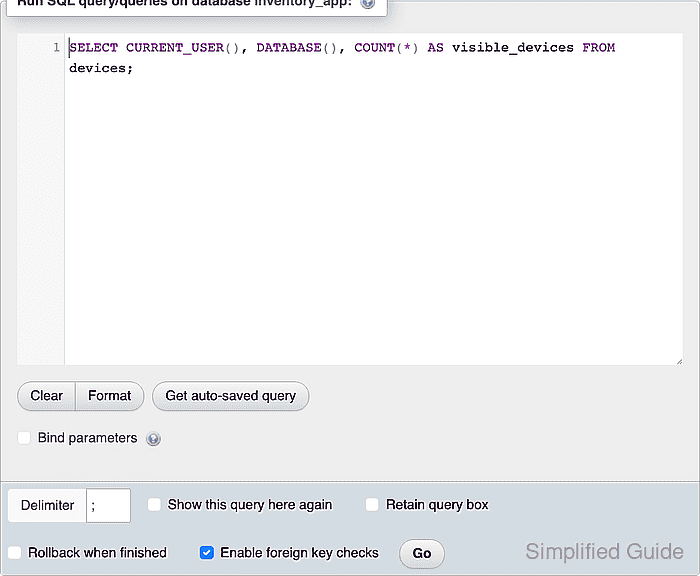
- Run the application query in phpMyAdmin.

Mohd Shakir Zakaria is a cloud architect with deep roots in software development and open-source advocacy. Certified in AWS, Red Hat, VMware, ITIL, and Linux, he specializes in designing and managing robust cloud and on-premises infrastructures.


