phpMyAdmin displays the active database in both its navigation tree and page header, so the visible context determines where an unqualified table name is resolved. Selecting the intended database before opening the SQL editor keeps a valid statement from running against another schema.
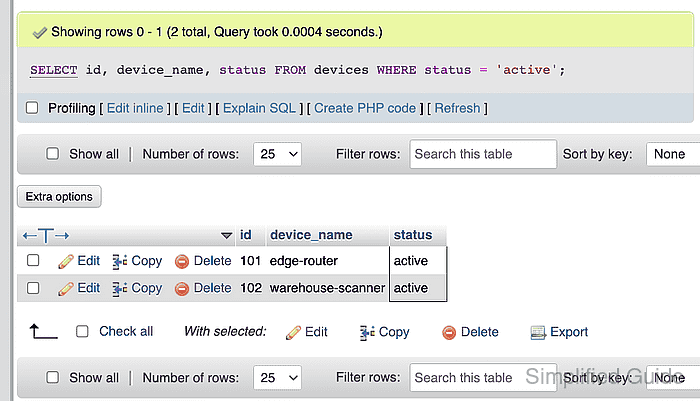
The sample statement reads three columns from the devices table and filters the result to rows whose status is active. It runs through an account that has SELECT permission only on the inventory_app database.
A phpMyAdmin session retains the privileges of the connected database account; the browser interface does not add a separate permission boundary. Use a read-only account for inspection work and reserve write permissions for tasks that must change data.
Related: Import an SQL file in phpMyAdmin
Steps to run an SQL query in phpMyAdmin:
- Select inventory_app from the navigation tree to set the database context for the statement.
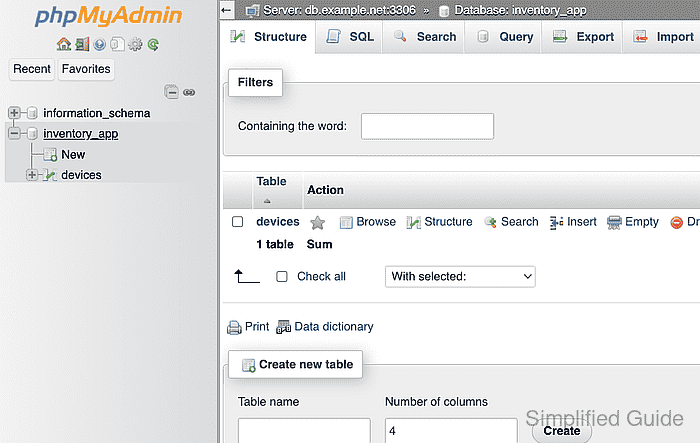
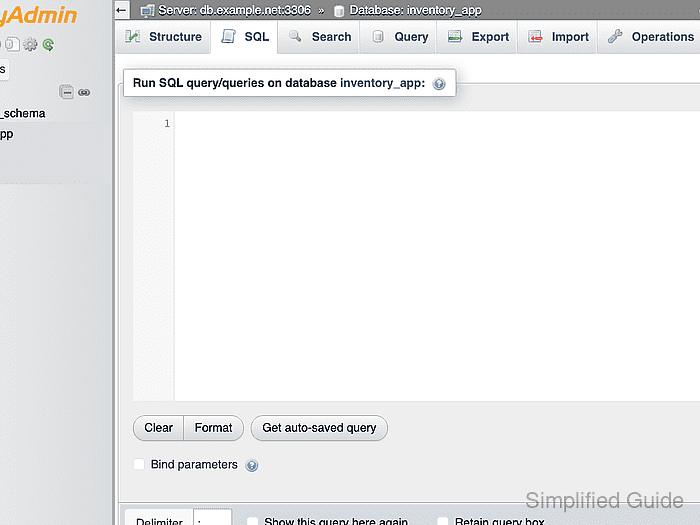
- Open the SQL tab for the selected inventory_app database.
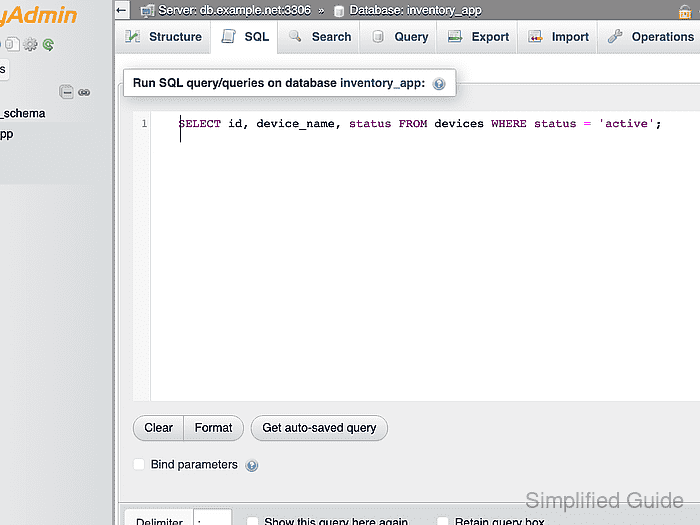
- Enter the read-only statement in the SQL editor.
SELECT id, device_name, STATUS FROM devices WHERE STATUS = 'active';
Data-changing SQL can modify or remove rows as soon as Go executes the submitted text.
Tool: SQL Formatter
- Click Go beneath the editor to execute the statement in the selected database.
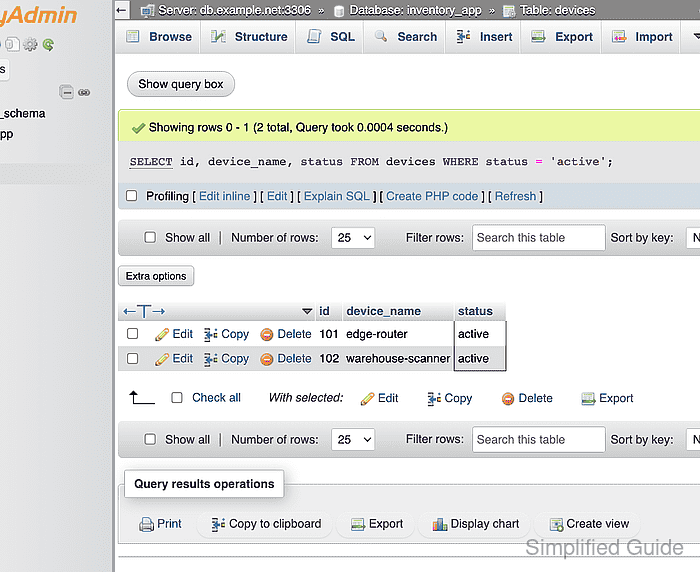
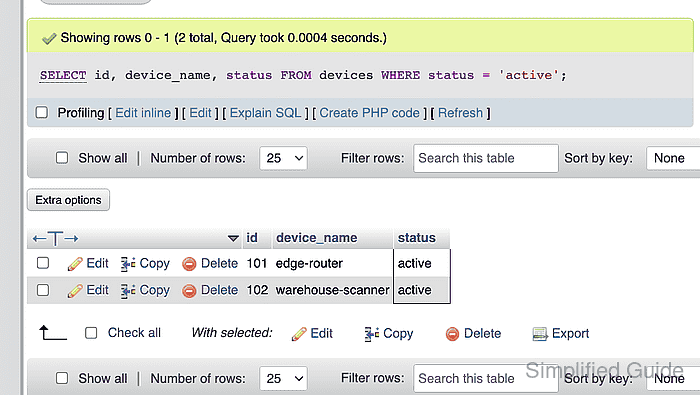
- Confirm that the result grid shows only the two active devices returned by the WHERE clause.

Mohd Shakir Zakaria is a cloud architect with deep roots in software development and open-source advocacy. Certified in AWS, Red Hat, VMware, ITIL, and Linux, he specializes in designing and managing robust cloud and on-premises infrastructures.


