Database administration often spans a web host and a separate MySQL or MariaDB server. A fixed phpMyAdmin server entry keeps that network handoff tied to one intended endpoint instead of exposing an arbitrary-host field on the login form.

The database service must already listen on a TCP address reachable from the phpMyAdmin host. Limit its firewall rule to that source host, and use a database account whose host component and schema grants match the access phpMyAdmin needs.
Cookie authentication keeps the database password out of the phpMyAdmin configuration and prompts for it in the browser. The exercised path uses the official Docker image's /etc/phpmyadmin/config.user.inc.php override on a private network; use a hostname other than localhost so phpMyAdmin selects TCP, and configure verified TLS before crossing an untrusted network.
Steps to connect phpMyAdmin to a remote MySQL or MariaDB server:
- Test the intended remote endpoint from the phpMyAdmin host with its hostname, port, and restricted account.
$ mariadb --host=db.example.internal --port=3306 --user=guide_operator --password --execute="SELECT @@hostname AS database_host, @@port AS database_port, CURRENT_USER() AS authenticated_account;"
Enter password:
+---------------------+---------------+-----------------------------+
| database_host       | database_port | authenticated_account       |
+---------------------+---------------+-----------------------------+
| db.example.internal |          3306 | guide_operator@172.30.20.20 |
+---------------------+---------------+-----------------------------+
The sample uses db.example.internal, port 3306, and guide_operator for the intended remote endpoint. A refused connection points to the listener or firewall, while an access-denied response points to the account's host match or grants.
Related: How to grant database privileges in phpMyAdmin - Add the named remote server entry to /etc/phpmyadmin/config.user.inc.php after any existing server blocks.
- config.user.inc.php
$i++;
$cfg['Servers'][$i]['verbose'] = 'Remote inventory database';
$cfg['Servers'][$i]['host'] = 'db.example.internal';
$cfg['Servers'][$i]['port'] = '3306';
$cfg['Servers'][$i]['auth_type'] = 'cookie';

$cfg['ServerDefault'] = 0;
$cfg['AllowArbitraryServer'] = false;
ServerDefault set to 0 displays the server list when more than one server is configured. AllowArbitraryServer set to false prevents login attempts to unlisted database hosts.
Related: How to find phpMyAdmin configuration files
Related: How to configure cookie authentication in phpMyAdmin
Related: How to configure TLS between phpMyAdmin and MySQL or MariaDB - Validate /etc/phpmyadmin/config.user.inc.php with PHP's syntax checker.
$ php -l /etc/phpmyadmin/config.user.inc.php
No syntax errors detected in /etc/phpmyadmin/config.user.inc.php
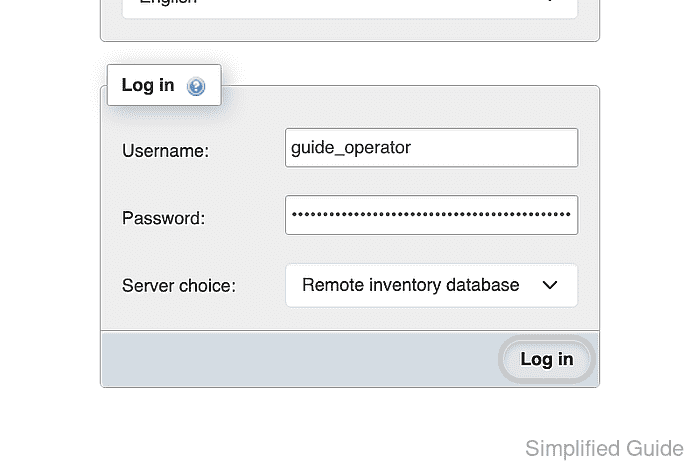
- Open phpMyAdmin to display the configured server list.
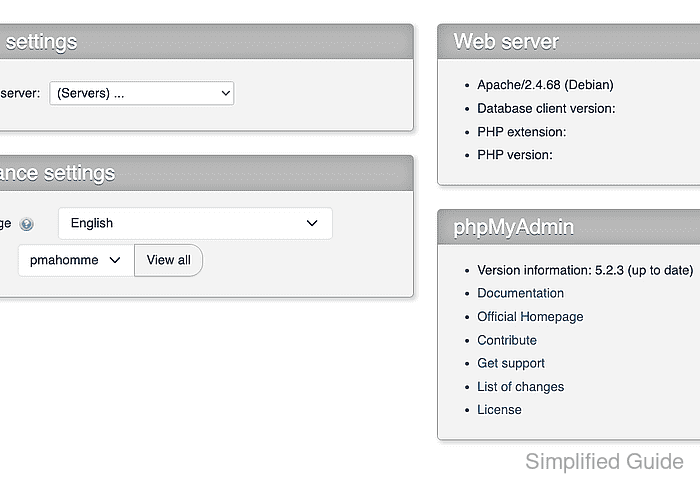
- Select Remote inventory database from the Current server list.
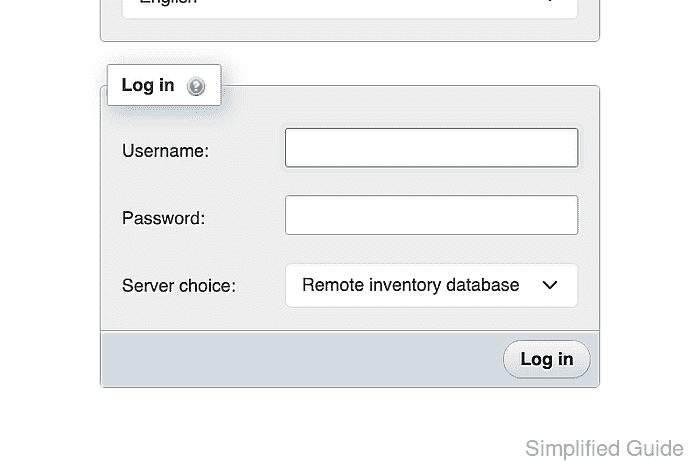
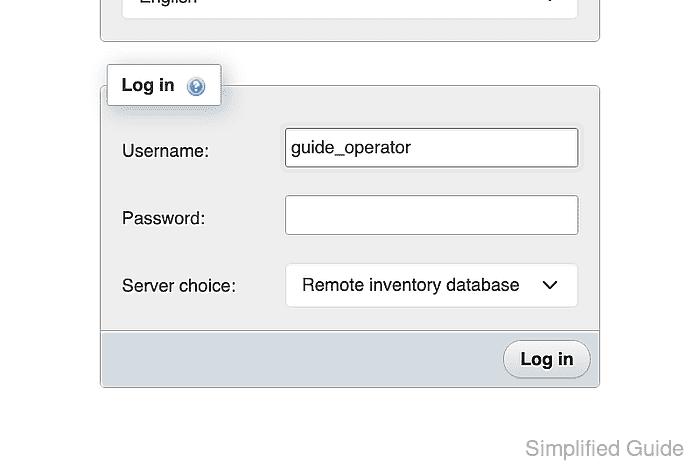
- Enter the restricted remote database account name in the Username field.
- Enter the remote database account password in the Password field.
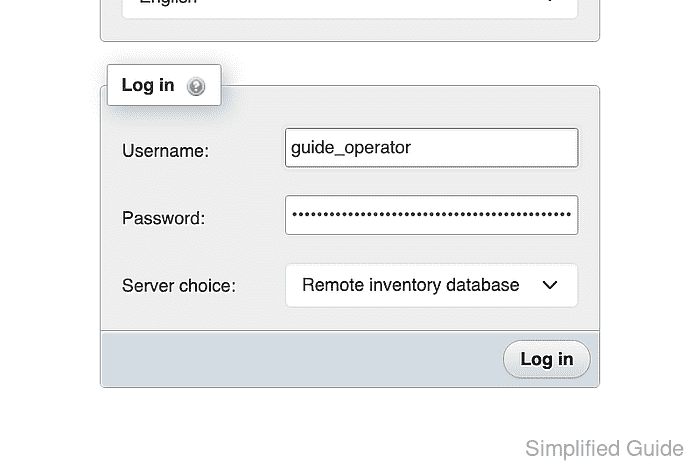
- Connect to Remote inventory database with the Log in button.
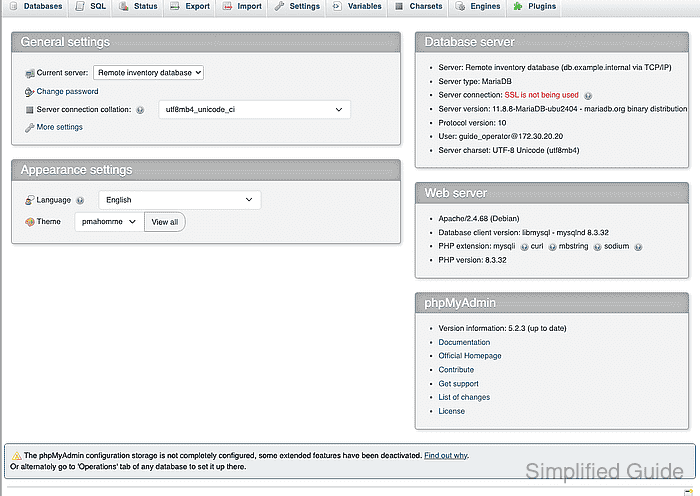
- Confirm that the authenticated home page names db.example.internal as the current server over TCP/IP.
- Open the SQL tab for Remote inventory database.
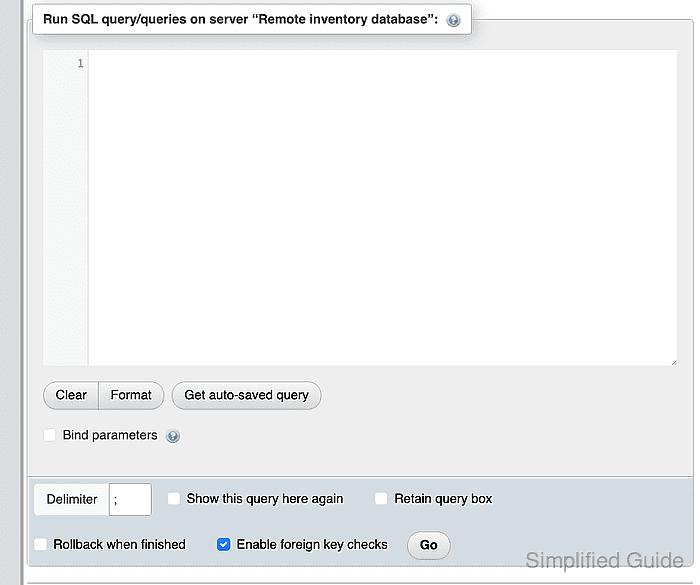
- Enter the server identity query in the phpMyAdmin SQL editor.
SELECT @@hostname AS database_host, @@port AS database_port, CURRENT_USER() AS authenticated_account;
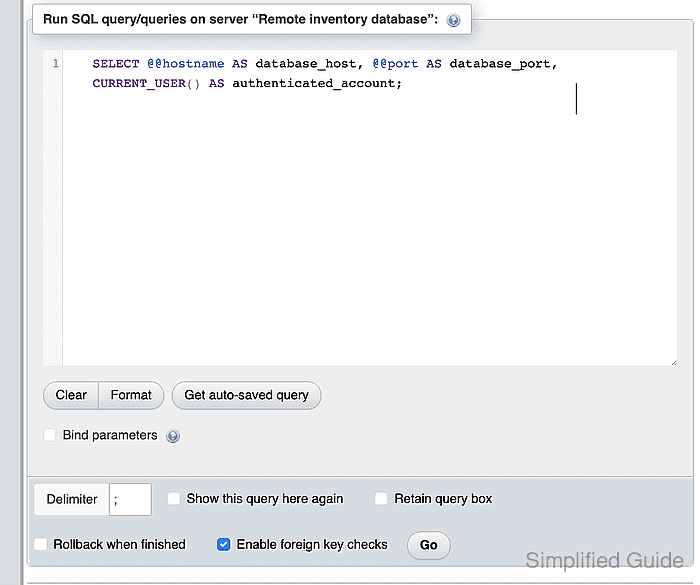
- Run the server identity query with the Go button.
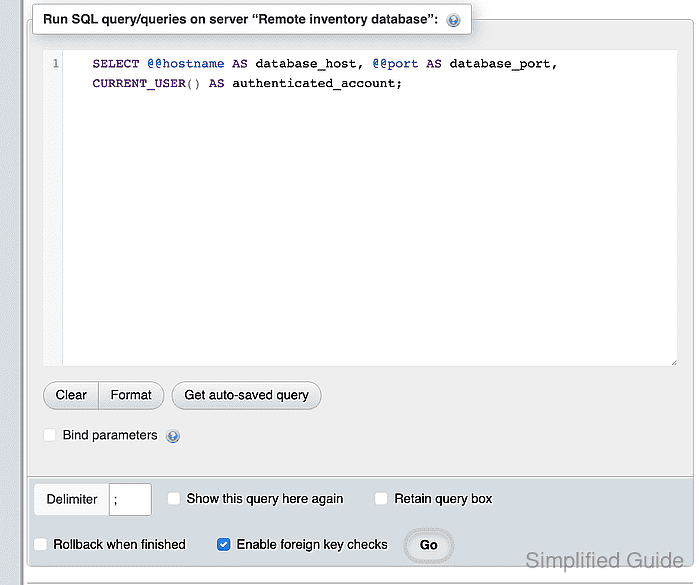
- Confirm that the query result names the intended remote host, port, and restricted account.


Mohd Shakir Zakaria is a cloud architect with deep roots in software development and open-source advocacy. Certified in AWS, Red Hat, VMware, ITIL, and Linux, he specializes in designing and managing robust cloud and on-premises infrastructures.


