Two chat models can give different answers to the same support question. Open WebUI's model arena hides their names while you compare replies, then records a preference in the instance leaderboard.
The arena appears as Arena Model in the chat model picker. Its default pool uses all available base models, and each generation draws randomly from that pool. A regenerated answer is a sibling of the first answer, but it can come from the same model.
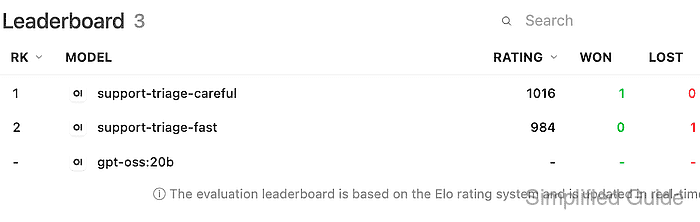
An administrator can check the instance leaderboard before and after a vote. Two working candidate models and enabled Message Rating are prerequisites; one recorded win and loss confirm the comparison was counted, but one vote cannot establish which model is best for a workload.
Steps to run a model arena test in Open WebUI:
- Open the user menu in Open WebUI.
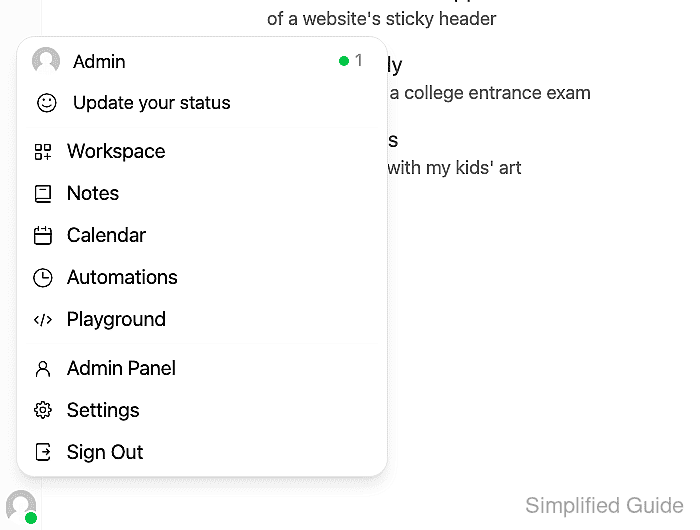
- Select Settings.
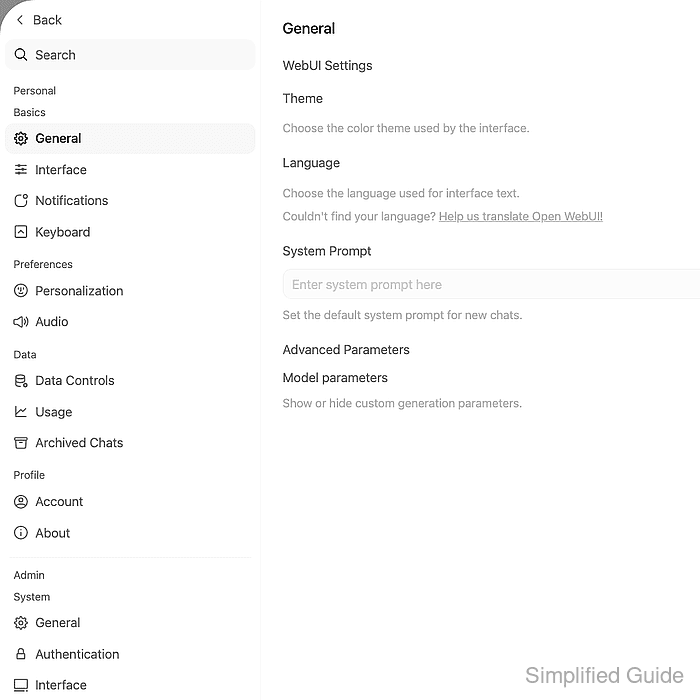
- Select Evaluations under Admin → Quality.
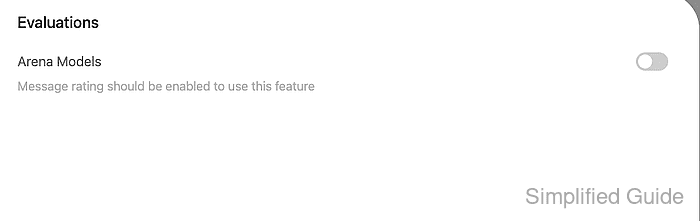
- Enable Arena Models.
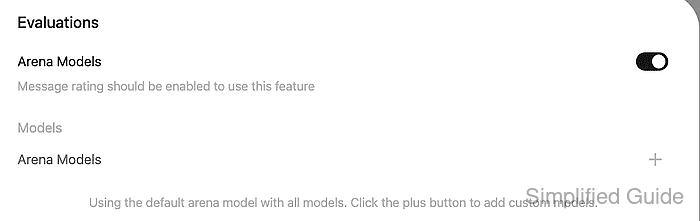
With no custom arena entries, the default arena uses all available base models. A custom arena can restrict the candidate pool.
- Save the arena setting.
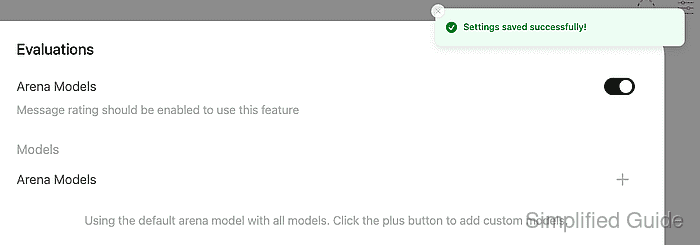
- Return to the new chat with Back.
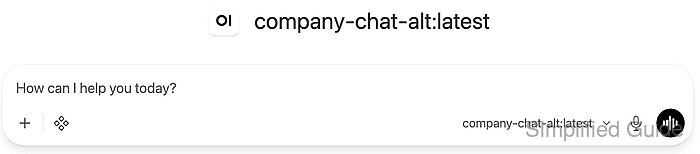
- Open the model picker in the message composer.
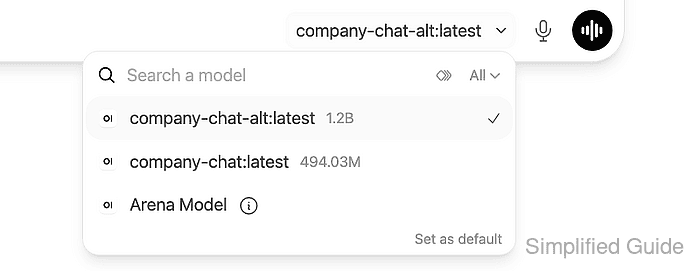
- Select Arena Model.
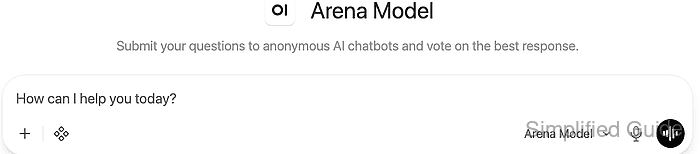
- Enter a short prompt with a known answer.
Write one sentence telling a customer that support is available weekdays from 09:00 to 17:00 UTC.
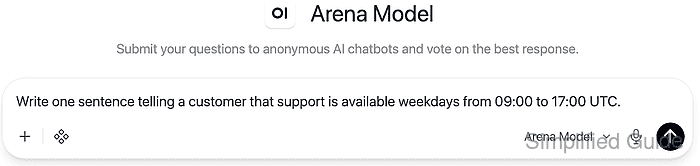
Evaluation feedback can retain prompt and response snapshots. Synthetic text avoids exposing customer records, secrets, or private evaluation data to the models and feedback store.
- Send the prompt.
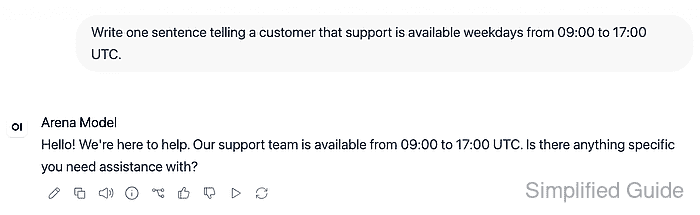
The first reply must finish before regeneration. A single standalone answer does not create a pairwise leaderboard result.
- Open Regenerate beneath the answer.
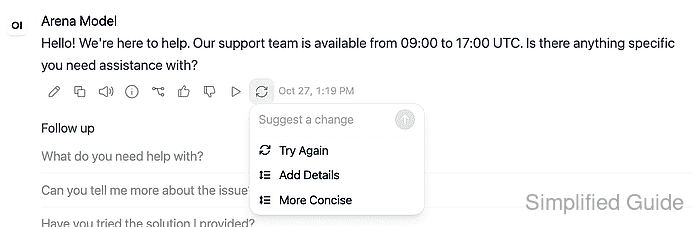
- Select Try Again for a sibling answer to the unchanged prompt.
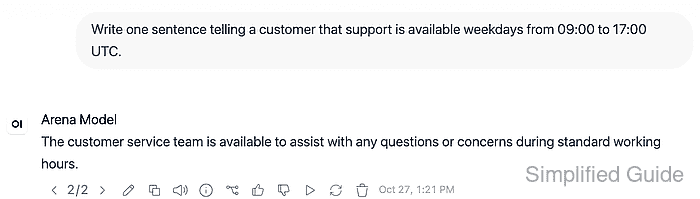
- Compare the two completed replies with the response arrows.
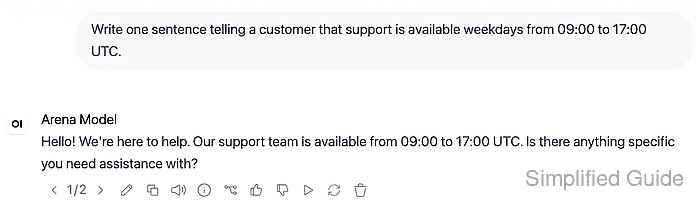
The counter identifies each alternative. Accuracy, inclusion of the stated hours, and compliance with the one-sentence request determine the preference before model identities are revealed.
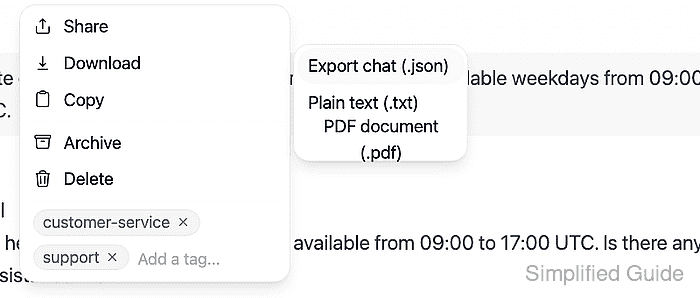
- Open Chat actions beside the chat title.
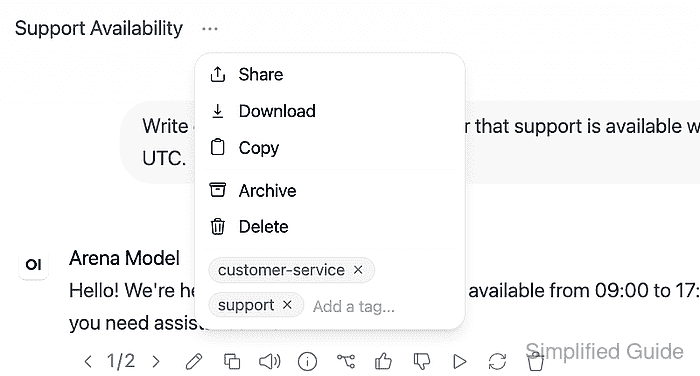
- Open the Download submenu.
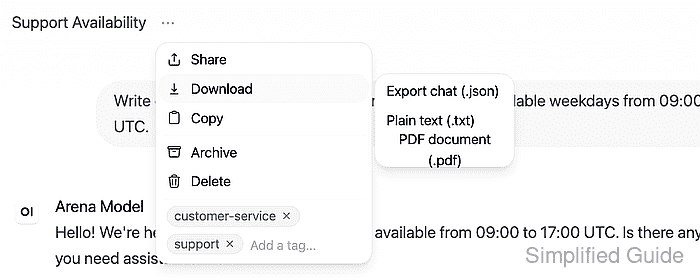
The chat export contains the conversation. It belongs in private storage with the same access restrictions as the evaluation data.
- Select Export chat (.json).
- Confirm that the two assistant entries in the export have the same
parentIdand differentselectedModelIdvalues.The entries are under
chat.history.messagesin the exported array.modelidentifies the arena wrapper;selectedModelIdidentifies the actual candidate. If the IDs match, leave that chat unrated and start a fresh two-answer comparison. Further regenerations retain additional siblings, all of which can become opponents in a later vote. - Open /admin/evaluations/leaderboard on the same site in a second browser tab.
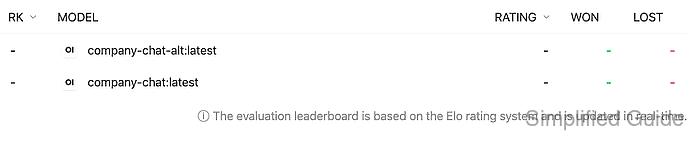
The current Rating, Won, and Lost values are the baseline for the two candidates; dashes indicate no recorded results.
- Return to the preferred reply in the chat tab.

- Rate that reply with Good Response.
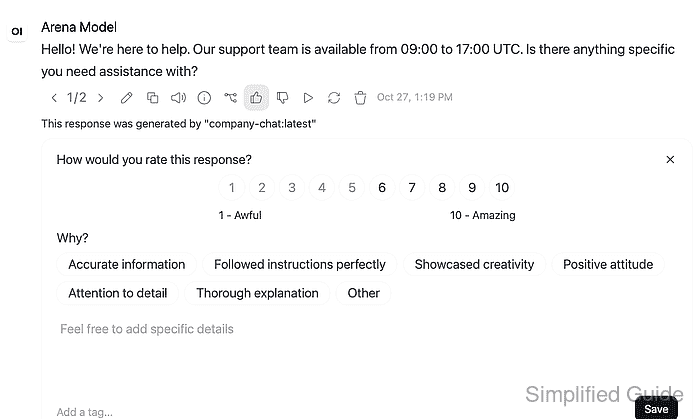
The thumbs-up saves the vote immediately and reveals the model in the feedback panel. Optional feedback details have their own Save control. A second downvote is unnecessary for a two-answer comparison.
- Reload the leaderboard tab.
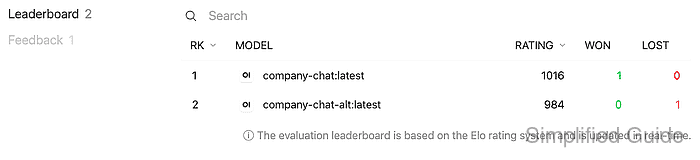
- Confirm that the preferred model gained a win and the other model gained a loss.
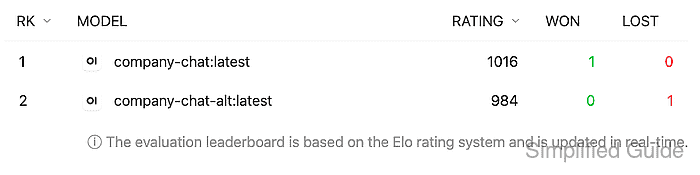
The two model IDs must match the export, and their ratings must reflect the new comparison. In an otherwise unrated instance, one vote produces ratings of 1016 and 984; existing results change the starting values.
Troubleshooting model arena tests
- If Arena Model is missing, its switch and Save control are in Settings → Admin → Evaluations.
- If both answers came from one model, different wording does not make them a two-model comparison. An arena draw can select the same candidate twice even when several models are connected.
- If rating controls are missing, Message Rating is controlled by Settings → Admin → General, and ordinary users also need permission to rate responses. Temporary chats hide the rating controls.
- If the leaderboard does not change, the rated answer may lack a sibling under the same user prompt. An answer in another chat or to a follow-up prompt is not a sibling.