Python lists can hold rows of numeric data, but NumPy calculations use homogeneous arrays whose elements share one data type. Converting the input at a clear boundary makes the resulting dimensions and storage type explicit before later calculations depend on them.
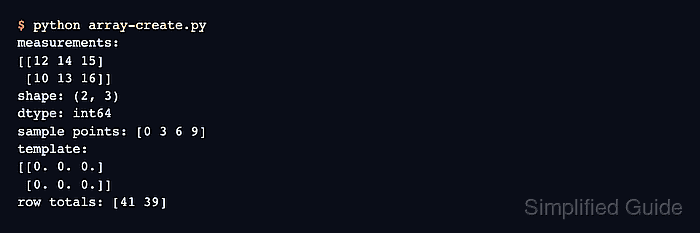
The np.array() constructor accepts a nested Python sequence and maps each inner list to a row. Setting dtype=np.float64 during construction keeps decimal values in a known floating-point representation rather than leaving type selection to inference.
Shape and dtype deserve separate checks because a valid array can still be oriented or typed differently from the calculation that consumes it. Assertions make either mismatch stop the script, while the printed values and metadata show the usable result.
Related: Convert array dtype
Related: Create linearly spaced values
Related: Reshape an array
Steps to create a NumPy array:
- Create array-create.py with the NumPy import and nested temperature rows.
- array-create.py
import numpy as np

readings = [
    [18.5, 19.2, 17.8],
    [20.1, 18.9, 19.6],
]
- Append the explicit np.float64 conversion to array-create.py.
temperatures = np.array(readings, dtype=np.float64)
- Append the expected two-row, three-column shape assertion to array-create.py.
assert temperatures.shape == (2, 3)
- Append the float64 dtype assertion to array-create.py.
assert temperatures.dtype == np.float64
- Append readable array values and metadata to array-create.py.
print("temperatures:")
print(temperatures)
print("shape:", temperatures.shape)
print("dtype:", temperatures.dtype)
- Run array-create.py with Python 3 to confirm the created NumPy array.
$ python3 array-create.py
temperatures:
[[18.5 19.2 17.8]
 [20.1 18.9 19.6]]
shape: (2, 3)
dtype: float64

Mohd Shakir Zakaria is a cloud architect with deep roots in software development and open-source advocacy. Certified in AWS, Red Hat, VMware, ITIL, and Linux, he specializes in designing and managing robust cloud and on-premises infrastructures.


