NFS clients need user-space helper programs before Ubuntu can attach directories exported by a file server. The nfs-common package supplies those client tools through Ubuntu APT repositories, so security updates and NFS utility changes arrive with the rest of the operating system.
The package belongs on the machine that mounts remote exports, not on the server that shares directories. It installs helpers such as mount.nfs and showmount, identity-mapping support, and configuration files used by client-side NFS services when a mount requires them.
After installation, the package database should show nfs-common, mount.nfs should print its nfs-utils version, and showmount can query a server that exposes the legacy mount discovery service. Use files.example.net:/srv/nfs/projects only as a placeholder for an export that already allows the Ubuntu client.
Related: How to list NFS exports from a client
Related: How to mount an NFS export on Linux
Steps to install an NFS client on Ubuntu:
- Open a terminal with sudo privileges.
- Refresh the local package index.
$ sudo apt update
- Install the NFS client package.
$ sudo apt install --assume-yes nfs-common
nfs-common provides the nfs-client virtual package on Ubuntu. Server-side exports still require nfs-kernel-server on the host that shares directories.
- Confirm that APT registered the package.
$ dpkg-query --show nfs-common
nfs-common	1:2.8.5-1ubuntu1
The exact package version can differ between Ubuntu releases and update pockets.
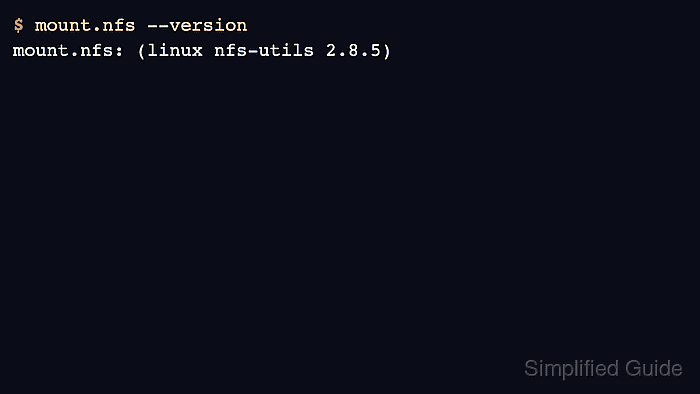
- Confirm that the NFS mount helper runs.
$ mount.nfs --version
mount.nfs: (linux nfs-utils 2.8.5)
- Query a known server export when the server exposes mount discovery.
$ showmount --exports files.example.net
Export list for files.example.net:
/srv/nfs/projects 192.0.2.0/24
NFSv4-only servers may not expose the MNT service used by showmount. If the export path is already known, mount it directly instead.

Mohd Shakir Zakaria is a cloud architect with deep roots in software development and open-source advocacy. Certified in AWS, Red Hat, VMware, ITIL, and Linux, he specializes in designing and managing robust cloud and on-premises infrastructures.


