A TCP client needs a receiving socket before it can send data, even when no application server is available. Netcat provides a temporary TCP listener that displays the bytes arriving from the client.
OpenBSD Netcat passes data between its terminal and a TCP connection without adding an application protocol. It provides neither peer authentication nor encryption, so test messages should contain no secrets.
On Ubuntu, the netcat-openbsd package supplies this Netcat variant, while iproute2 supplies the ss utility. A loopback listener accepts clients only from the same host, so both terminals must run there.
Steps to create a TCP listener with Netcat:
- Check whether TCP port 9000 is already listening.
$ ss -ltn 'sport = :9000'
State Recv-Q Send-Q Local Address:Port Peer Address:Port
A header with no socket rows means no TCP listener is using that port. If a row appears, choose another unused port for both terminals.
- Create the TCP listener on loopback port 9000 in the first terminal.
$ nc -l 127.0.0.1 9000
The -l option waits for an incoming connection. The terminal stays in the foreground without output until a client sends data. Port 9000 does not require sudo.
- Connect to the listener from a second terminal on the same host.
$ nc 127.0.0.1 9000
The client also waits without printing a prompt. If it reports Connection refused, the listener is not accepting connections at that address and port.
- Send the text “listener test from client” from the client terminal with Enter.
The text goes into the running nc client, rather than a shell prompt.
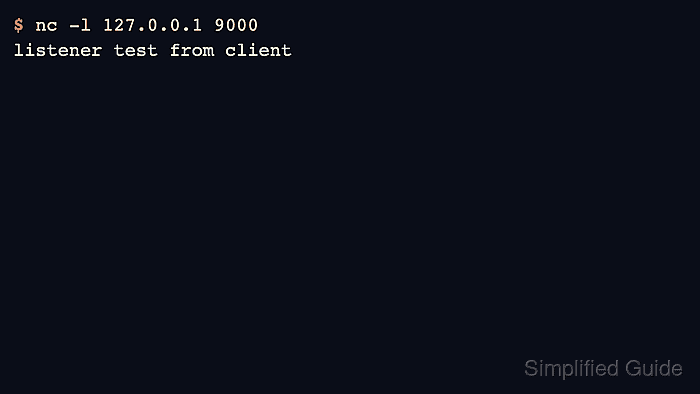
- Verify that the first terminal displays the line sent by the client.
$ nc -l 127.0.0.1 9000
listener test from client
The received line confirms that the listener accepted the TCP connection and received data. Both terminals remain connected for more text. When finished, Ctrl-C stops Netcat; a basic listener exits when its client disconnects.