Mastodon registration policy controls whether strangers can create local accounts from the normal signup page. Closing public signups is useful when a community needs to pause onboarding, respond to spam pressure, or move account creation back to staff-controlled invitations.
The setting is in the admin web interface under Server settings → Registrations. The Who can sign-up field writes Mastodon's registration mode, where Nobody can sign up closes the public signup path and the public instance API reports registrations.enabled as false.
Existing users can still sign in after registrations close. Use Approval required for sign up instead of Nobody can sign up when new people should still submit requests for moderators to review, and add a closed-registration message so logged-out visitors know how to request access.
Related: How to create a Mastodon admin user
Steps to close Mastodon registrations:
- Sign in with an account that can change server settings.
https://social.example.com/auth/sign_in
- Open the Registrations settings page.
https://social.example.com/admin/settings/registrations
- Set Who can sign-up to Nobody can sign up.
Choose Approval required for sign up only when applicants should still reach the registration form and wait for moderator approval.
- Enter a short value in Custom message when sign-ups are not available.
This text appears in the closed-registration flow and in the public instance API as the registration message.
- Click Save changes.
- Check the public signup page from a logged-out or private browser window.
https://social.example.com/auth/sign_up
The page should show the closed-registration message instead of username, email, and password fields.
- Request the public instance API to confirm the registration state.
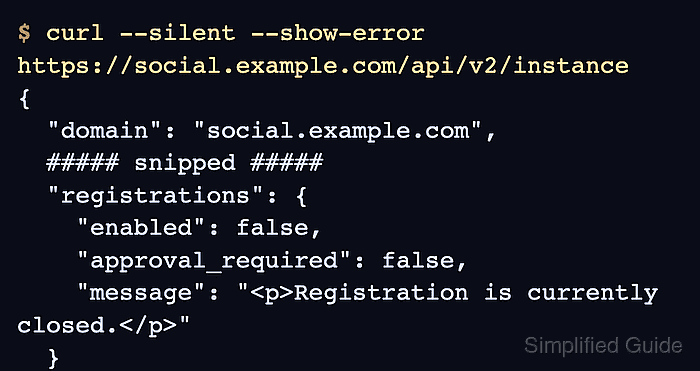
$ curl --silent --show-error https://social.example.com/api/v2/instance
{
  "domain": "social.example.com",
  "title": "Example Social",
  ##### snipped #####
  "registrations": {
    "enabled": false,
    "approval_required": false,
    "reason_required": false,
    "message": "<p>Registration is currently closed. Email admins@example.com for access.</p>",
    "min_age": null,
    "url": null
  }
}
If enabled is true with approval_required set to true, the server is in approval mode rather than fully closed. Return to Who can sign-up and select Nobody can sign up.

Mohd Shakir Zakaria is a cloud architect with deep roots in software development and open-source advocacy. Certified in AWS, Red Hat, VMware, ITIL, and Linux, he specializes in designing and managing robust cloud and on-premises infrastructures.


