Saved JMeter result files can be turned into the same HTML dashboard after the load test has already finished. This is useful when a .jtl file came from CI, a remote runner, or an archived test run and the team needs a shareable report without rerunning traffic.
The report generator reads a CSV .jtl result file and writes a static dashboard directory with index.html, graph assets, and statistics.json. The -g option selects report-only generation from an existing result file, while -o names the dashboard output directory.
The result file must include the fields that the dashboard needs, and the output directory must be missing or empty before JMeter writes into it. Keep the original .jtl unchanged, generate the report into a new folder, and use the generated statistics plus the browser view to confirm that the dashboard reflects the saved run.
Steps to generate a JMeter dashboard from an existing result file:
- Open a terminal where the saved .jtl result file is accessible.
- Choose the input result file and a fresh dashboard directory.
Result file: checkout-load.jtl
Dashboard directory: checkout-dashboard
JMeter requires the report directory to be missing or empty. Archive or remove an older dashboard directory before reusing the same name.
- Generate the dashboard from the saved result file.
$ jmeter -g checkout-load.jtl -o checkout-dashboard
-g reads an existing result file and -o writes the static dashboard files. This mode does not rerun the test plan.
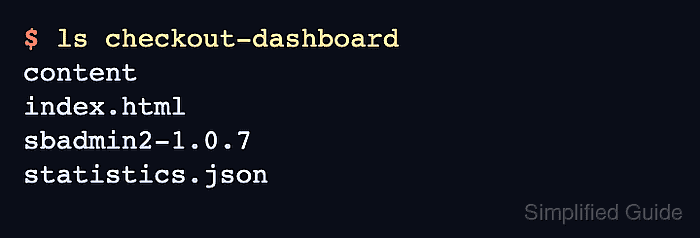
- List the generated dashboard files.
$ ls checkout-dashboard
content
index.html
sbadmin2-1.0.7
statistics.json
- Check the generated statistics for total samples and errors.
$ cat checkout-dashboard/statistics.json
{
  "GET /login" : {
##### snipped #####
  },
  "Total" : {
    "transaction" : "Total",
    "sampleCount" : 3,
    "errorCount" : 0,
    "errorPct" : 0.0,
##### snipped #####
  }
}
If JMeter reports missing columns, generate future .jtl files with dashboard-compatible SaveService fields.
Related: How to configure JMeter JTL result columns - Open checkout-dashboard/index.html in a browser and confirm that the Statistics and Charts sections show the samples from the existing result file.

Mohd Shakir Zakaria is a cloud architect with deep roots in software development and open-source advocacy. Certified in AWS, Red Hat, VMware, ITIL, and Linux, he specializes in designing and managing robust cloud and on-premises infrastructures.


