Blank lines in generated lists, pasted configuration snippets, and command output can hide gaps that matter during review. sed can delete rows that are empty or contain only spaces or tabs while leaving the original nonblank rows in order.
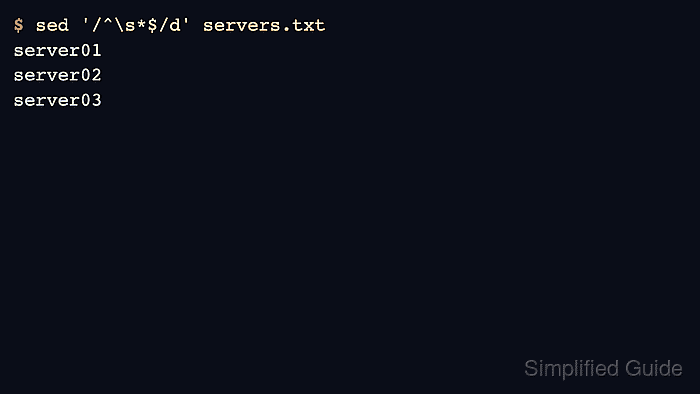
On Linux, GNU sed treats \s as whitespace in a regular expression. The address /^\s*$/ matches a full line from start to end when every character is whitespace or when no characters are present, and pairing it with the d command tells sed to drop only those rows and print everything else.
Preview the cleaned output before overwriting a file. Redirecting to a new file keeps the source available for comparison and avoids platform-specific sed -i syntax, while a final grep -nP check should return no matching line numbers when the cleaned copy contains no empty or whitespace-only rows.
Related: How to delete matching lines with sed
Related: How to preview replacements with sed
Steps to remove blank lines with sed:
- Prepare a source file that contains nonblank rows, empty rows, and any whitespace-only rows that should be removed.
server01

server02

server03
- Preview the nonblank rows with sed without changing the file.
$ sed '/^\s*$/d' servers.txt
server01
server02
server03
\s includes spaces and tabs in GNU sed, so the command removes whitespace-only lines as well as completely empty lines.
- Write the cleaned rows to a new file.
$ sed '/^\s*$/d' servers.txt > servers-clean.txt
- Check the cleaned file for remaining blank or whitespace-only lines.
$ grep -nP '^\s*$' servers-clean.txt
No output means grep did not find any empty or whitespace-only rows.
- Review the cleaned file before using it or replacing the original file.
$ cat servers-clean.txt
server01
server02
server03

Mohd Shakir Zakaria is a cloud architect with deep roots in software development and open-source advocacy. Certified in AWS, Red Hat, VMware, ITIL, and Linux, he specializes in designing and managing robust cloud and on-premises infrastructures.


