Adding a manual annotation in Grafana marks an event directly on a dashboard panel, such as a deployment, incident start, or maintenance window. The marker gives later readers context for changes in the plotted data without editing the metric source.
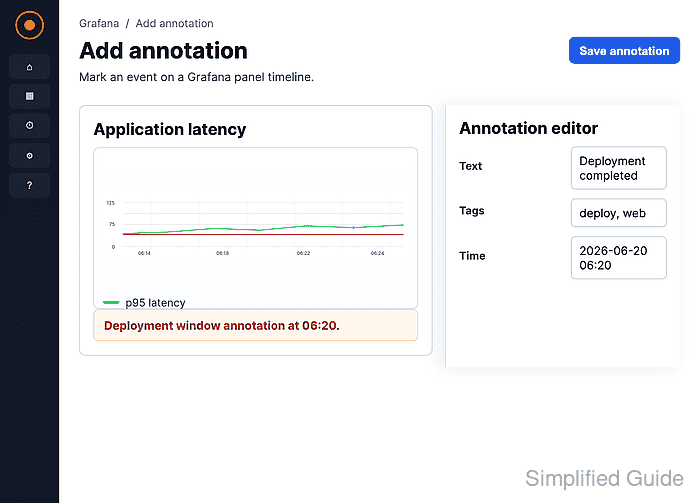
Manual panel annotations are stored in Grafana through the built-in Annotations & Alerts dashboard query. A saved dashboard and an enabled built-in query are required before Add annotation appears in the panel tooltip.
A Time series panel is shown here, but Grafana also supports annotations on State timeline and Candlestick visualizations. Use tags when the same dashboard tracks different event types or when annotation queries need to filter events later.
Steps to add a Grafana annotation to a panel:
- Open the saved dashboard that contains the supported panel.
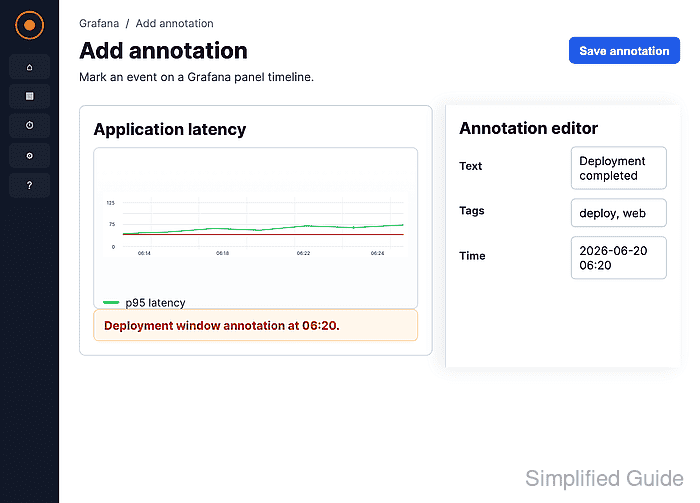
Manual annotations require a saved dashboard and the built-in Annotations & Alerts query to be enabled.
- Hold Ctrl or Cmd and click the data point where the event belongs.
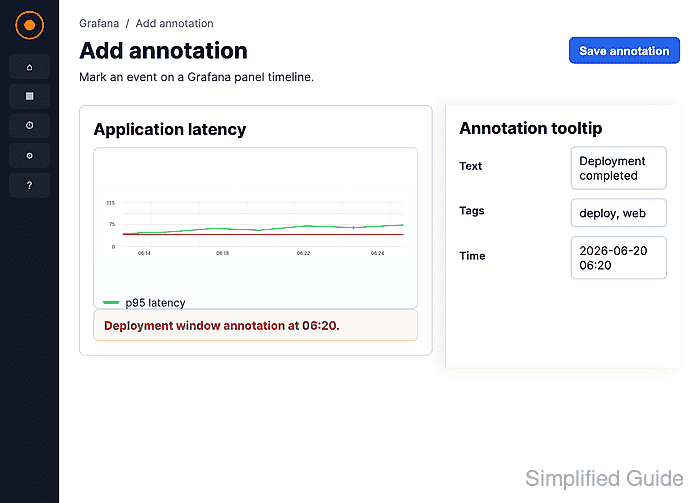
Clicking a data point and choosing Add annotation from its tooltip opens the same annotation form.
- Click Add annotation.
- Enter a description for the event and add optional tags.
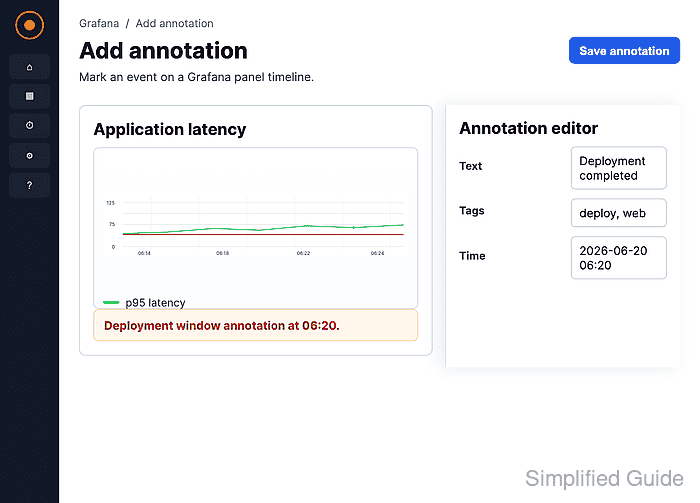
Tags such as deployment or maintenance make annotation queries easier to filter later.
- Click Save.
- Confirm the vertical annotation marker appears on the panel.

Mohd Shakir Zakaria is a cloud architect with deep roots in software development and open-source advocacy. Certified in AWS, Red Hat, VMware, ITIL, and Linux, he specializes in designing and managing robust cloud and on-premises infrastructures.


