Social media visits can come from unpaid posts or advertising. In Google Analytics 4 (GA4), the Traffic acquisition report shows social traffic in separate Organic Social and Paid Social channel groups.
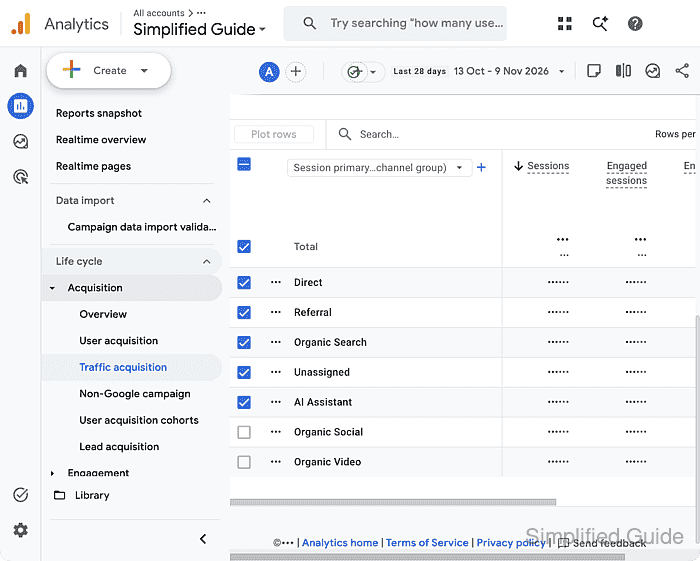
Organic Social covers non-ad links from recognized social sites, while Paid Social covers social advertising. The Sessions column counts visits attributed to each channel, including visits from returning users; it is not a count of distinct people.
The report uses traffic already collected by the selected property. Access to its reports is enough to read the channel totals, so an existing sign-in with the intended property selected is the starting point. Report navigation can vary because each property can publish a different collection of reports.
Steps to view social traffic in Google Analytics 4 (GA4):
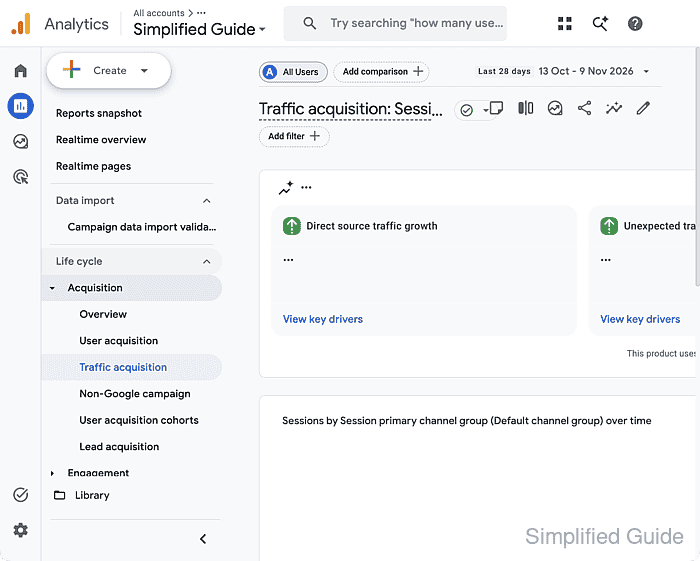
- Click the bar-chart Reports icon in the far-left navigation.
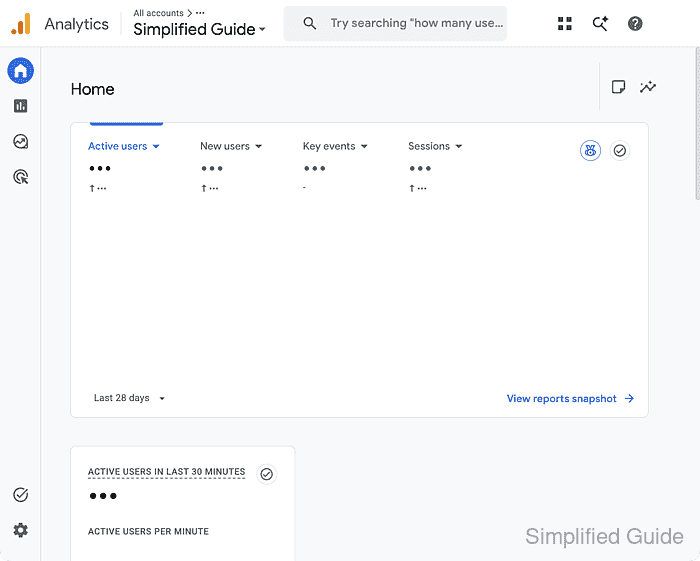
- Expand Acquisition under Life cycle.
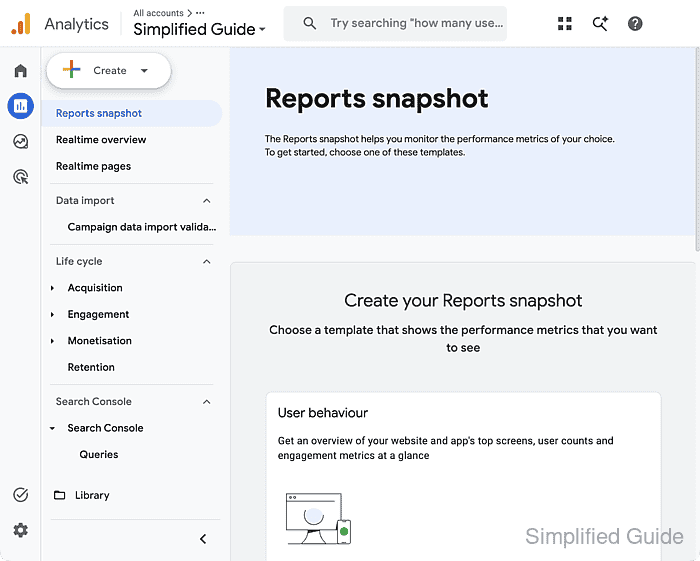
If Acquisition is already expanded, its report links are visible. Properties using the Business objectives collection may list Traffic acquisition under Generate leads instead.
- Open Traffic acquisition.
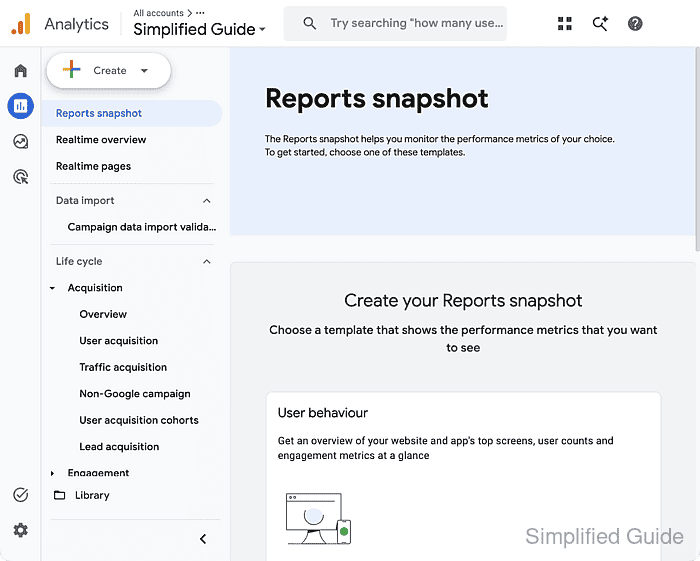
The report shown uses Session primary channel group (Default channel group). If the report is missing from the navigation, an Editor or Administrator can restore it; viewing social traffic does not require changing the report.
- Open the date-range control at the top right of the report.
- Select Last 28 days in the date picker.
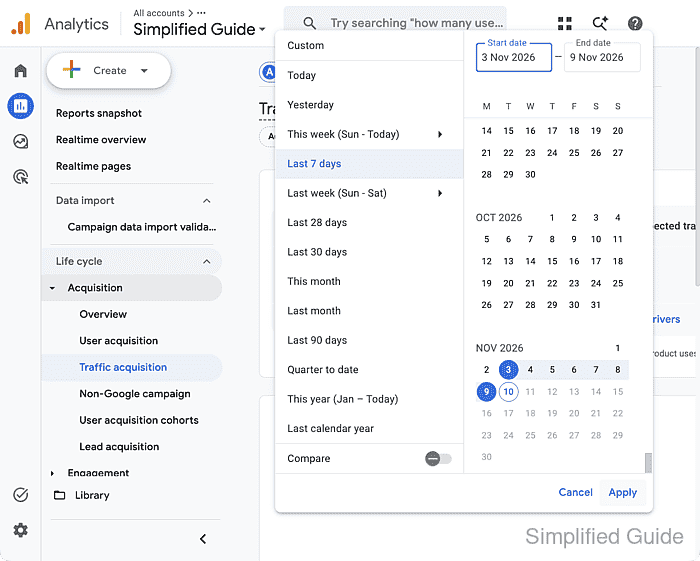
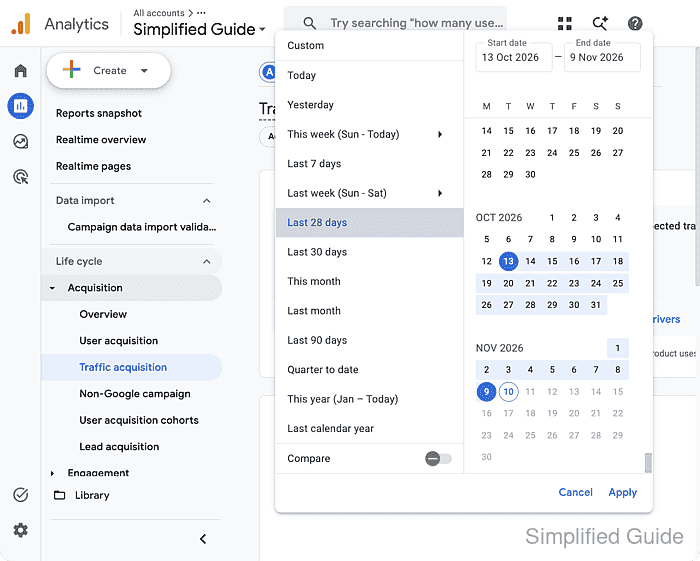
This preset provides a recent reporting period. The calendar dates move with the current date, and the previously selected range may differ.
- Click Apply to load the selected reporting period.
- Check the Sessions column for Organic Social and any Paid Social row in the channel table below the chart.
The applied date range remains visible above the table. Organic Social appears here; Paid Social is not shown. An absent row alone does not prove zero traffic. The figures in these screenshots are hidden for privacy; your report displays the available session counts.