Adding an OpenRC service to a Gentoo runlevel makes the daemon start on future boots, but it does not start the daemon immediately. Operators usually need both saved runlevel membership and a live start before handoff, especially for services such as sshd where a missing boot entry may not show up until the next restart.
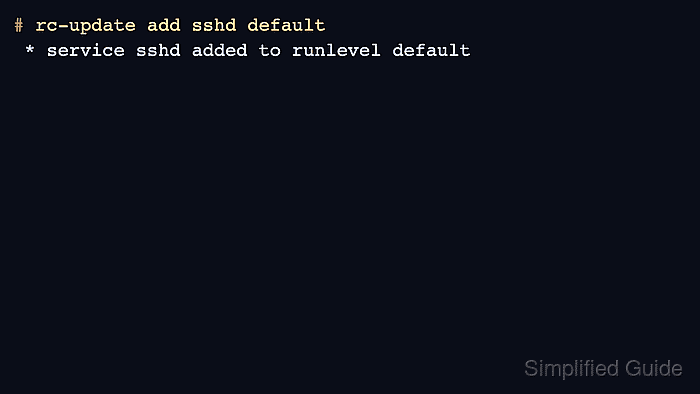
OpenRC stores runlevel membership as service links under /etc/runlevels and manages those links with rc-update. The default runlevel is where ordinary long-running services normally belong after the early sysinit and boot runlevels have prepared the system.
Use the service name from /etc/init.d, not a systemd unit name. The example enables sshd because Gentoo stage3 systems provide that OpenRC service script; replace it with the target service after installing the package that provides its init script.
Related: How to configure networking on Gentoo
Related: How to install a package on Gentoo with emerge
Related: How to enter a Gentoo chroot
Steps to enable a Gentoo OpenRC service:
- Work from the installed Gentoo system or from the target installation chroot.
When using live media, enter the installed root first so rc-update writes to the target system's /etc/runlevels tree. Related: How to enter a Gentoo chroot
- Confirm that the service script exists.
# ls -l /etc/init.d/sshd
-rwxr-xr-x 1 root root 2028 May 11 00:37 /etc/init.d/sshd
Replace sshd with the service name provided by the package. If the file is missing, install the package first or check the package documentation for the actual OpenRC service name. Related: How to install a package on Gentoo with emerge
- Review the current default runlevel entries.
# rc-update show default
                local | default
             netmount | default
default is the normal runlevel for services that should start during a regular multi-user boot. Do not move low-level boot or sysinit services unless Gentoo or package documentation explicitly requires it.
- Add the service to the default runlevel.
# rc-update add sshd default
 * service sshd added to runlevel default
rc-update add saves the boot-time runlevel entry only. It does not start the service in the current session.
- Start the service now.
# rc-service sshd start
 * Starting sshd ... [ ok ]
On a first sshd start, Gentoo may also print a host-key generation line before the final ok message.
- Confirm that the service is listed in the default runlevel.
# rc-update show default
                local | default
             netmount | default
                 sshd | default
- Check the live service state.
# rc-service sshd status
 * status: started
If the service reports stopped, crashed, or a failed start, inspect that service's configuration and log path before relying on the runlevel entry. A service can be enabled for boot and still fail at runtime.
- Check the runlevel status when the service should be active.
# rc-status default
Runlevel: default
 sshd                                                              [  started  ]
 local                                                             [  stopped  ]
rc-status default confirms that OpenRC sees the service inside the runlevel and reports its current state there. A stopped unrelated service in the same runlevel is not a failure for sshd.

Mohd Shakir Zakaria is a cloud architect with deep roots in software development and open-source advocacy. Certified in AWS, Red Hat, VMware, ITIL, and Linux, he specializes in designing and managing robust cloud and on-premises infrastructures.


